

When a new booking is created in Probooking, add the details to Google Spreadsheet
Each new Probooking appointment is written to a new row in Google Sheets with the booking details you map, giving you one spreadsheet of bookings to sort, filter and share with your team.
 Probooking
 Google Sheets
2 steps Setup ~5 min Used on 3.2k sites Free to import
What this workflow does
Probooking manages your appointments, but sometimes you need the bookings somewhere else. You might want a monthly count for your accountant, a list for a colleague who never logs in to Probooking, or your own backup. A Google Sheet covers all three, and this workflow keeps it filled.
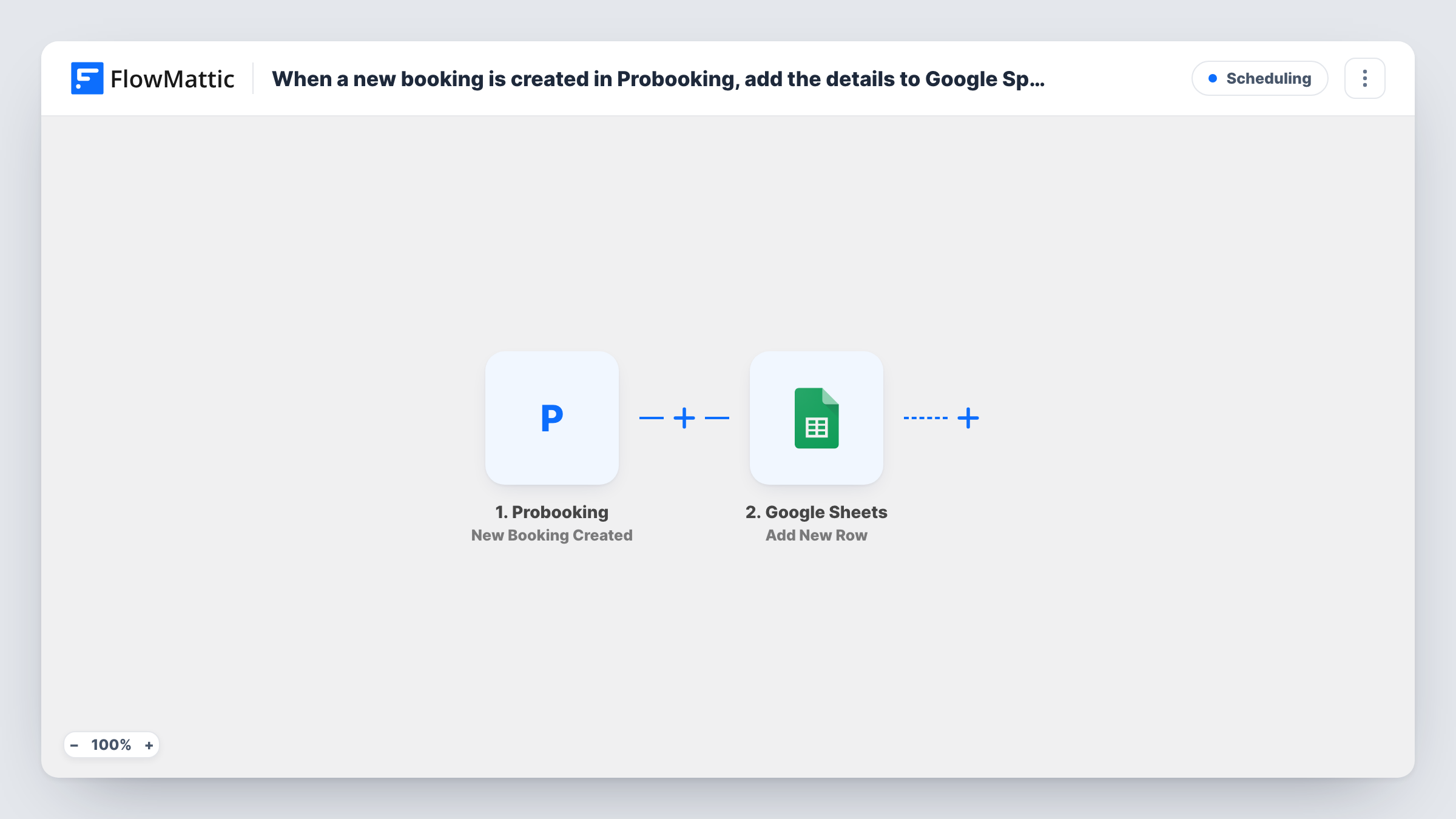
When a booking is created in Probooking, the trigger fires and FlowMattic receives that booking's data. The Google Sheets step then appends a row to the spreadsheet and sheet you select. You match each column to the Probooking value it should hold.
One booking means one row. If a booking is changed or cancelled in Probooking later, the row stays as it was written. Each run appears in Task History, with the booking data and the result from Google Sheets.
Salon or clinic appointment log
Every appointment booked through Probooking lands in a sheet, so the owner can count bookings per staff member or service at the end of the month.
Sharing the schedule with a part-time assistant
An assistant who has no Probooking login opens the shared sheet to see new appointments and prepare for them.
Simple booking backup
The sheet holds a copy of each booking's details outside Probooking, which you can export or archive whenever you like.
How this workflow runs
What happens at each step once the workflow is on, and what you need before you import it.
 Probooking New Booking Created
Fires each time a new booking is made in Probooking. The booking's data becomes available for mapping into the spreadsheet.
- Google Sheets Add New Row
Appends a row to the Google Sheets spreadsheet you select for every new booking. Connect Google, add column headers, and map the Probooking values to those columns.
What you need
- FlowMatticCore
- Probooking AccountAccount
- Google Sheets AccountAccount
After importing, map your own data. To keep the template universal, not every step is pre-filled. Open each step in the builder and connect your accounts and fields (channels, lists, sheets, recipients) before you switch the workflow on.
Make it yours
Changes worth making after you import it.
- Create a test booking in Probooking after import, so FlowMattic has real booking data to show when you map each column.
- Add a Filter after the trigger with a condition on a booking value, such as the service, if you want a separate sheet for each kind of appointment.
- Freeze the header row in Google Sheets, so the column names stay in view as the list of Probooking bookings grows.
Questions about this workflow
Does the sheet update when a Probooking appointment is rescheduled?
No. The workflow only adds a row for each new booking. Changes and cancellations are not sent, so you edit those rows by hand.
Will my existing Probooking bookings be copied to the sheet?
No. Only bookings created after you turn the workflow on are added.
Can my team edit the Google Sheet while Probooking bookings are being added?
Yes. New rows are added below the existing data, so people can work in the sheet at the same time. Avoid renaming the mapped columns.
More Scheduling workflows
Other ready-to-import templates from the same category.







Import this workflow into your WordPress site
Download the JSON, import it from the Workflows screen and connect your accounts. Every run stays on your server, with no per-task fees.
30-day money-back guarantee Unlimited workflows and runs Self-hosted