

When a new carrot lead is captured, create a Zoho CRM record and send the rep a Telegram message
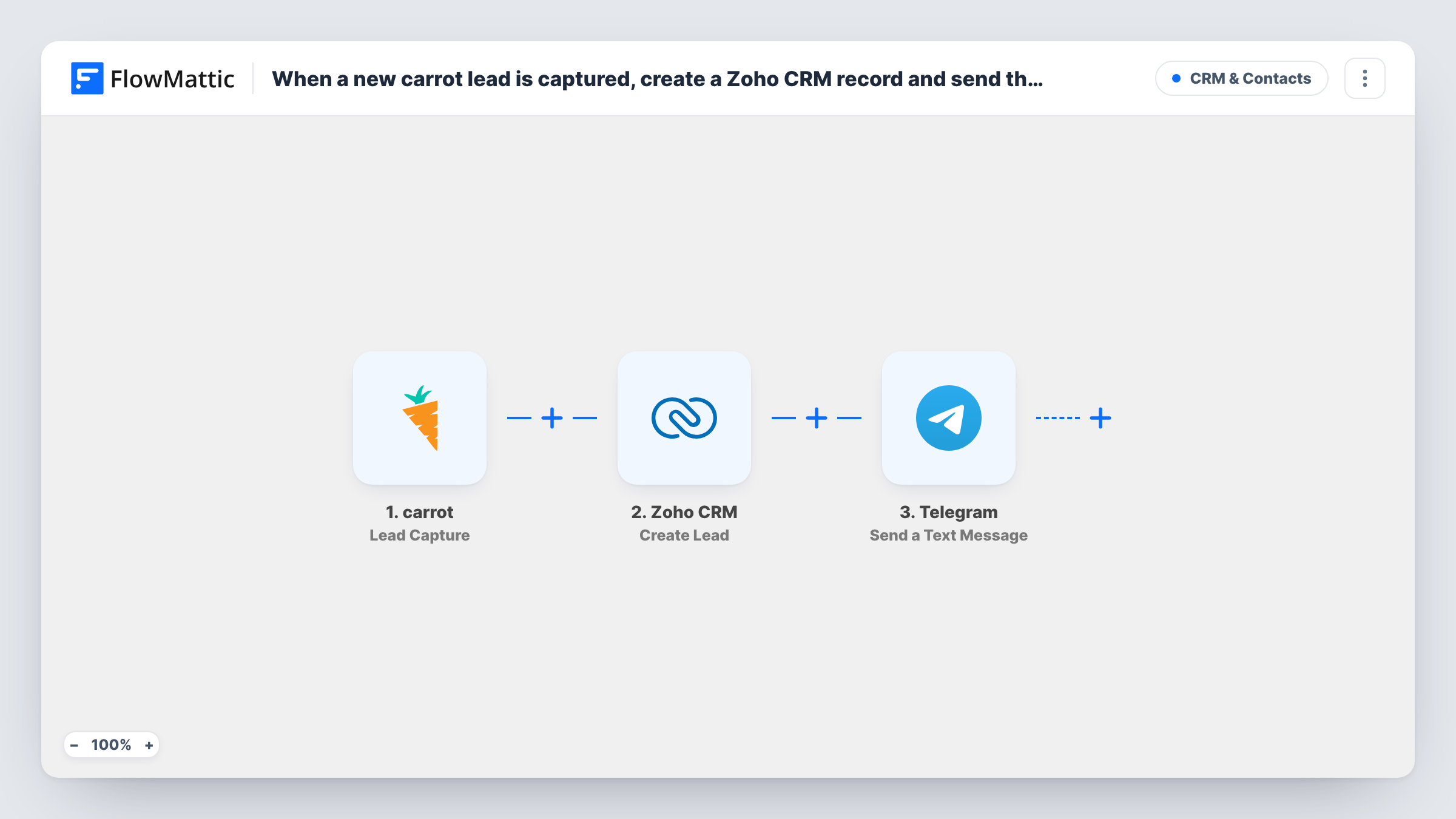
When a carrot form captures a new real estate lead, this workflow creates a lead in Zoho CRM and sends a Telegram message to your rep, so the enquiry is filed and someone hears about it at once.
 carrot
 Zoho CRM
 Telegram
3 steps Setup ~5 min Used on 1.9k sites Free to import
What this workflow does
Real estate investors and agents use carrot sites to collect seller and buyer leads, and speed of follow-up matters. If leads wait in the carrot dashboard until someone checks it, the rep calls back late and has to copy details into the CRM first. This workflow files the lead and alerts your rep in the same run.
The carrot trigger runs on Lead Capture, the event carrot sends when a visitor fills in one of your site's lead forms. The lead's details become values you can map. Zoho CRM then runs Create Lead with those values. Finally, Telegram sends a text message built from the lead details, and from the Zoho CRM result if you want it.
The Telegram message goes to the one chat set in the step, so every lead alerts the same rep or group. Updates to an existing carrot lead don't fire Lead Capture. Zoho CRM's Create Lead adds a new lead each time, so a person who submits twice can appear twice. Task History shows each run and each app's response.
Motivated seller forms on an investor site
A homeowner asks for a cash offer on your carrot site, the lead lands in Zoho CRM and your acquisitions rep gets a Telegram message to call back.
Small team sharing one lead group
Point the Telegram step at a group chat, so whichever team member is free sees the new carrot lead and claims it.
Agent working from a phone
An agent out at viewings gets the lead details on Telegram, while the Zoho CRM lead is ready for notes once they are back at a desk.
How this workflow runs
What happens at each step once the workflow is on, and what you need before you import it.
 carrot Lead Capture
Fires when a new lead is captured through a form submission on your carrot site. The lead details become values for the Zoho CRM and Telegram steps.
- Zoho CRM Create Lead
Creates a new lead in Zoho CRM from the carrot submission. Map the name, email, phone and any property details to the lead and connect your Zoho CRM account on import.
- Telegram Send a Text Message
Sends a Telegram text message to your rep with the lead's details. Write the message, insert carrot or Zoho CRM values, and test that it reaches the right chat.
What you need
- FlowMatticCore
- carrot AccountAccount
- Zoho CRM AccountAccount
- Telegram AccountAccount
After importing, map your own data. To keep the template universal, not every step is pre-filled. Open each step in the builder and connect your accounts and fields (channels, lists, sheets, recipients) before you switch the workflow on.
Make it yours
Changes worth making after you import it.
- Put the lead's phone number near the top of the Telegram message so the rep can tap it and call straight from the alert.
- If you have several carrot sites or forms, add a Router whose route conditions name each site, each with its own Telegram step, so each rep only hears about their own leads.
- Submit a test lead on your carrot form after import so FlowMattic captures real values to map in both steps.
Questions about this workflow
Does a carrot lead update create another Zoho CRM lead?
No. The trigger is Lead Capture, which fires for new leads from a form submission. carrot's separate Lead Update trigger is not used in this template.
Can different carrot leads go to different reps on Telegram?
Not as imported. The Telegram step sends to one chat. Add a Router after Zoho CRM with a route and a Telegram step for each rep, using conditions that can't overlap.
What if the carrot lead is already in Zoho CRM?
Create Lead adds a new lead and doesn't search for an existing one, so the same person can appear twice. Check Task History and merge duplicates in Zoho CRM.
More CRM & Contacts workflows
Other ready-to-import templates from the same category.








Import this workflow into your WordPress site
Download the JSON, import it from the Workflows screen and connect your accounts. Every run stays on your server, with no per-task fees.
30-day money-back guarantee Unlimited workflows and runs Self-hosted