

When a new conversation is recorded in Tars, generate a formatted PDF via PDF.co for offline use
Each new conversation Tars records is laid out as HTML you design and turned into a PDF by PDF.co, giving you a printable copy of every chatbot session to keep or share.
 Tars
 PDF.co
2 steps Setup ~5 min Used on 2.4k sites Free to import
What this workflow does
Chatbot transcripts are handy inside Tars, but sometimes you need them as documents: for a compliance file, a client who wants a record, or a team that reads on paper. This workflow converts each conversation into a PDF the moment Tars records it.
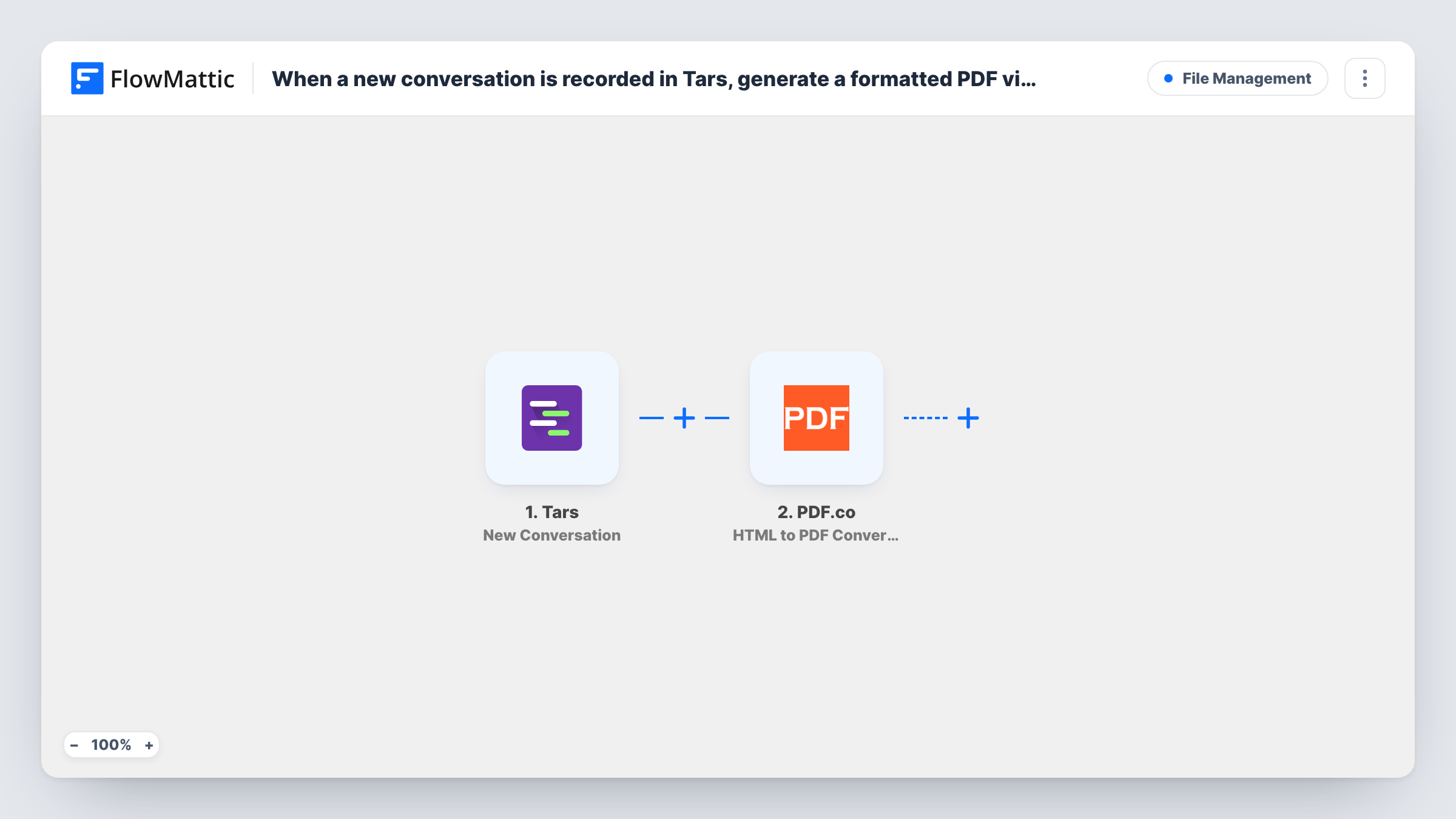
The Tars New Conversation trigger fires whenever a new conversation is recorded, and passes on the data Tars sends about it, such as the answers a visitor gave your bot. Run a test chat after import so FlowMattic can show you those fields.
The PDF.co HTML to PDF Converter step builds the document. It ships unmapped, so you write the HTML yourself and drop the conversation fields into it: a heading with the date, the visitor's name and email, then each question and answer. FlowMattic describes this action as converting HTML or a URL with layout and orientation options and support for Handlebars and Mustache templates.
As imported, the PDF is created and nothing else happens to it. PDF.co returns the result, and Task History shows it for each run. To keep files offline or in one place, add a step after the conversion that stores or sends the PDF, such as an upload to cloud storage or an email.
Lead qualification records for sales
A real estate agency's Tars bot asks buyers about budget and area, and each finished chat becomes a PDF the agent can print before calling the lead.
Proof of what a customer was told
An insurance broker keeps a dated PDF of every chatbot conversation where a visitor asked about cover, for its own records.
Intake forms for clinics
A clinic collects patient intake answers through a Tars conversation and turns each one into a tidy PDF the front desk can file.
How this workflow runs
What happens at each step once the workflow is on, and what you need before you import it.
 Tars New Conversation
Fires each time Tars records a new conversation. The conversation data Tars sends, such as the visitor's answers and contact details, becomes available to map into the PDF.
- PDF.co HTML to PDF Converter
Turns HTML into a PDF with PDF.co. The step comes blank: connect PDF.co, write the HTML layout and insert the Tars conversation fields, then check the PDF link in a test run.
What you need
- FlowMatticCore
- Tars AccountAccount
- PDF.co AccountAccount
After importing, map your own data. To keep the template universal, not every step is pre-filled. Open each step in the builder and connect your accounts and fields (channels, lists, sheets, recipients) before you switch the workflow on.
Make it yours
Changes worth making after you import it.
- Start with simple HTML, such as a title, a table of questions and answers and a footer with the date, and refine the styling once a test PDF looks right.
- Add a Google Drive Upload a File step after PDF.co and map the PDF it returns, so every transcript lands in one folder you can open offline.
- To tell your team about each transcript, add FlowMattic's Email step after PDF.co and put the PDF link from the conversion step in the message.
- If only some bots or chats should produce a PDF, put a Filter between the Tars trigger and the PDF.co step on a field from your test data. Choose the field and value yourself.
Questions about this workflow
Where does the PDF of the Tars conversation end up?
PDF.co returns it to the workflow, and Task History shows the result. The template doesn't save or send it anywhere, so add a storage or email step after the conversion if you want the file kept.
Do I need to know HTML to set up the PDF.co step?
A little. The PDF is built from HTML you write in the step, with the conversation fields mapped in. A basic layout of headings and a table is enough to start.
Which conversation details can appear in the PDF?
Any field Tars sends with the New Conversation event. Run a test chat and look at the trigger data in FlowMattic to see what is available before you write the layout.
Does every Tars chat create a PDF?
Each new conversation Tars records starts a run and produces one. Add a Filter between the trigger and PDF.co if you want to leave some out.
More File Management workflows
Other ready-to-import templates from the same category.






Import this workflow into your WordPress site
Download the JSON, import it from the Workflows screen and connect your accounts. Every run stays on your server, with no per-task fees.
30-day money-back guarantee Unlimited workflows and runs Self-hosted