

When a new row is added in Google Sheets, generate image in DocsFold
When a new row is added to your Google Sheets spreadsheet, this workflow uses the values in it to generate an image from a DocsFold template, turning each entry into a ready image.
 Google Sheets
 DocsFold
2 steps Setup ~5 min Used on 3.0k sites Free to import
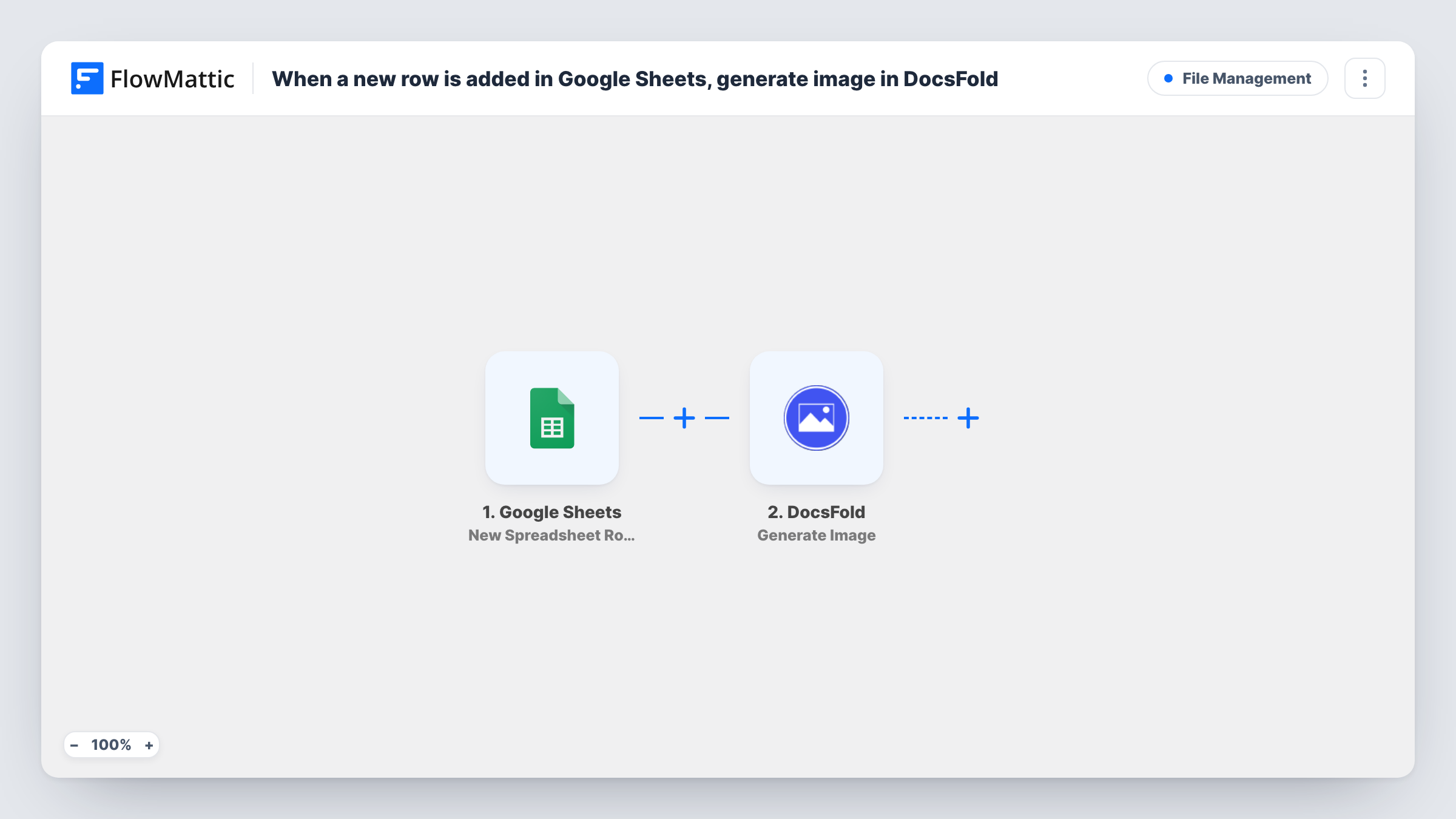
What this workflow does
Making the same kind of image over and over, such as a quote card, a certificate or a product banner, is repetitive work when only the words change. DocsFold builds images from templates. This workflow lets a spreadsheet drive it: add a row, and an image is generated from that row's values.
The Google Sheets trigger fires when a new row is added to the spreadsheet you connect. FlowMattic receives the row's values and makes them available for mapping. The second step uses the Generate Image action in DocsFold, which creates an image from one of your DocsFold templates using the values you map from the row.
Every new row generates one image. Design the template in DocsFold first, so you know what it needs before you map the columns. Whatever DocsFold returns after generating can be mapped into any step you add next. Run a test row after import, and use Task History to check each run.
Social quote cards
Add a quote and an author name to the sheet, and DocsFold produces a branded quote image from your template.
Event speaker graphics
Each row holds a speaker's name, talk title and time slot. The workflow generates the speaker card for your event promotion.
Product banners from a catalogue sheet
New products listed in the spreadsheet get a banner image built from the name and price columns.
How this workflow runs
What happens at each step once the workflow is on, and what you need before you import it.
 Google Sheets New Spreadsheet Row
Fires each time a row is added to the connected Google Sheets spreadsheet. Its cell values are passed on so you can map them into the DocsFold template.
- DocsFold Generate Image
Generates an image from a DocsFold template using the values you map from the sheet row. Connect your DocsFold account, pick the template and run a test to check the result.
What you need
- FlowMatticCore
- Google Sheets AccountAccount
- DocsFold AccountAccount
After importing, map your own data. To keep the template universal, not every step is pre-filled. Open each step in the builder and connect your accounts and fields (channels, lists, sheets, recipients) before you switch the workflow on.
Make it yours
Changes worth making after you import it.
- Add a step after DocsFold that does something with the image, such as writing its link back to the sheet or posting it to a channel, so the result does not stay only in DocsFold.
- Give your sheet columns the same names as the template's placeholders, which makes mapping the DocsFold step quicker.
- Add a Filter after the trigger that continues only when the key columns are filled, so half-finished rows do not produce an image.
Questions about this workflow
Where does the DocsFold image end up?
The template generates it in DocsFold. Run a test to see what the step returns, then add a step after it if you want the image link written back to the sheet or sent somewhere.
Will editing an existing Google Sheets row create a new image?
No. A DocsFold image is made only for rows that are newly added to the sheet. Editing a row that already exists does not start the workflow.
Do I need a DocsFold template ready before I import this?
Yes. The Generate Image step builds the image from one of your DocsFold templates, so create it first and then map the sheet columns to it.
What happens if a row is missing a value the DocsFold template uses?
DocsFold gets an empty value for that part of the template. Try a test row with a blank cell to see how your template handles it, or add a Filter that checks the column is not empty.
More File Management workflows
Other ready-to-import templates from the same category.






Import this workflow into your WordPress site
Download the JSON, import it from the Workflows screen and connect your accounts. Every run stays on your server, with no per-task fees.
30-day money-back guarantee Unlimited workflows and runs Self-hosted