

When a student is enrolled in a LearnDash course, generate an image in Nano Banana
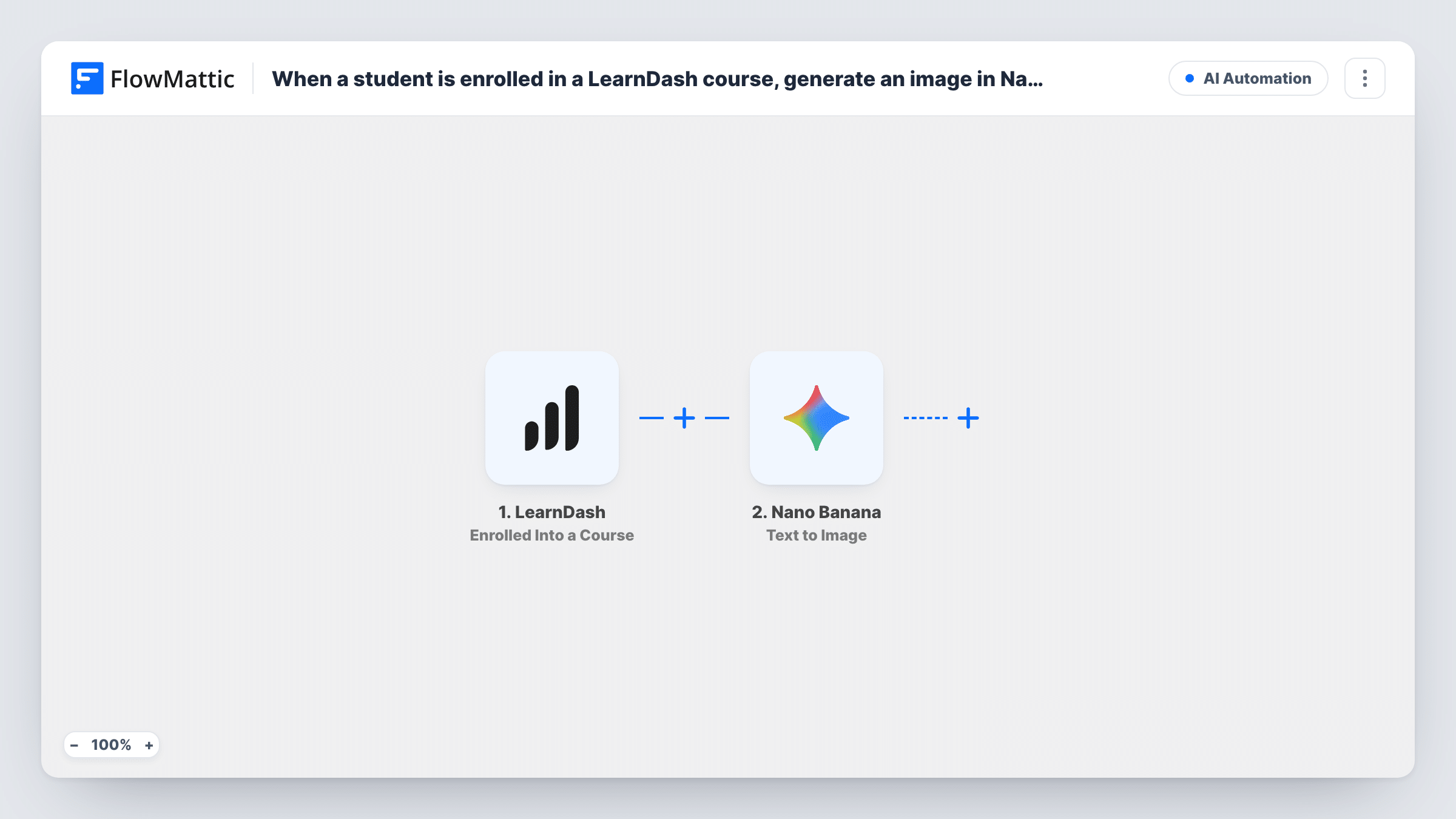
Each time a student is enrolled in a LearnDash course, FlowMattic asks Nano Banana to generate an image from the prompt you write, such as a welcome graphic built around the course and student.
 LearnDash
 Nano Banana
2 steps Setup ~5 min Used on 385 sites Free to import
What this workflow does
Course creators sometimes want something visual for each new student: a welcome card, a personalised badge, or an image they can share. This workflow is the starting point for that. It turns every LearnDash enrolment into a text prompt for Nano Banana, Google's Gemini image model, and generates an image from it.
The LearnDash trigger starts a run whenever someone gains a place on one of your courses. The enrolment data is passed on; a test enrolment shows which course and user fields you can use.
The Nano Banana Text to Image step generates an image from a text prompt using Gemini. It ships without a prompt, so after import connect your account and write one, mapping in details from the enrolment such as the course title or the student's first name.
As imported, the image is generated and then nothing uses it. To get it to the student, add a step after Nano Banana that sends or stores the result, for example an email with the image link. Every enrolment starts a run, so a student who joins three courses gets three images.
Welcome card for new students
An online art school generates a colourful welcome card with the student's name and the course title for each enrolment, then emails it.
Shareable enrolment badge
A coding bootcamp creates a badge image when someone joins a course, so students can post it on social media.
Course-themed artwork for a community
A wellness course generates a calming themed image for every new member and posts it to the course's community space.
How this workflow runs
What happens at each step once the workflow is on, and what you need before you import it.
 LearnDash Enrolled Into a Course
Starts a run for each new LearnDash course enrolment. The course and user details from the enrolment are passed on for use in the image prompt.
- Nano Banana Text to Image
Generates an image from a text prompt with Gemini through Nano Banana. Write the prompt after import and map enrolment details into it; nothing uses the image until you add a step after this one.
What you need
- FlowMatticCore
- LearnDash PluginPlugin
- Nano Banana AccountAccount
After importing, map your own data. To keep the template universal, not every step is pre-filled. Open each step in the builder and connect your accounts and fields (channels, lists, sheets, recipients) before you switch the workflow on.
Make it yours
Changes worth making after you import it.
- Add an Email step after the Nano Banana step that sends the student the generated image link, mapping their email from the enrolment.
- Keep the prompt specific about style, colours and any text you want in the image, so results stay consistent across students.
- Put a Filter between the LearnDash trigger and the Nano Banana step that continues only for the course that should get images, if you run several courses.
- Enrol a test user after import and check Task History to see the image Nano Banana returned before you send it to real students.
Questions about this workflow
Is the Nano Banana image sent to the student?
Not as imported. The workflow generates the image and stops there. Add a step after Nano Banana, such as an email, to deliver it.
Will students enrolled before I import this get an image?
No. Only enrolments that happen while the workflow is switched on start a run. Existing students don't get an image unless they enrol in another course.
Can the image include the student's name or the course title?
You can map them into the prompt. Nano Banana then generates from that text, so check a few test results to see how well names come out in the image.
Can Nano Banana use the course's featured image as a starting point?
FlowMattic's Nano Banana integration also has a Text and Image to Image action. Swap it in and give it an image link along with the prompt.
More AI Automation workflows
Other ready-to-import templates from the same category.









Import this workflow into your WordPress site
Download the JSON, import it from the Workflows screen and connect your accounts. Every run stays on your server, with no per-task fees.
30-day money-back guarantee Unlimited workflows and runs Self-hosted