

When a new customer is created in Stripe, create a contact in Sendinblue
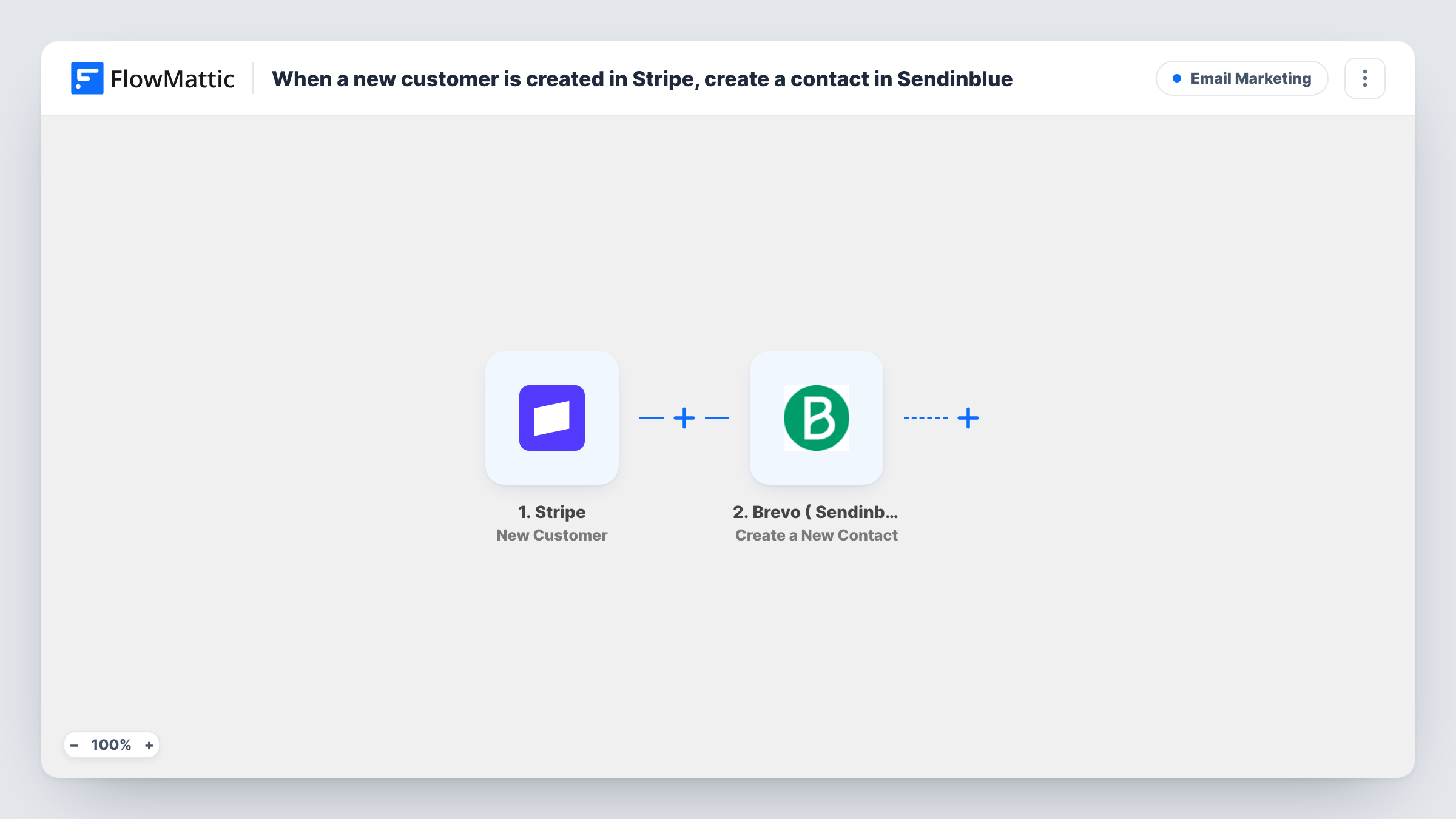
When a new customer is created in Stripe, this workflow adds them to Brevo (Sendinblue) as a contact, so people who pay you can be reached from your email marketing tool without a manual import.
 Stripe
 Brevo ( Sendinblue )
2 steps Setup ~5 min Used on 748 sites Free to import
What this workflow does
Customers created in Stripe stay in Stripe unless you move them. If your newsletters and onboarding emails run in Brevo, you would otherwise export customer lists and import them by hand. This workflow adds each new Stripe customer to Brevo as a contact when the customer record is created.
The Stripe trigger fires whenever a new customer is created in your Stripe account. FlowMattic passes the customer data, such as the email address and name Stripe holds, to Brevo ( Sendinblue ). The Create a New Contact action then adds that person to your Brevo account using the fields you map.
The trigger is about customer records, not payments. A customer created without a purchase, for example by hand in the Stripe dashboard, also starts the workflow. A payment from an existing Stripe customer does not. Task History shows every run and the response Brevo returned.
Onboarding emails for new subscribers
A SaaS business creates a Stripe customer at checkout. The new Brevo contact can then be placed in a welcome sequence you build in Brevo.
Customer newsletter list
An online course seller keeps product update emails in Brevo. Every new Stripe customer becomes a Brevo contact, ready for the next send.
Invoiced clients added by hand
A consultant creates Stripe customers to send invoices. Those clients also appear in Brevo without a separate export.
How this workflow runs
What happens at each step once the workflow is on, and what you need before you import it.
 Stripe New Customer
Fires whenever a new customer is created in your Stripe account. The customer's details, including the email address Stripe stores, are available to map into Brevo.
- Brevo ( Sendinblue ) Create a New Contact
Creates a new contact in Brevo (Sendinblue) from the Stripe customer. Map the customer's email address and any other details you want on the contact, and connect your Brevo account on import.
What you need
- FlowMatticCore
- Stripe AccountAccount
- Brevo ( Sendinblue ) AccountAccount
After importing, map your own data. To keep the template universal, not every step is pre-filled. Open each step in the builder and connect your accounts and fields (channels, lists, sheets, recipients) before you switch the workflow on.
Make it yours
Changes worth making after you import it.
- Create a test customer in Stripe test mode after import so FlowMattic captures the event, then map the email field before you switch to live mode.
- Add a Filter after the Stripe trigger that continues only when the customer email is not empty, since a Stripe customer can exist without one.
- After the first live run, open the new contact in Brevo and confirm the mapped details landed where you expect. Adjust the mapping in the Brevo step if anything is missing.
Questions about this workflow
Does a repeat Stripe purchase create another Brevo contact?
Not because of the payment itself. The trigger fires when a customer record is created, not on each charge. If your checkout creates a fresh Stripe customer for every purchase, each of those records starts the workflow.
What happens when a new Stripe customer's email already exists in Brevo?
The step creates a new contact, and Brevo may refuse an email it already has. Task History shows Brevo's response for that run.
Are my existing Stripe customers copied to Brevo?
No. Only customers created after you turn the workflow on are added. Import older customers into Brevo from a Stripe export.
Do I need a Brevo account to use this Stripe workflow?
Yes. The second step runs through your Brevo (Sendinblue) account, which you connect on import, along with your Stripe account for the trigger.
More Email Marketing workflows
Other ready-to-import templates from the same category.





Import this workflow into your WordPress site
Download the JSON, import it from the Workflows screen and connect your accounts. Every run stays on your server, with no per-task fees.
30-day money-back guarantee Unlimited workflows and runs Self-hosted