

When a new event is created in Eventin, create post in Beamer
Each time you create an event in Eventin on your WordPress site, this workflow creates a matching post in Beamer, so the event shows up in your Beamer feed without you writing the announcement twice.
 Eventin
 Beamer
2 steps Setup ~5 min Used on 3.2k sites Free to import
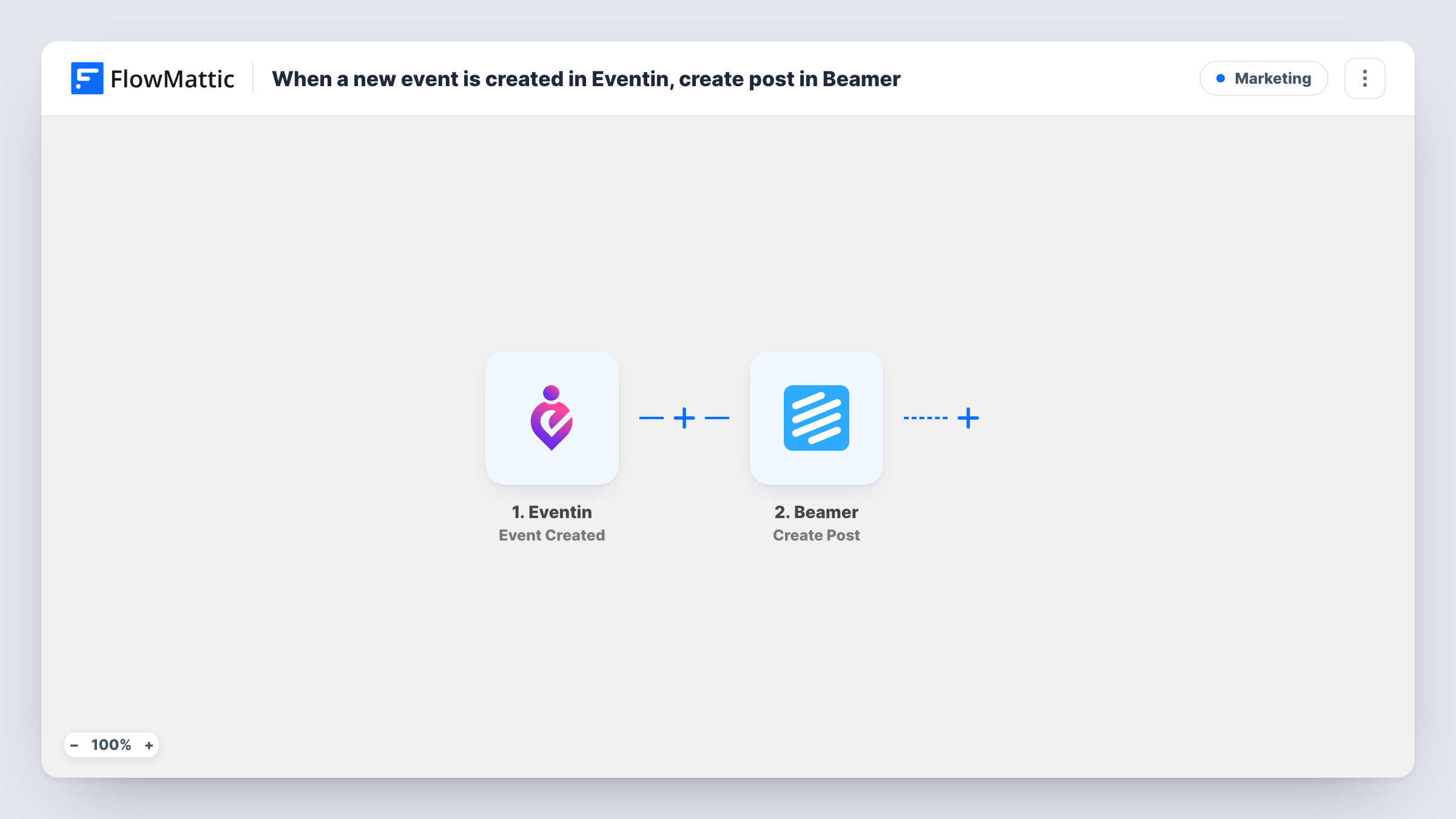
What this workflow does
You set up an event in Eventin, then open Beamer and type out the same title, date and details again so your users hear about it. This workflow removes that second round of typing. The Beamer post is created from the event you just saved.
The Eventin trigger runs when a new event is created in the plugin. FlowMattic holds the event data from that run, and you map it into the Beamer Create Post action. Beamer then adds the post to your account, where it appears wherever your Beamer feed is shown.
The workflow has two steps and no conditions. Every event created in Eventin leads to a new Beamer post, so think about which events you create there before you turn it on. Task History lists each run, with the data the trigger received and what was sent to Beamer.
Announce webinars inside your SaaS app
Your team schedules product webinars in Eventin. Each new webinar becomes a Beamer post, so users see it in the in-app feed where they already read your updates.
Community meetups for a membership site
An organiser adds a local meetup in Eventin, and members who follow your Beamer feed get a post about it without anyone drafting a separate announcement.
Training sessions for customers
When customer success adds an onboarding class in Eventin, a Beamer post goes out describing it, using the event title and details you mapped.
How this workflow runs
What happens at each step once the workflow is on, and what you need before you import it.
 Eventin Event Created
Runs when a new event is created in Eventin on your WordPress site. The event's data from this run is what you map into the Beamer post.
- Beamer Create Post
Creates a post in your Beamer account from the Eventin event. Map the event title and details into the post content, connect Beamer, and run a test to see how the post looks.
What you need
- FlowMatticCore
- Eventin PluginPlugin
- Beamer AccountAccount
After importing, map your own data. To keep the template universal, not every step is pre-filled. Open each step in the builder and connect your accounts and fields (channels, lists, sheets, recipients) before you switch the workflow on.
Make it yours
Changes worth making after you import it.
- Add a Filter after the Eventin trigger if only some events should be announced, for example continue only when the event title does not contain the word Internal.
- Create one test event in Eventin after import so FlowMattic captures real event data. Then map those values into the Beamer step and check the test post before you go live.
- If you publish events days before you want to announce them, put a Delay between the two steps so the Beamer post is created later.
Questions about this workflow
Does editing an Eventin event update the Beamer post?
No. The trigger fires when an event is created. Later edits to that event in Eventin do not change the post that was already created in Beamer.
Will events I created in Eventin before importing get Beamer posts?
No. Only events created after the workflow is turned on start a run. Older events stay as they are.
Which Eventin details can go into the Beamer post?
Whatever the Event Created trigger returns. Create a test event after import and look at the captured data in the Beamer step to see which values you can map.
Do I need Eventin on the same site as FlowMattic?
Yes. Eventin is a WordPress plugin and the trigger listens for events created on the site where FlowMattic runs. Beamer is connected through your Beamer account.
More Marketing workflows
Other ready-to-import templates from the same category.








Import this workflow into your WordPress site
Download the JSON, import it from the Workflows screen and connect your accounts. Every run stays on your server, with no per-task fees.
30-day money-back guarantee Unlimited workflows and runs Self-hosted