

When a new event is created in Eventin, render image from studio template in Orshot
When you create an event in Eventin, this workflow asks Orshot to render an image from one of your Orshot Studio templates, filled with the event details you map, so each event gets its own graphic.
 Eventin
 Orshot
2 steps Setup ~5 min Used on 574 sites Free to import
What this workflow does
Every event needs a graphic: a banner for the event page, an image for social posts, a card for your newsletter. Making one by hand in a design tool means retyping the title and date each time. This workflow lets Orshot render that image from a template as soon as the event exists in Eventin.
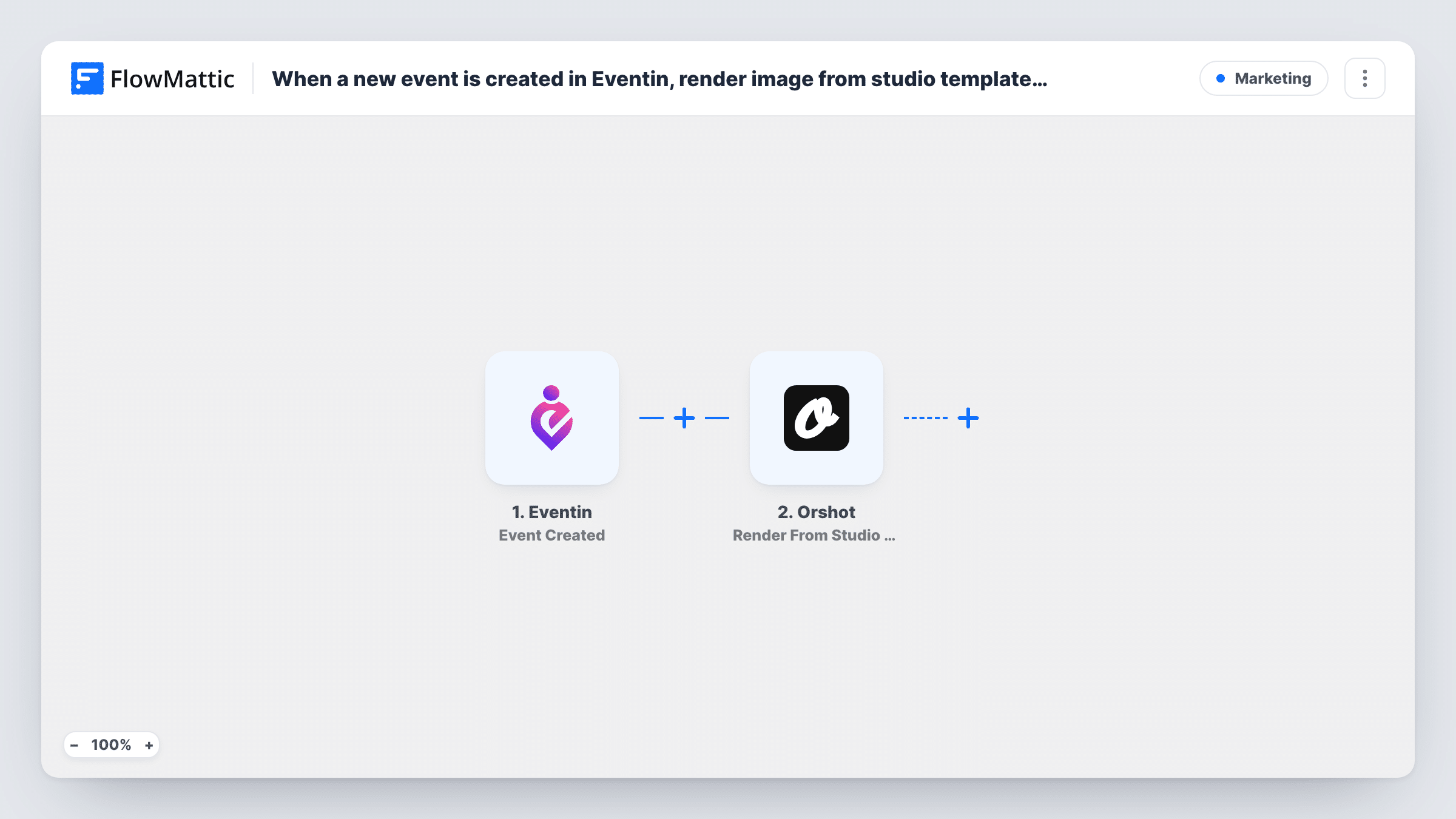
The Eventin trigger runs on Event Created. FlowMattic passes the event data to the Render From Studio Template action in Orshot. You choose the template you designed in Orshot Studio and map event values, such as the title, into the parts of the template meant to change.
The template ends at the render. Orshot's response, which describes the rendered image, is available in the run, but the workflow does not post, upload or email it anywhere. Add a step after Orshot if you want the image to go somewhere, and check Task History to see what Orshot returned.
Social images for each webinar
Your team schedules webinars in Eventin, and each one gets an image rendered from the same Orshot template, so every promo graphic has a matching look.
Event banners for a venue
A venue lists concerts or classes in Eventin. Orshot renders a banner for each new listing from a branded template with the event name filled in.
Graphics for a community calendar
Organisers add meetups in Eventin, and the workflow produces an image for each, ready to add to the next step you attach.
How this workflow runs
What happens at each step once the workflow is on, and what you need before you import it.
 Eventin Event Created
Runs when an event is created in Eventin on your WordPress site. The event details are passed to Orshot so they can fill your template.
- Orshot Render From Studio Template
Renders an image in Orshot from the Studio template you choose, filled with the Eventin values you map. Connect your Orshot account and run a test to see the result Orshot returns.
What you need
- FlowMatticCore
- Eventin PluginPlugin
- Orshot AccountAccount
After importing, map your own data. To keep the template universal, not every step is pre-filled. Open each step in the builder and connect your accounts and fields (channels, lists, sheets, recipients) before you switch the workflow on.
Make it yours
Changes worth making after you import it.
- Design the Orshot Studio template before import, with the parts that should change for each event, so you have something to map the Eventin values into.
- Add a step after Orshot to use the image, such as a social post or a message to your team, and map Orshot's response into it.
- Create a test event in Eventin after import so FlowMattic captures real event data. Then map it into the Orshot step and check the rendered image.
Questions about this workflow
Where does the rendered Orshot image go?
As imported, nowhere beyond Orshot's response in the run. Add another step after Orshot to post, store or send the image.
Does editing the Eventin event render a new image?
No. The trigger is Event Created, so only new events start a run. Changes to an existing event do not trigger another render.
Do I need an Orshot Studio template ready?
Yes. The action renders from a Studio template, so create the template in Orshot first and connect your Orshot account in the step.
Can different kinds of Eventin events use different templates?
Yes, with a change. Add a Router with one route per event type, using conditions that cannot both match, and put an Orshot step with its own template on each route.
More Marketing workflows
Other ready-to-import templates from the same category.




Import this workflow into your WordPress site
Download the JSON, import it from the Workflows screen and connect your accounts. Every run stays on your server, with no per-task fees.
30-day money-back guarantee Unlimited workflows and runs Self-hosted