

When a new lead is created in Pagemaker, add the lead to FluentCRM
When a visitor fills in a Pagemaker landing page form, this workflow creates or updates that person as a contact in FluentCRM on your WordPress site, ready for your emails and sequences.
 Pagemaker
 FluentCRM
2 steps Setup ~5 min Used on 1.6k sites Free to import
What this workflow does
Pagemaker builds landing pages that collect leads, and FluentCRM is where many WordPress site owners send their email. Moving people between the two by hand means delays and missed sign-ups. This workflow puts every Pagemaker lead into FluentCRM as soon as the form is sent.
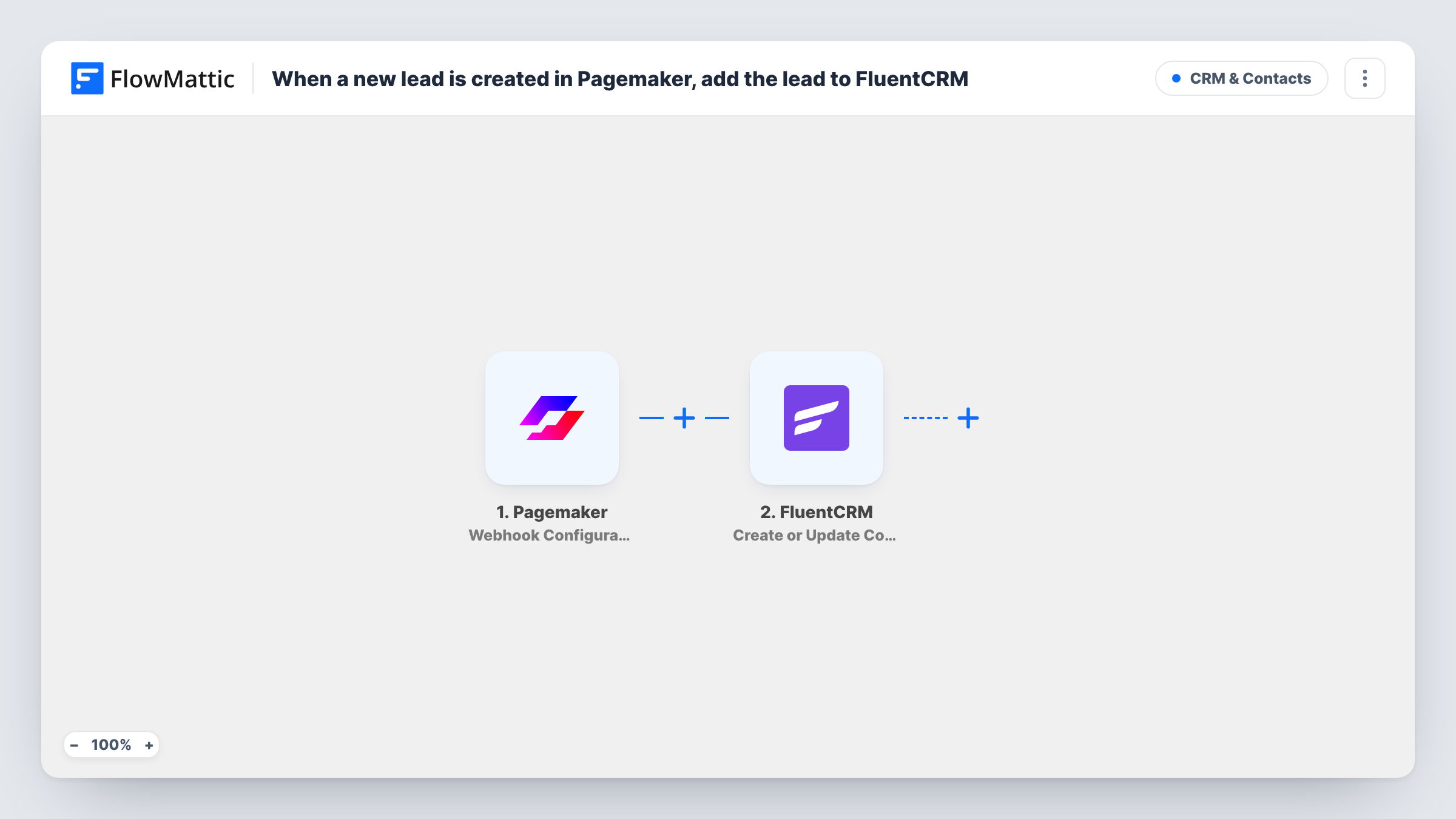
The Pagemaker trigger is set up through a webhook and fires when a lead is created from a landing page form. FlowMattic then hands the lead's data to FluentCRM. Create or Update Contact looks the person up by email. An address FluentCRM has never seen gets a fresh contact, and a familiar address refreshes the contact you already hold.
Because the match is by email, map Pagemaker's email value into the FluentCRM step. If the same person fills in a form again, the update can overwrite stored details with whatever the new lead holds, including blanks, so map only the fields you trust. Task History records each run and the reply from FluentCRM.
Ebook download page
A Pagemaker page offers a free guide, and each downloader becomes a FluentCRM contact you can send the next email in your series to.
Product waitlist
Visitors join a launch waitlist on a Pagemaker page, and FluentCRM holds the list you email on launch day.
Consultation requests
Leads asking for a call land in FluentCRM, where you can tag them later and see them in your WordPress dashboard.
How this workflow runs
What happens at each step once the workflow is on, and what you need before you import it.
 Pagemaker Webhook Configuration
Receives a lead from Pagemaker through a webhook each time someone submits a landing page form. If Pagemaker asks for a URL, give it the webhook address FlowMattic shows, then map the lead data.
- FluentCRM Create or Update Contact
Looks up the Pagemaker lead's email in FluentCRM, then adds a contact or refreshes the one it finds. Map the Pagemaker email value and any name fields you collect.
What you need
- FlowMatticCore
- Pagemaker AccountAccount
- FluentCRM PluginPlugin
After importing, map your own data. To keep the template universal, not every step is pre-filled. Open each step in the builder and connect your accounts and fields (channels, lists, sheets, recipients) before you switch the workflow on.
Make it yours
Changes worth making after you import it.
- Add a FluentCRM step after this one that applies a tag or list, so you can tell which contacts came from Pagemaker.
- Add a Filter that continues only when the lead's email is not empty, since FluentCRM matches contacts on that value.
- Once the trigger is set up, submit a test lead on your Pagemaker page so FlowMattic captures the data you will map.
Questions about this workflow
What happens if a Pagemaker lead is already a FluentCRM contact?
The action finds the contact by email and updates it instead of adding a duplicate. Values you map, including empty ones, may replace what was stored.
Do I need to set anything up inside Pagemaker?
Possibly. The trigger works through a webhook, so Pagemaker has to send its leads to the URL FlowMattic gives you; follow the setup the trigger shows. Send a test lead to confirm it arrives.
Must FluentCRM run on the WordPress site that hosts FlowMattic for Pagemaker leads?
Yes. FluentCRM is a WordPress plugin, and the contact is created on the site where FlowMattic runs.
More CRM & Contacts workflows
Other ready-to-import templates from the same category.





Import this workflow into your WordPress site
Download the JSON, import it from the Workflows screen and connect your accounts. Every run stays on your server, with no per-task fees.
30-day money-back guarantee Unlimited workflows and runs Self-hosted