

When a new lead is generated in Marquiz, add them as a contact in Brevo
Each new lead from a Marquiz quiz is created as a contact in Brevo, so people who finish your quiz are ready for your email campaigns without an export.
 Marquiz
 Brevo ( Sendinblue )
2 steps Setup ~5 min Used on 3.5k sites Free to import
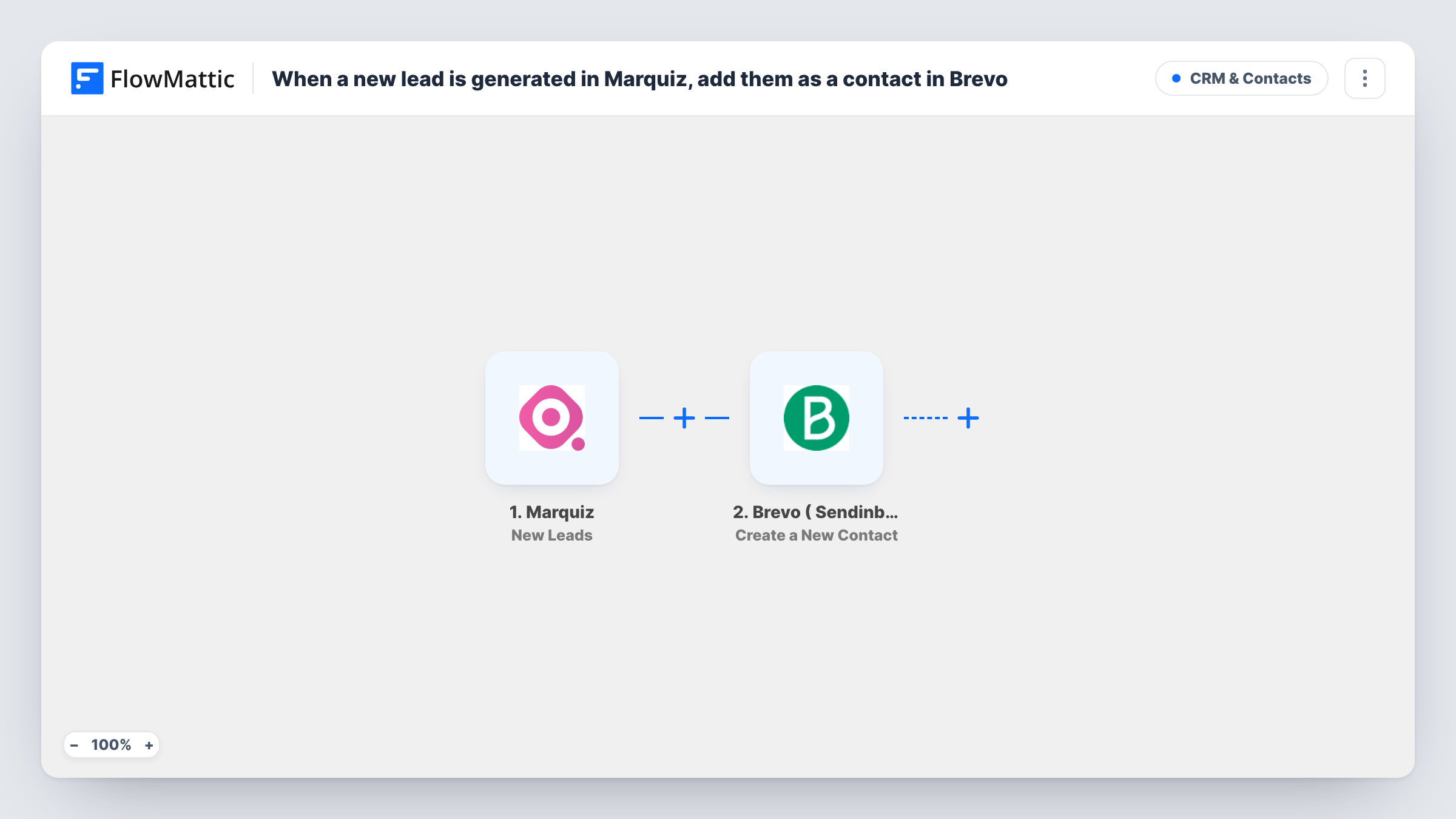
What this workflow does
A quiz collects leads, but you email them from somewhere else. If Marquiz and Brevo aren't connected, someone has to export the results and import them again. This workflow sends each new lead across as Marquiz records it.
The Marquiz trigger fires on the New Leads event. FlowMattic then runs Create a New Contact in Brevo ( Sendinblue ) for that lead. The Brevo step comes with nothing mapped, so after import you connect your Brevo account and map the lead's email and any other answers you want to keep into the contact.
Every lead triggers a contact, as there is no condition between the steps. If someone takes your quiz twice, the step still tries to create a new contact, so test with a repeat email and check Task History to see how Brevo responds.
Product recommendation quiz
Shoppers take a quiz to find the right product and leave their email. Each lead becomes a Brevo contact you can send the recommendation emails to.
Service qualification quiz
A renovation company uses a Marquiz quiz to price jobs. Each lead is added to Brevo, ready for the follow-up sequence the team sends by email.
Webinar or event sign-up quiz
Visitors answer a few questions and register through Marquiz. Brevo receives each one as a contact for event reminders.
How this workflow runs
What happens at each step once the workflow is on, and what you need before you import it.
 Marquiz New Leads
Starts the workflow when Marquiz records a new lead from your quiz. The lead's contact details and answers become available to the Brevo step. Connect Marquiz on import.
- Brevo ( Sendinblue ) Create a New Contact
Creates a new contact in Brevo for the lead. Nothing is mapped as imported, so connect Brevo and map the lead's email, plus any name or answer fields, into the step. A test lead confirms the contact appears.
What you need
- FlowMatticCore
- Marquiz AccountAccount
- Brevo ( Sendinblue ) AccountAccount
After importing, map your own data. To keep the template universal, not every step is pre-filled. Open each step in the builder and connect your accounts and fields (channels, lists, sheets, recipients) before you switch the workflow on.
Make it yours
Changes worth making after you import it.
- Complete your own quiz once after import, so FlowMattic has a real Marquiz lead to map from.
- Look at the Brevo step after a test lead to see which contact details it can take, and map the quiz answers you want to keep.
- Add a Filter after the trigger if only some quiz results should become Brevo contacts, using a quiz answer you saw in the test lead.
Questions about this workflow
Which Marquiz lead details are saved in Brevo?
Only the ones you map. The Create a New Contact step ships empty, so you choose the email and any other lead details after import.
What if a Marquiz lead's email is already a Brevo contact?
The step is Create a New Contact, which is meant for new people. Test with an email that is already in Brevo and check Task History to see the response.
Are old Marquiz leads copied into Brevo?
No. The New Leads trigger reacts to leads captured after you switch the workflow on.
More CRM & Contacts workflows
Other ready-to-import templates from the same category.






Import this workflow into your WordPress site
Download the JSON, import it from the Workflows screen and connect your accounts. Every run stays on your server, with no per-task fees.
30-day money-back guarantee Unlimited workflows and runs Self-hosted