

When a new order is received in Shopify, submit order to Printify
Each new Shopify order is submitted to Printify as an order, so print-on-demand items go into production without you re-entering the customer and shipping details.
 Shopify
 Printify
2 steps Setup ~5 min Used on 2.9k sites Free to import
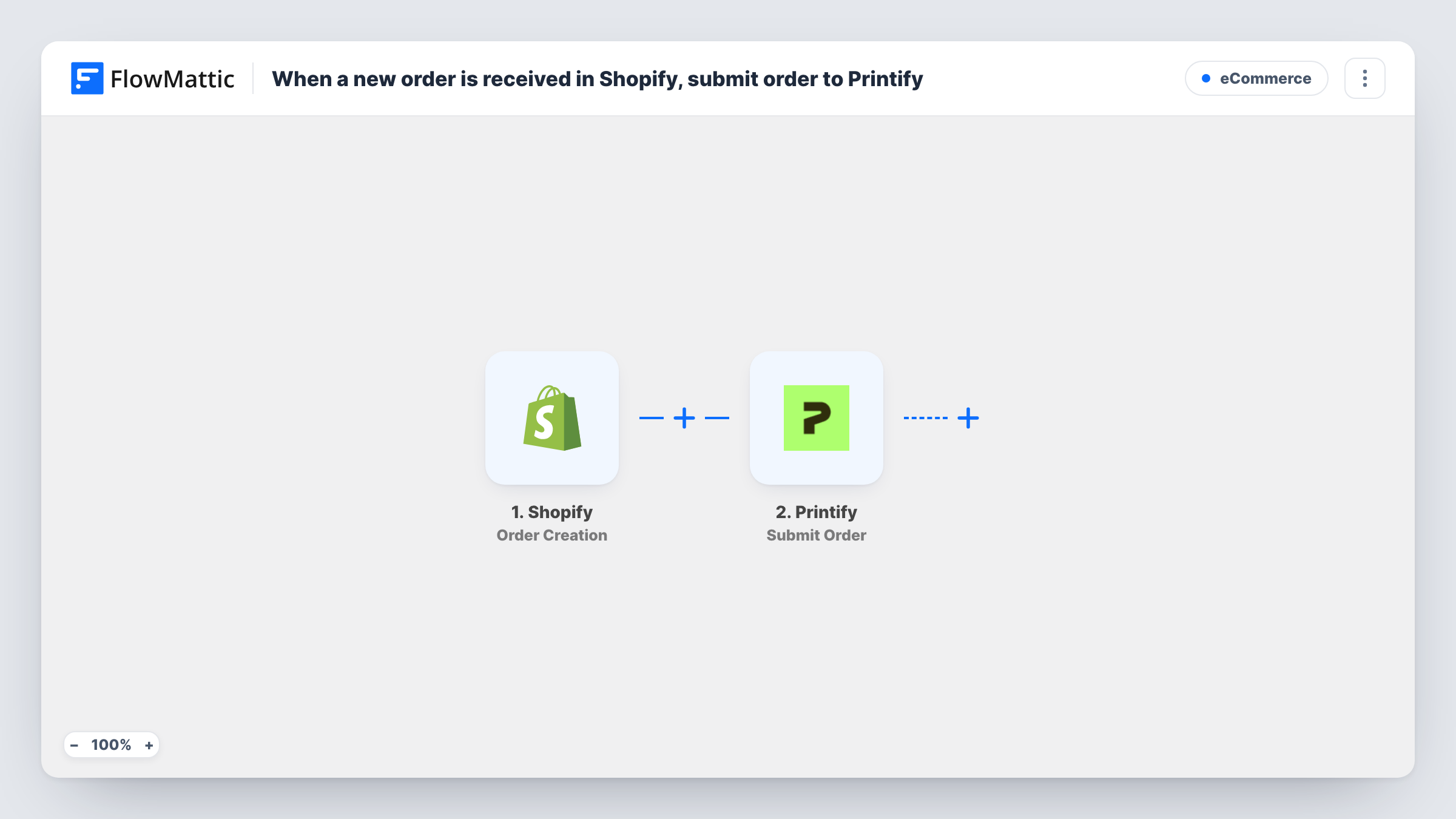
What this workflow does
Print-on-demand stores sell on Shopify but rely on Printify to produce and ship the goods. If orders don't reach Printify, someone has to copy them across, address and all. This workflow submits each new Shopify order to Printify for you.
The Shopify trigger fires when a new order is created in your store. The order data, including the customer, shipping address and line items, is passed to Printify, where Submit Order creates a new order. You map the Shopify fields into it so Printify knows what to print and where to send it.
The products in the order must exist in Printify for it to fulfil them, so test with an order for a product you sell through Printify. If your store is already connected to Printify directly, check whether orders reach Printify that way before you turn this on, so you don't submit them twice. Task History shows what Printify returned for each order.
Custom store with Printify products
You run a Shopify store and fulfil T-shirts through Printify. Each order is sent to Printify as soon as it is placed, ready for production.
Selling Printify items alongside your own stock
Some products you ship yourself and some come from Printify. With a Filter on the product or vendor, only Printify items are submitted.
Small merch shop for a creator
A creator sells merch on Shopify. Orders reach Printify without the creator logging in to copy addresses each day.
How this workflow runs
What happens at each step once the workflow is on, and what you need before you import it.
 Shopify Order Creation
Fires when a new order is created in your Shopify store. The order's customer, shipping and line item details are passed to the Printify step.
- Printify Submit Order
Submits a new order to Printify. Map the customer, shipping address and items from the Shopify order, then place a test order to confirm Printify receives it with the right product.
What you need
- FlowMatticCore
- Shopify AccountAccount
- Printify AccountAccount
After importing, map your own data. To keep the template universal, not every step is pre-filled. Open each step in the builder and connect your accounts and fields (channels, lists, sheets, recipients) before you switch the workflow on.
Make it yours
Changes worth making after you import it.
- Add a Filter after the trigger that continues only when the order contains Printify products, for example by checking the vendor or a SKU pattern.
- Add a Filter on the order's payment status if you only want paid orders sent to Printify.
- If orders often hold several items, check on a test run that every line item reaches Printify. Add an Iterator to handle line items one by one if needed.
Questions about this workflow
Do my Shopify products need to exist in Printify?
Yes. Printify can only produce items it knows about, so the products in the order must match products in your Printify shop. Test with a real product before going live.
Will this double-submit orders if Shopify is already connected to Printify?
It can. If your store is already linked to Printify, orders may arrive there on their own. Check that first, and only use this workflow if they don't.
What if Printify rejects a Shopify order?
Task History shows the error Printify returned for that run. The Shopify order is not changed, so you can fix the mapping and submit it again.
More E-Commerce workflows
Other ready-to-import templates from the same category.






Import this workflow into your WordPress site
Download the JSON, import it from the Workflows screen and connect your accounts. Every run stays on your server, with no per-task fees.
30-day money-back guarantee Unlimited workflows and runs Self-hosted