

When a new Picreel lead arrives, add it to FluentCRM and notify the team in Slack
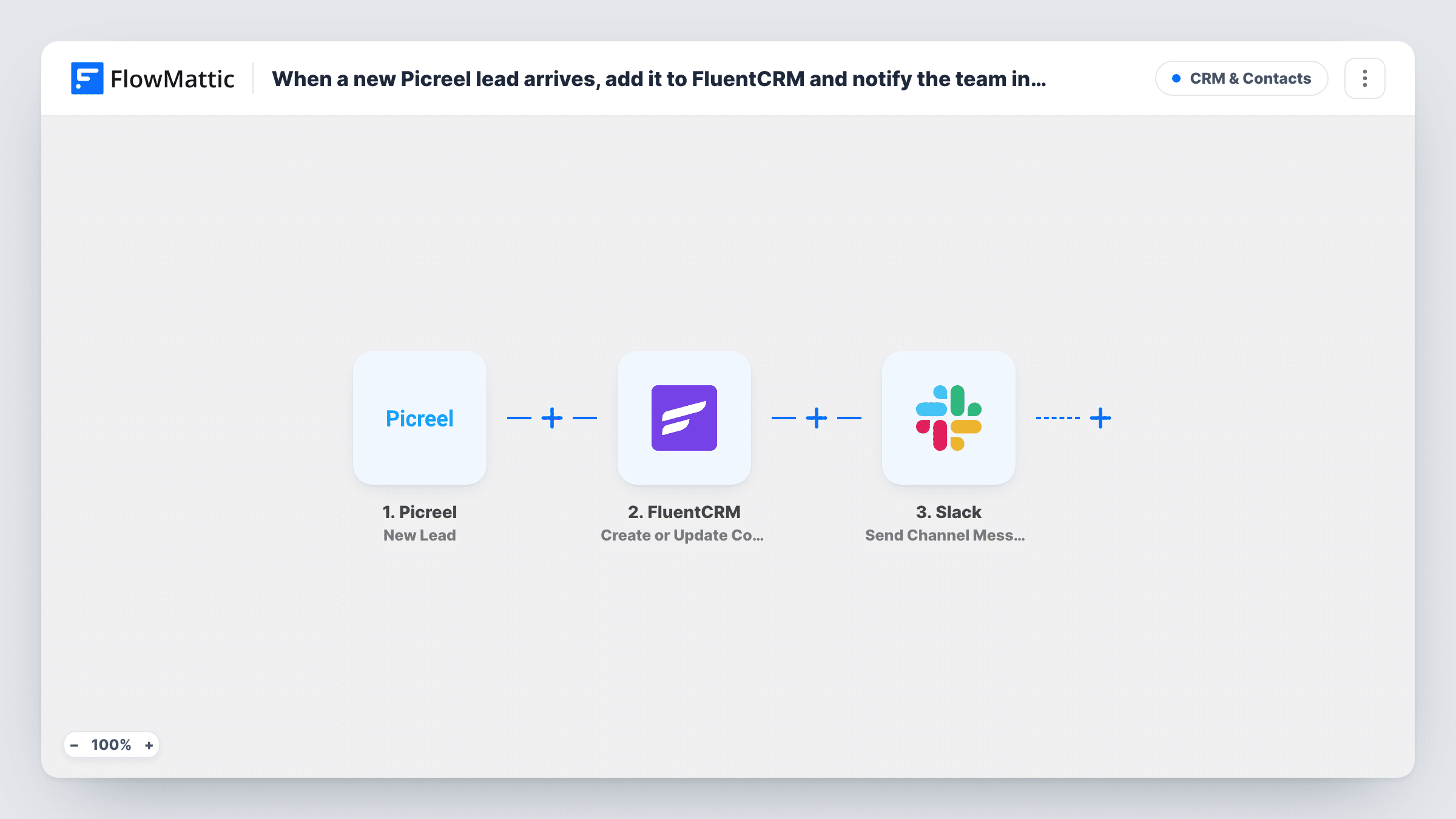
Each new Picreel lead is added to FluentCRM as a contact, or updates the existing one, and then a message goes to a Slack channel so your team knows a new prospect has come in.
 Picreel
 FluentCRM
 Slack
3 steps Setup ~5 min Used on 970 sites Free to import
What this workflow does
Picreel popups bring in leads, but they help only once the people are in your CRM and someone on the team knows about them. Doing both by hand means checking Picreel, copying the lead and then telling colleagues. This workflow does all of it for each lead.
When Picreel creates a new lead, FlowMattic sends the details to FluentCRM. Its Create or Update Contact action matches on email address: a new address becomes a new contact, and a known one has its contact updated. Next, a message goes to the Slack channel you choose, with the lead's details mapped into the text.
Since FluentCRM is a WordPress plugin, the Picreel lead's contact record lives on your own site. The Slack message is sent for every lead, including people who were already contacts, because nothing in the template checks for that.
Exit-intent offer on a WooCommerce shop
Visitors who take a popup offer land in FluentCRM for your email sequences, and #marketing sees each sign-up in Slack.
Consultancy lead capture
A Picreel popup offers a free audit. The lead joins FluentCRM and the consultant on duty sees the Slack post and can reach out.
Testing a new popup campaign
While a new Picreel design runs, the Slack channel shows each lead as it arrives, and FluentCRM keeps the full contact record.
How this workflow runs
What happens at each step once the workflow is on, and what you need before you import it.
 Picreel New Lead
Starts the run when a visitor becomes a new Picreel lead. The lead's data is passed to the FluentCRM and Slack steps.
- FluentCRM Create or Update Contact
Looks for a FluentCRM contact with the lead's email: updates it if found, adds a new one if not. Map the Picreel email field plus any name values the popup collects.
- Slack Send Channel Message
Sends a message to the Slack channel you pick, telling the team about the new lead. Write the text and map in Picreel details such as the email address.
What you need
- FlowMatticCore
- Picreel AccountAccount
- FluentCRM PluginPlugin
- Slack AccountAccount
After importing, map your own data. To keep the template universal, not every step is pre-filled. Open each step in the builder and connect your accounts and fields (channels, lists, sheets, recipients) before you switch the workflow on.
Make it yours
Changes worth making after you import it.
- Make sure the Picreel popup requires an email address, since FluentCRM matches and creates contacts by email.
- Add a Filter before the Slack step if the team only wants to hear about some leads, for example those from one popup, based on a value from a test run.
- Submit a test lead through a Picreel popup after import, then map its values in both the FluentCRM and Slack steps.
Questions about this workflow
What happens when a Picreel lead is already in FluentCRM?
FluentCRM finds the contact by email and updates it rather than adding a second one. The Slack message is still sent for that lead.
Can the new FluentCRM contact get a tag or list from this workflow?
Open the Create or Update Contact step after import and see what it offers for your FluentCRM setup. Run a test lead to confirm where the contact ends up.
Does the Slack post include the lead's email from Picreel?
Only if you map it. The message contains whatever text and Picreel values you put into the Slack step.
More CRM & Contacts workflows
Other ready-to-import templates from the same category.





Import this workflow into your WordPress site
Download the JSON, import it from the Workflows screen and connect your accounts. Every run stays on your server, with no per-task fees.
30-day money-back guarantee Unlimited workflows and runs Self-hosted