

When a new row is added in Smartsheet, create a contact in OpenPhone
Each new row added to your Smartsheet sheet becomes a contact in OpenPhone, so the people your team lists in Smartsheet show up by name when they call or text.
 Smartsheet
 OpenPhone
2 steps Setup ~5 min Used on 1.3k sites Free to import
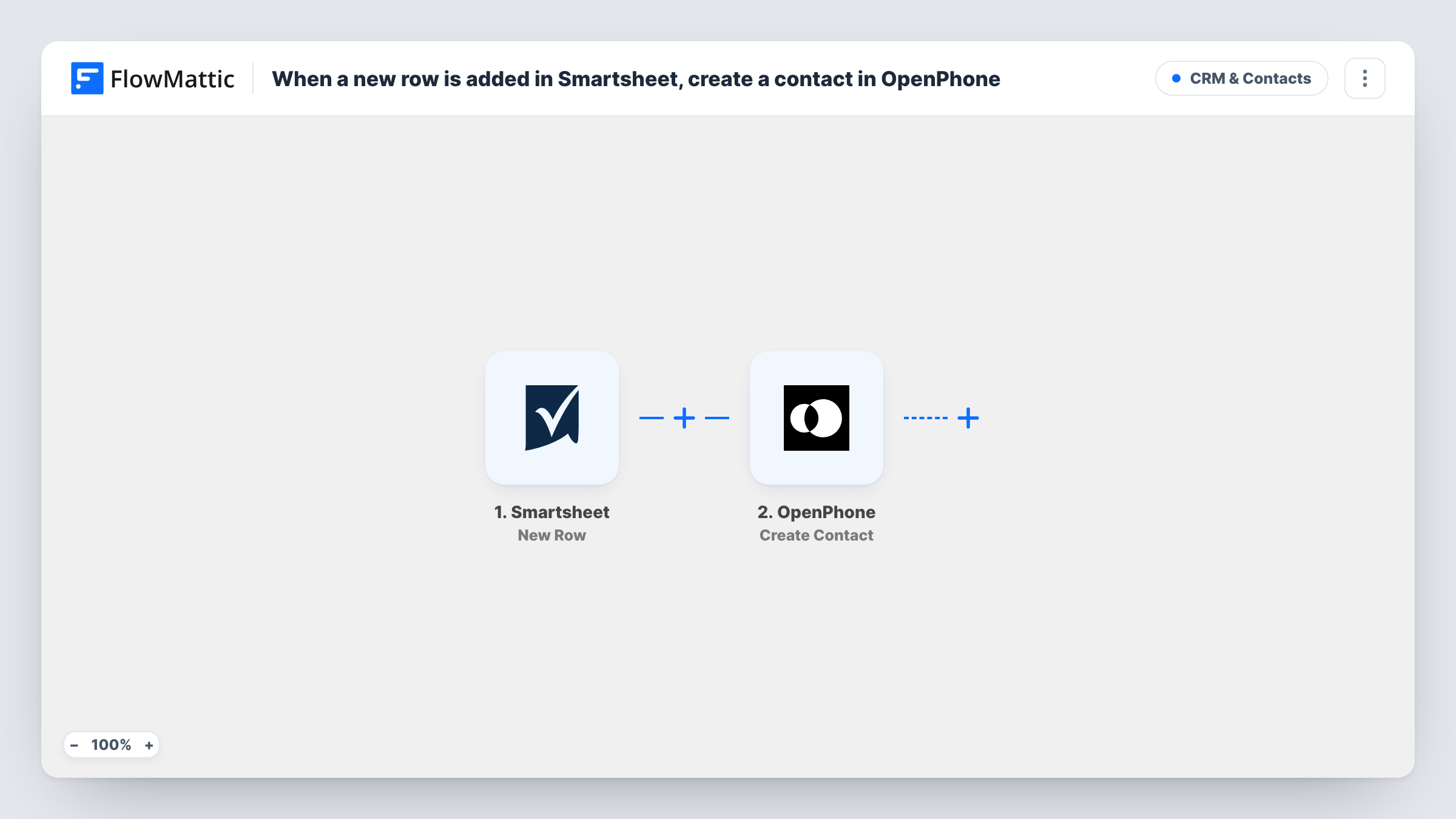
What this workflow does
Teams often keep their lead or customer lists in Smartsheet, while the phone conversations happen in OpenPhone. When the two aren't connected, an incoming call shows a bare number and nobody knows who it is. This workflow copies each new Smartsheet row into OpenPhone as a contact, so your shared phone app knows the names your project sheet already holds.
A run begins whenever someone adds a row to the Smartsheet sheet you connect. The row's cell values, such as name, company, phone number and email, are passed to the next step. Edits to rows that already exist don't start a run; Smartsheet has a separate Updated Row trigger for that.
The OpenPhone step creates a new contact. It isn't mapped in the template, so after import you connect your OpenPhone account and match your Smartsheet columns to the contact's details. The phone number column matters most, since that is how OpenPhone links a contact to calls and messages.
The step always creates a contact and doesn't check whether that person exists. If the same number is added on two rows, test how OpenPhone handles it and look at Task History for the response.
Event attendee hotline
An events team logs registered speakers in Smartsheet, and each speaker becomes an OpenPhone contact before the event so calls from them come up by name.
Field service customer list
A repair company adds each booked job's customer to a Smartsheet tracker, and technicians see the customer's name on OpenPhone when they call back.
Recruiting pipeline
A recruiter enters new candidates in a Smartsheet sheet, and the whole hiring team recognises those candidates when they phone the shared OpenPhone line.
How this workflow runs
What happens at each step once the workflow is on, and what you need before you import it.
 Smartsheet New Row
Starts the workflow when a new row is added to your chosen Smartsheet sheet. The new row's cell values, such as name and phone number, are handed to OpenPhone.
- OpenPhone Create Contact
Creates a contact in OpenPhone from the row. The template leaves every field open, so connect OpenPhone and match your name, phone and email columns to the contact, then add a test row to check it.
What you need
- FlowMatticCore
- Smartsheet AccountAccount
- OpenPhone AccountAccount
After importing, map your own data. To keep the template universal, not every step is pre-filled. Open each step in the builder and connect your accounts and fields (channels, lists, sheets, recipients) before you switch the workflow on.
Make it yours
Changes worth making after you import it.
- Store phone numbers in Smartsheet with the country code, so OpenPhone can match the contact to calls and texts from that number.
- Put a Filter between the Smartsheet trigger and the OpenPhone step that continues only when the phone column is not empty. The column is yours to pick; rows without a number then stop before OpenPhone.
- Map a company or role column into the contact as well, so whoever picks up the call sees more than a name.
Questions about this workflow
Does editing an existing Smartsheet row update the OpenPhone contact?
No. This workflow only runs for new rows. To sync edits you would need a second workflow on the Updated Row trigger with OpenPhone's Update a Contact by ID action and a stored contact ID.
Which Smartsheet columns go into the OpenPhone contact?
Only the columns you choose. The Create Contact step ships empty, so match your columns, at least the name and phone number, to the contact details.
Will a Smartsheet row with a number OpenPhone already knows create a second contact?
The step creates a contact without searching for an existing one first. Add a test row with a number you already have and check OpenPhone and Task History to see the result.
Are rows already in the Smartsheet sheet copied to OpenPhone?
No. Rows that were in the sheet before activation never trigger it. Add older contacts to OpenPhone separately if you need them.
More CRM & Contacts workflows
Other ready-to-import templates from the same category.






Import this workflow into your WordPress site
Download the JSON, import it from the Workflows screen and connect your accounts. Every run stays on your server, with no per-task fees.
30-day money-back guarantee Unlimited workflows and runs Self-hosted