

When a new product is created in Stripe, create a new product in WooCommerce
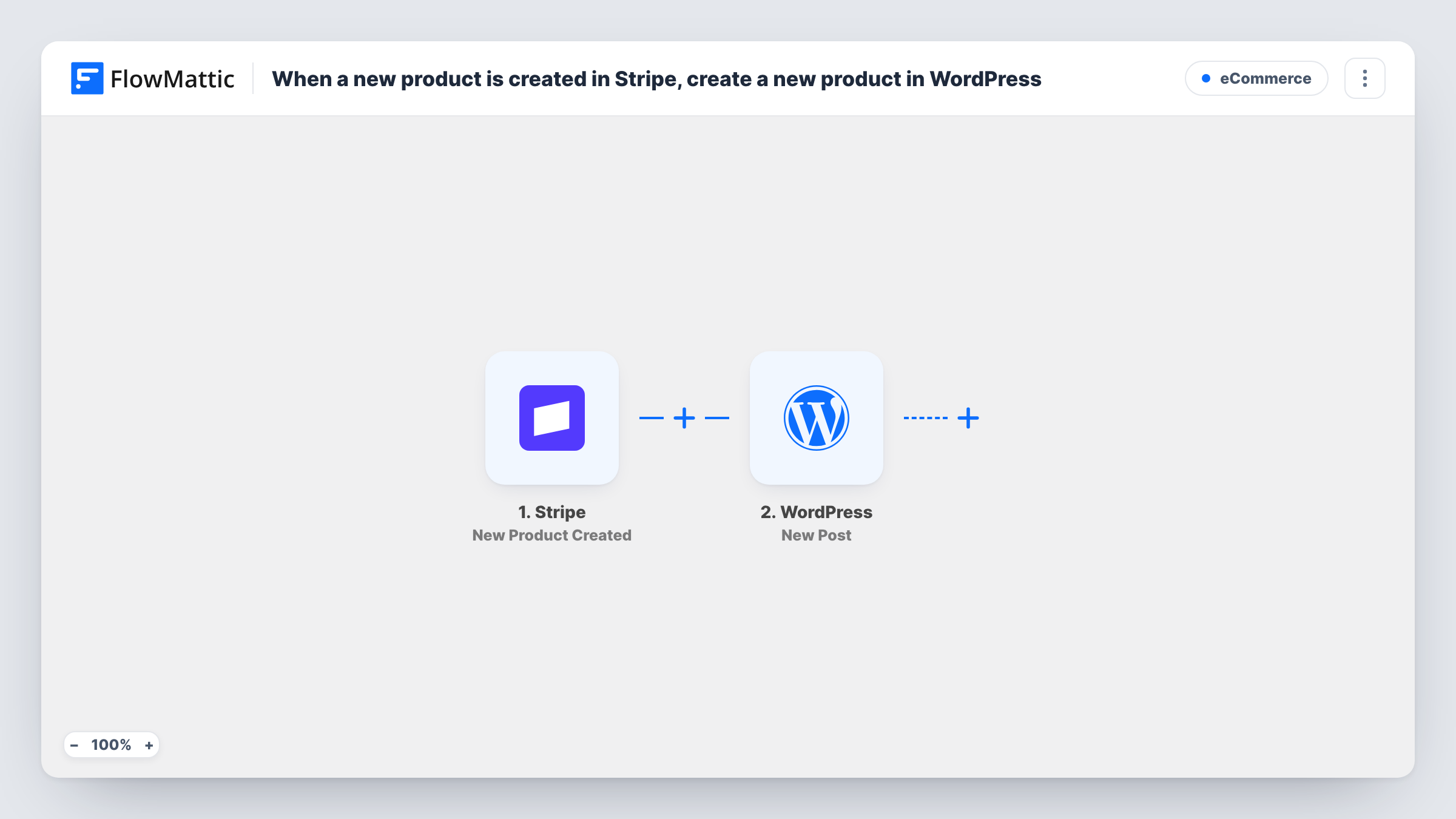
Each product you create in Stripe gets a matching product in your WooCommerce store, built from the Stripe details you map, so your catalogue starts in one place.
 Stripe
 WooCommerce
2 steps Setup ~5 min Used on 915 sites Free to import
What this workflow does
If you set up products in Stripe first, for payment links, invoices or subscriptions, adding the same item to WooCommerce by hand is repeat work and easy to forget. This workflow creates the WooCommerce product for you as soon as Stripe records a new one.
The Stripe trigger fires whenever a product is created in your Stripe account. It passes the product's details, such as its name and description, to the next step. Stripe keeps prices as separate objects linked to a product, so look at a test run to see whether a price value comes through with the new product.
The WooCommerce Create New Product step then adds the product to your store. It ships unmapped: after import you map the Stripe name into the product title and the description into the product description, and fill in anything else you want set. If Stripe sends no price, set it in WooCommerce afterwards or map one in yourself.
Each new Stripe product creates one WooCommerce product. Editing a product in Stripe later doesn't start a run. Task History shows what Stripe sent and the product WooCommerce returned.
Stripe as the place you plan products
A course creator adds each new course to Stripe for payment links first, and the WooCommerce store gets a product with the same name and description.
Draft listings for the shop team
A small brand creates products in Stripe during planning, and the shop manager finishes the WooCommerce listing with photos and stock once it appears.
Fewer copy-and-paste errors
A studio selling workshops avoids typing product names twice, so the names in Stripe and in the store match.
How this workflow runs
What happens at each step once the workflow is on, and what you need before you import it.
 Stripe New Product Created
Fires whenever a product is created in your Stripe account. The product's details, such as its name, description and ID, are passed to the WooCommerce step.
- WooCommerce Create New Product
Adds the Stripe item to your store as a WooCommerce product. Nothing is mapped yet: after import, map the Stripe name and description into the product, and check a test run for whether a price arrives to map.
What you need
- FlowMatticCore
- Stripe AccountAccount
- WooCommerce PluginPlugin
After importing, map your own data. To keep the template universal, not every step is pre-filled. Open each step in the builder and connect your accounts and fields (channels, lists, sheets, recipients) before you switch the workflow on.
Make it yours
Changes worth making after you import it.
- Save the Stripe product ID into a WooCommerce custom field or the SKU when you map the step, so you can match the two products later.
- Add a Slack Send Channel Message step after the WooCommerce step, so the shop team hears that a new product from Stripe needs photos and stock before it sells.
- Put a Filter between the Stripe trigger and the WooCommerce step if only some Stripe products belong in the store, for example ones whose name or metadata you mark. That field and value are yours to choose.
Questions about this workflow
Will the WooCommerce product get the Stripe price?
Only if a price reaches the workflow and you map it. Stripe stores prices separately from products, so check a test run of the New Product Created trigger. If no price comes through, set it in WooCommerce.
What happens when I edit a product in Stripe?
Nothing. The trigger fires when a product is created, not when it changes, so later edits in Stripe don't update the WooCommerce product.
Are my existing Stripe products copied when I turn this on?
No. Only products created in Stripe after the workflow is active start a run. Add older products to WooCommerce separately.
Does a Stripe product created twice make two WooCommerce products?
Yes. Each new Stripe product starts its own run and Create New Product adds a product each time, so a duplicate in Stripe becomes a duplicate in the store.
More E-Commerce workflows
Other ready-to-import templates from the same category.




Import this workflow into your WordPress site
Download the JSON, import it from the Workflows screen and connect your accounts. Every run stays on your server, with no per-task fees.
30-day money-back guarantee Unlimited workflows and runs Self-hosted