

When a new response is received, create a ticket in Freshdesk
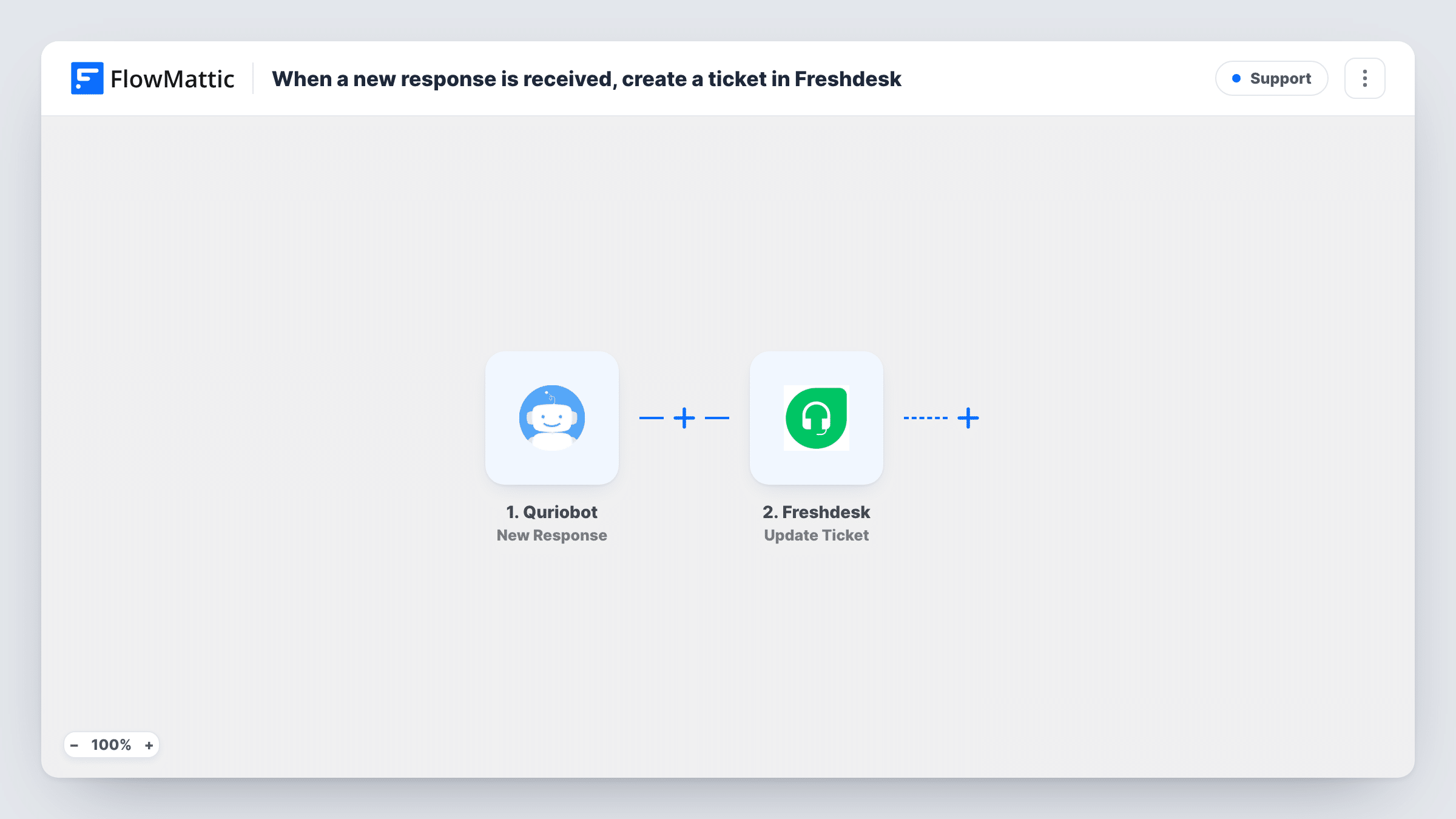
Each new Quriobot chatbot response starts a POST request through API by FlowMattic, which you set up to call Freshdesk’s API so the conversation becomes a support ticket for your team.
 Quriobot
 API by FlowMattic
2 steps Setup ~5 min Used on 3.3k sites Free to import
What this workflow does
A chatbot on your site can collect a visitor's problem at any hour, but the answer usually has to come from a person working in the helpdesk. This workflow takes each Quriobot response and sends it on as a request to Freshdesk, so questions asked in the chat end up where your support team already works.
The Quriobot trigger fires when a new response is received. Whatever the visitor answered in the bot, such as their name, email address or a description of the issue, depending on how you built it, is passed to the next step.
The second step is a POST request from API by FlowMattic. FlowMattic's Freshdesk integration offers triggers but no create-ticket action, so the template uses this general API step instead. It ships unmapped: after import you enter the Freshdesk ticket endpoint for your account, your authentication, and a request body that maps the Quriobot answers into the ticket fields. Freshdesk's API documentation lists what a new ticket needs.
Send a test conversation through the bot and open Task History to see the response Freshdesk returned. If Freshdesk refuses the request, the error it returns appears there as well.
After-hours support chat
A software company's Quriobot collects problems overnight, and each one is waiting as a Freshdesk ticket when the support team logs in.
Order questions from a shop
An online store's bot asks for an order number and the issue, and the answers become a ticket the customer service team can reply to by email.
Booking change requests
A clinic's chatbot gathers requests to move appointments, so reception handles them as tickets instead of reading chat logs.
How this workflow runs
What happens at each step once the workflow is on, and what you need before you import it.
 Quriobot New Response
Fires when Quriobot receives a new response from your bot. The visitor's answers are passed to the API step for mapping.
- API by FlowMattic POST
Sends a POST request that you set up to create a Freshdesk ticket. The step ships unmapped: enter the endpoint, your Freshdesk authentication and the body, mapping the Quriobot answers into it.
What you need
- FlowMatticCore
- Quriobot AccountAccount
After importing, map your own data. To keep the template universal, not every step is pre-filled. Open each step in the builder and connect your accounts and fields (channels, lists, sheets, recipients) before you switch the workflow on.
Make it yours
Changes worth making after you import it.
- Make sure your Quriobot flow asks for an email address, since a helpdesk ticket needs a way to reach the person who asked.
- Add a tag such as chatbot to the ticket in the request body, so agents can filter the tickets that came in through Quriobot.
- Map the full chat answer into the ticket description, so agents see the visitor's own words without opening Quriobot.
- Put a Filter between the Quriobot trigger and the API step that continues only when the email answer is not empty, so the request isn't sent without a contact address. Use your bot's own field for it.
Questions about this workflow
Is there a ready-made Freshdesk create-ticket step in FlowMattic?
No. FlowMattic's Freshdesk integration has triggers, such as New Ticket, but no action that creates one. This template reaches Freshdesk through API by FlowMattic, so you set the request up with Freshdesk's API documentation.
What do I need to fill in after importing the Quriobot to Freshdesk workflow?
The whole API step: the Freshdesk ticket URL for your account, your authentication and a request body with the ticket details. Map the Quriobot answers into the body where they fit.
Does every Quriobot conversation create a ticket?
Every new response starts a run and sends the request. To leave some out, such as chats that only asked about opening hours, add a Filter between the trigger and the API step on one of the bot's answers.
How do I know the Freshdesk ticket was created?
Open Task History for the run. The API step shows the response Freshdesk sent back, including an error message if the request was refused.
More Support workflows
Other ready-to-import templates from the same category.







Import this workflow into your WordPress site
Download the JSON, import it from the Workflows screen and connect your accounts. Every run stays on your server, with no per-task fees.
30-day money-back guarantee Unlimited workflows and runs Self-hosted