

When a new row is added in Google Sheets, create event in Eventin
Plan events in a Google Sheet and let this workflow create each one in Eventin on your WordPress site when you add a row, so the schedule your team keeps in the spreadsheet turns into event pages.
 Google Sheets
 Eventin
2 steps Setup ~5 min Used on 998 sites Free to import
What this workflow does
Event schedules are often drafted in a spreadsheet first. Several people can edit it, dates are easy to compare, and a client can review the list. Then each event has to be built again in Eventin by hand. This workflow creates the Eventin event for you when a new row appears in the sheet.
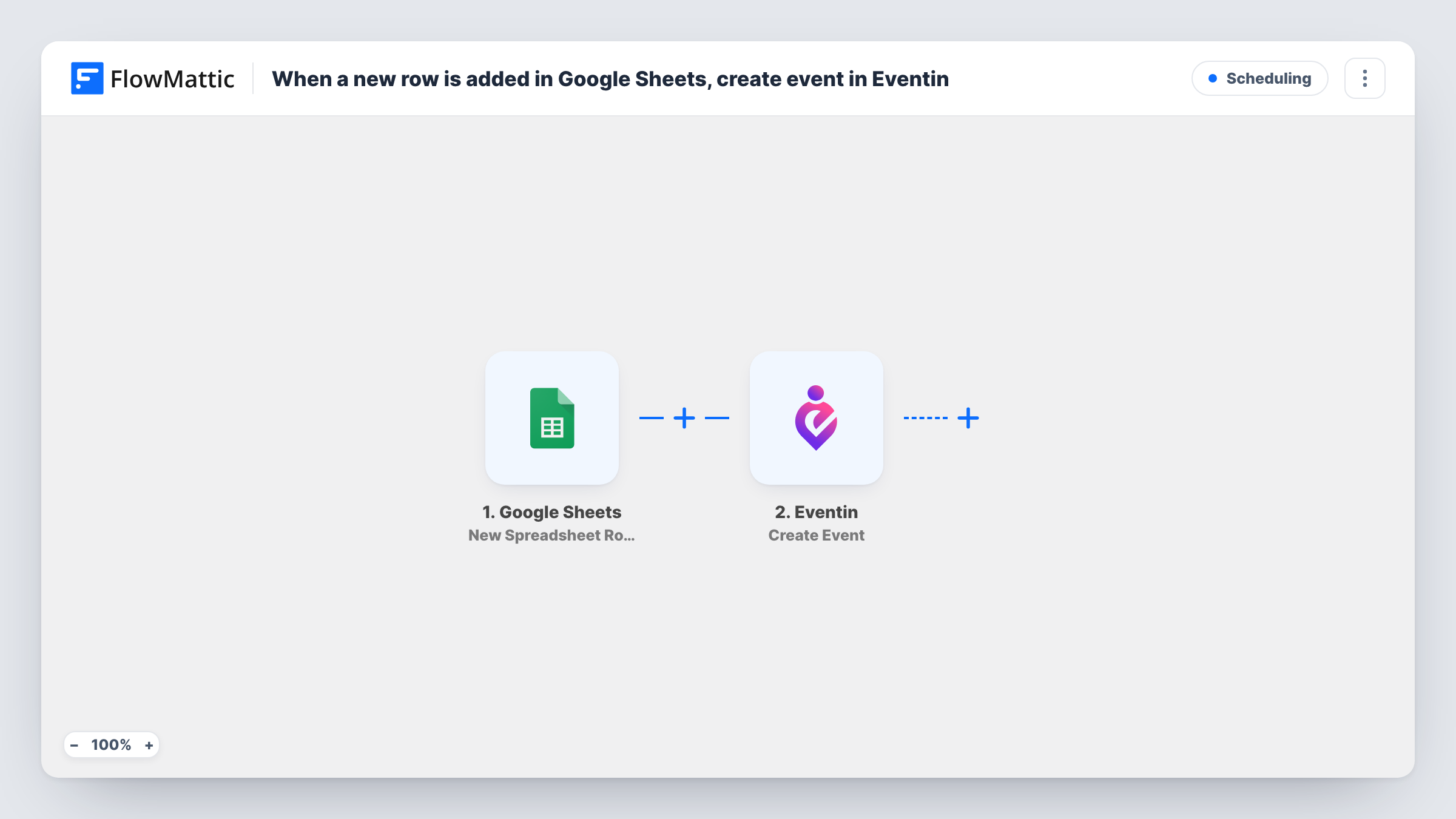
The Google Sheets trigger fires on New Spreadsheet Row and sends that row's columns to FlowMattic. The second step, Eventin Create Event, builds an event on your WordPress site from the column values you map into it.
Eventin is a WordPress plugin, so it must be active on the same site as FlowMattic. Every new row creates an event, as the template has no Filter. Keep dates in a consistent format and add one test row after import, then open the new event in Eventin to check how each value came through.
Workshop series from a planning sheet
A training team lists each session in a shared sheet, and every row they add appears as an event in Eventin without anyone rebuilding it in WordPress.
Client-approved event calendars
An agency agrees the season's events with a client in Google Sheets, then adds approved events as rows so they show up on the client's site.
Community meetups
Organisers in different cities add their meetups to one sheet, and each becomes an Eventin event on the main site.
How this workflow runs
What happens at each step once the workflow is on, and what you need before you import it.
 Google Sheets New Spreadsheet Row
Runs each time a row is added to your connected event-planning spreadsheet. Each column's value is passed to the Eventin step.
- Eventin Create Event
Creates an event in Eventin from the row's values. Map your columns into the step, then add a test row and check the new event in WordPress.
What you need
- FlowMatticCore
- Google Sheets AccountAccount
- Eventin PluginPlugin
After importing, map your own data. To keep the template universal, not every step is pre-filled. Open each step in the builder and connect your accounts and fields (channels, lists, sheets, recipients) before you switch the workflow on.
Make it yours
Changes worth making after you import it.
- Add a Filter after the trigger that continues only when a column such as Approved says yes, so draft ideas in the sheet don't become events.
- Add a Google Sheets Update Row step after Eventin to write back what the new event returns, such as its ID, if a test run shows one.
- Use one date format throughout the sheet, and confirm with a test row that Eventin reads it the way you expect.
Questions about this workflow
If I edit a row later, does the Eventin event change?
No. The trigger reacts to new rows only. Edits to a row after the event exists don't reach Eventin, so update the event there.
Does Eventin need to be on the site where FlowMattic runs?
Yes. Eventin is a WordPress plugin, and the Create Event step adds the event on the site where FlowMattic is installed.
Will rows already in my sheet become events?
No. Only rows added after you turn the workflow on create events in Eventin.
More Scheduling workflows
Other ready-to-import templates from the same category.





Import this workflow into your WordPress site
Download the JSON, import it from the Workflows screen and connect your accounts. Every run stays on your server, with no per-task fees.
30-day money-back guarantee Unlimited workflows and runs Self-hosted