

When a new row is added in Google Sheets, create registration for webinar in Demio
Add a person as a new row in Google Sheets and this workflow registers them for your Demio webinar, so a shared sheet can act as the sign-up list for an event.
 Google Sheets
 Demio
2 steps Setup ~5 min Used on 985 sites Free to import
What this workflow does
Not every webinar sign-up comes through a Demio registration page. Sales teams collect names at events, partners send lists, and staff add people by hand. If all of those end up in a Google Sheet, this workflow registers each one in Demio as their row is added.
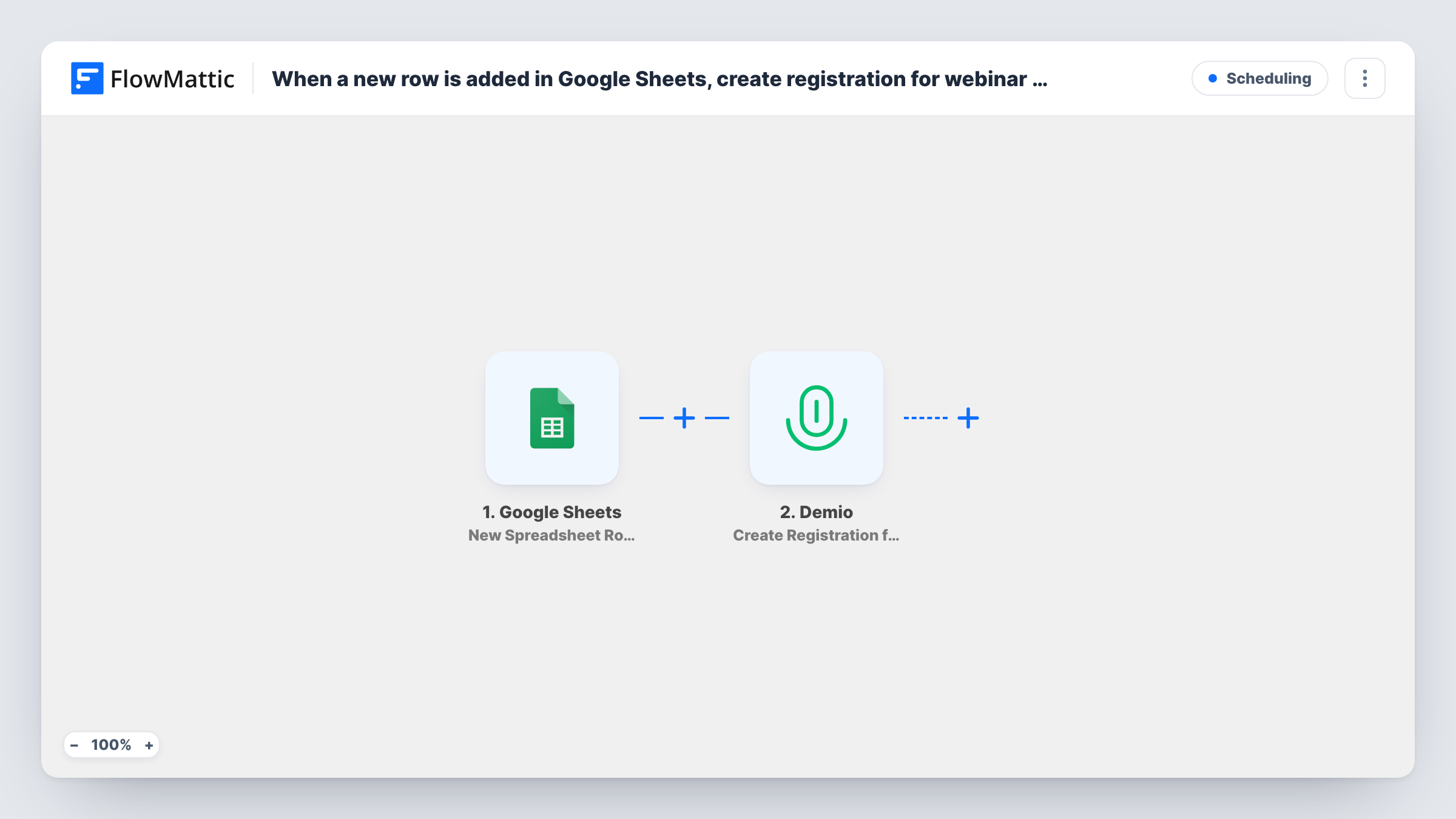
The Google Sheets trigger watches the spreadsheet you connect and runs when a new row is added. The row's cells become data, and FlowMattic sends them to Demio. The Create Registration for Webinar action then creates a registration, using the name and email you map from the row.
One new row means one registration. Rows that were already in the sheet before you turned the workflow on are not registered. Anything Demio does after a registration, such as emails you have set up there, happens in Demio. Task History shows each run and Demio's reply, which helps when a row has a bad email.
Registering contacts from a trade show
Your team types visitor details into a shared Google Sheet at the booth. Each new row registers that person for the follow-up Demio webinar.
Partner-supplied attendee lists
A partner adds their customers to a sheet you share with them, and each one is registered for the joint webinar in Demio.
Internal training sessions
HR adds new starters to an onboarding sheet. Every new row registers that person for the next Demio training webinar.
How this workflow runs
What happens at each step once the workflow is on, and what you need before you import it.
 Google Sheets New Spreadsheet Row
Starts a run each time your connected Google Sheets spreadsheet gains a new row. Each cell in the row becomes a value you can map into Demio.
- Demio Create Registration for Webinar
Creates a registration in Demio from the row. Connect Demio and map the name and email columns. Add a test row and check in Demio that the registration lands in the right webinar.
What you need
- FlowMatticCore
- Google Sheets AccountAccount
- Demio AccountAccount
After importing, map your own data. To keep the template universal, not every step is pre-filled. Open each step in the builder and connect your accounts and fields (channels, lists, sheets, recipients) before you switch the workflow on.
Make it yours
Changes worth making after you import it.
- Keep a column for the email address and fill it on every row. Add a Filter after the trigger that stops rows with an empty email, so Demio only gets usable registrations.
- Type or paste complete rows rather than filling cells one at a time, so the name and email are both present when the row reaches Demio.
- For each new webinar, update the Demio step for that event, or clone the workflow so every event has its own sheet.
Questions about this workflow
Are rows already in the Google Sheet registered for the Demio webinar?
No. The trigger reacts only to rows added once the workflow is active. Register older rows in Demio directly or paste them in again as new rows.
Does Demio email the person after registration?
Any emails come from Demio, based on how your webinar is set up. FlowMattic's part ends when the registration is created.
What if I edit a row after it was added?
Edits do not start the workflow. The trigger reacts to new rows, so a corrected email needs a new row or a manual fix in Demio.
Can one sheet feed more than one Demio webinar?
Not as imported. Add a column for the event and a Router with an exact-match route per event, each with its own Demio step.
More Scheduling workflows
Other ready-to-import templates from the same category.






Import this workflow into your WordPress site
Download the JSON, import it from the Workflows screen and connect your accounts. Every run stays on your server, with no per-task fees.
30-day money-back guarantee Unlimited workflows and runs Self-hosted