

When a new row is added in Google Sheets, create text-to-speech in CAMB AI
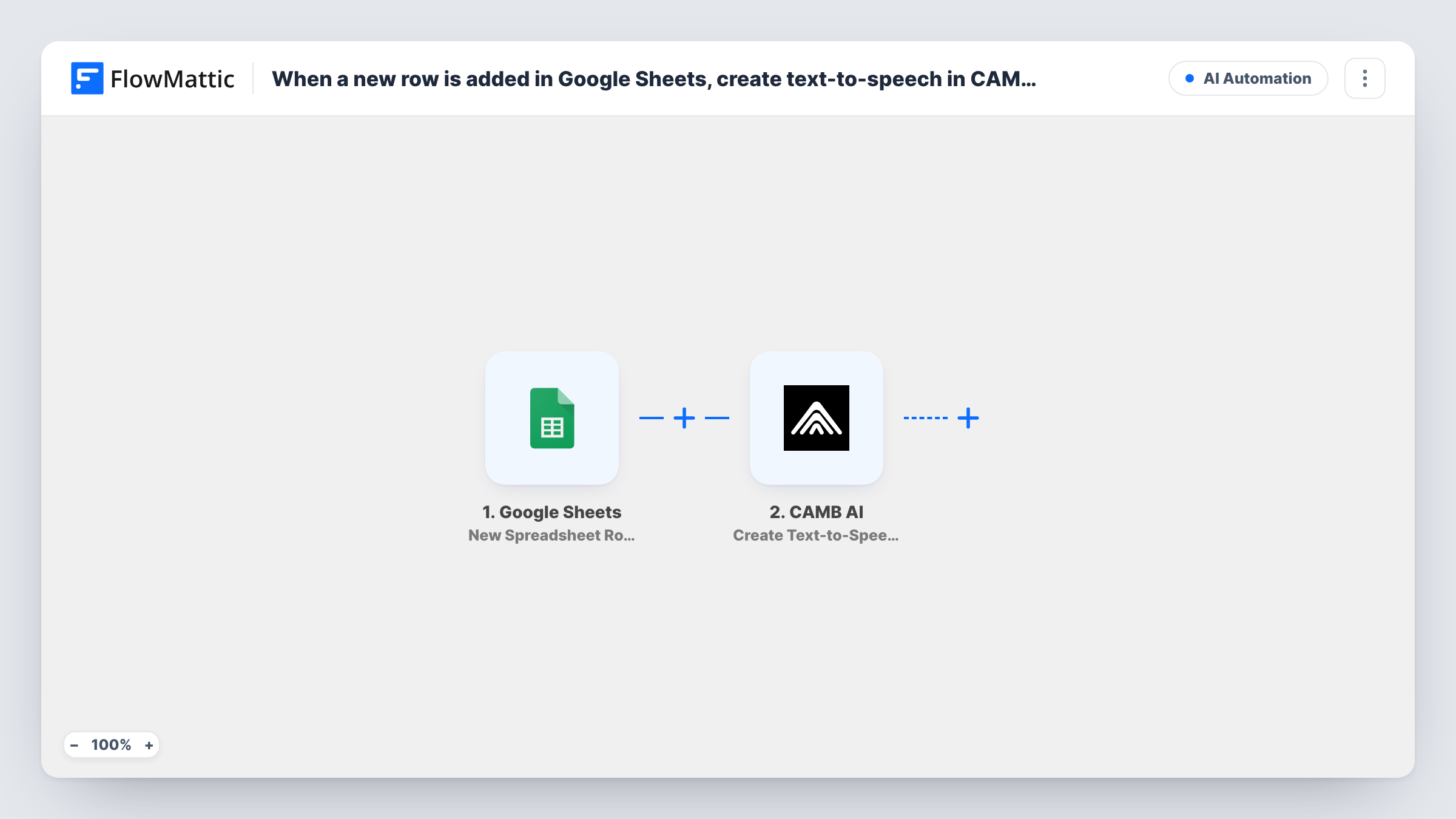
Add a row to a Google Sheets spreadsheet and FlowMattic sends the text from it to CAMB AI’s Create Text-to-Speech action. Fetching or storing the finished audio needs a step you add yourself.
 Google Sheets
 CAMB AI
2 steps Setup ~5 min Used on 590 sites Free to import
What this workflow does
If you keep scripts, product blurbs or lesson lines in a spreadsheet, turning each one into speech by hand means pasting text into CAMB AI over and over. With this workflow, writing a new row is enough to send its text to CAMB AI.
Each time a row appears in your chosen spreadsheet, the Google Sheets trigger starts a run. Each cell in that row is available to map. The CAMB AI step runs Create Text-to-Speech with the text you map from the row, and CAMB AI's response becomes data in the run.
Be clear on where this template stops. It asks CAMB AI to create the speech, but no later step downloads the audio or saves it anywhere. CAMB AI's FlowMattic integration also offers Get Text-to-Speech Task Status and Get Text-to-Speech Result, which you can add after this step to collect the audio file. Run a test to see what the create step returns before you build on it.
Voice-overs for a batch of short videos
A video editor lists each clip's narration in its own row. Adding the row hands the narration to CAMB AI, ready to collect once the speech is made.
Audio versions of course lessons
An instructor writes lesson summaries in a sheet, one per row, and each new summary is sent to CAMB AI to be read aloud for learners.
Product descriptions for a shop
A store owner adds product blurbs to a spreadsheet, and each new blurb goes to CAMB AI as a text-to-speech request.
How this workflow runs
What happens at each step once the workflow is on, and what you need before you import it.
 Google Sheets New Spreadsheet Row
Starts a run for every row that appears in the spreadsheet you point it at. The values in that row are passed on for the CAMB AI step to use.
- CAMB AI Create Text-to-Speech
Sends the text you map from the row to CAMB AI to create speech. Connect your CAMB AI account and map the column that holds the text. The response from CAMB AI is available to any step you add after it.
What you need
- FlowMatticCore
- Google Sheets AccountAccount
- CAMB AI AccountAccount
After importing, map your own data. To keep the template universal, not every step is pre-filled. Open each step in the builder and connect your accounts and fields (channels, lists, sheets, recipients) before you switch the workflow on.
Make it yours
Changes worth making after you import it.
- Add CAMB AI's Get Text-to-Speech Result action after this step to fetch the audio once it is ready. A Delay in between gives CAMB AI time to finish.
- Keep the text for speech in one fixed column, so the mapping in the CAMB AI step keeps pointing at the right cell as rows are added.
- Add a Filter after the trigger that continues only when the text column is not empty, so blank rows are not sent to CAMB AI.
- Add a test row after import so FlowMattic captures the columns, then check Task History to see what CAMB AI returned for it.
Questions about this workflow
Where does the CAMB AI audio end up?
Nowhere yet. The template only asks CAMB AI to create the speech. Add the Get Text-to-Speech Result action, and a step that stores or sends the file, to do something with the audio.
Will rows already in my Google Sheet be converted?
No. The trigger fires for rows added after you turn the workflow on. Existing rows are not sent to CAMB AI.
Can CAMB AI translate the text before it speaks it?
CAMB AI's FlowMattic integration includes Create Translated Text-to-Speech. Swap the action to that one if you need speech in another language, and map the text the same way.
Do I need a CAMB AI account to use this sheet workflow?
Yes. The text-to-speech step runs through your own CAMB AI account, which you connect in FlowMattic. You also need access to the Google spreadsheet the trigger watches.
More AI Automation workflows
Other ready-to-import templates from the same category.







Import this workflow into your WordPress site
Download the JSON, import it from the Workflows screen and connect your accounts. Every run stays on your server, with no per-task fees.
30-day money-back guarantee Unlimited workflows and runs Self-hosted