

When a new standalone form is submitted in SuperSaaS, create a support ticket in Fluent Support
When someone submits a standalone form in SuperSaaS, this workflow opens a ticket in Fluent Support on your WordPress site, so requests collected through your booking account reach the help desk your team works from.
 SuperSaaS
 Fluent Support
2 steps Setup ~5 min Used on 1.6k sites Free to import
What this workflow does
SuperSaaS standalone forms are handy for questions, intake details and change requests that sit outside a booking. Left in SuperSaaS, though, they stay apart from the support queue where your team assigns and answers work. This workflow turns each of those forms into a Fluent Support ticket.
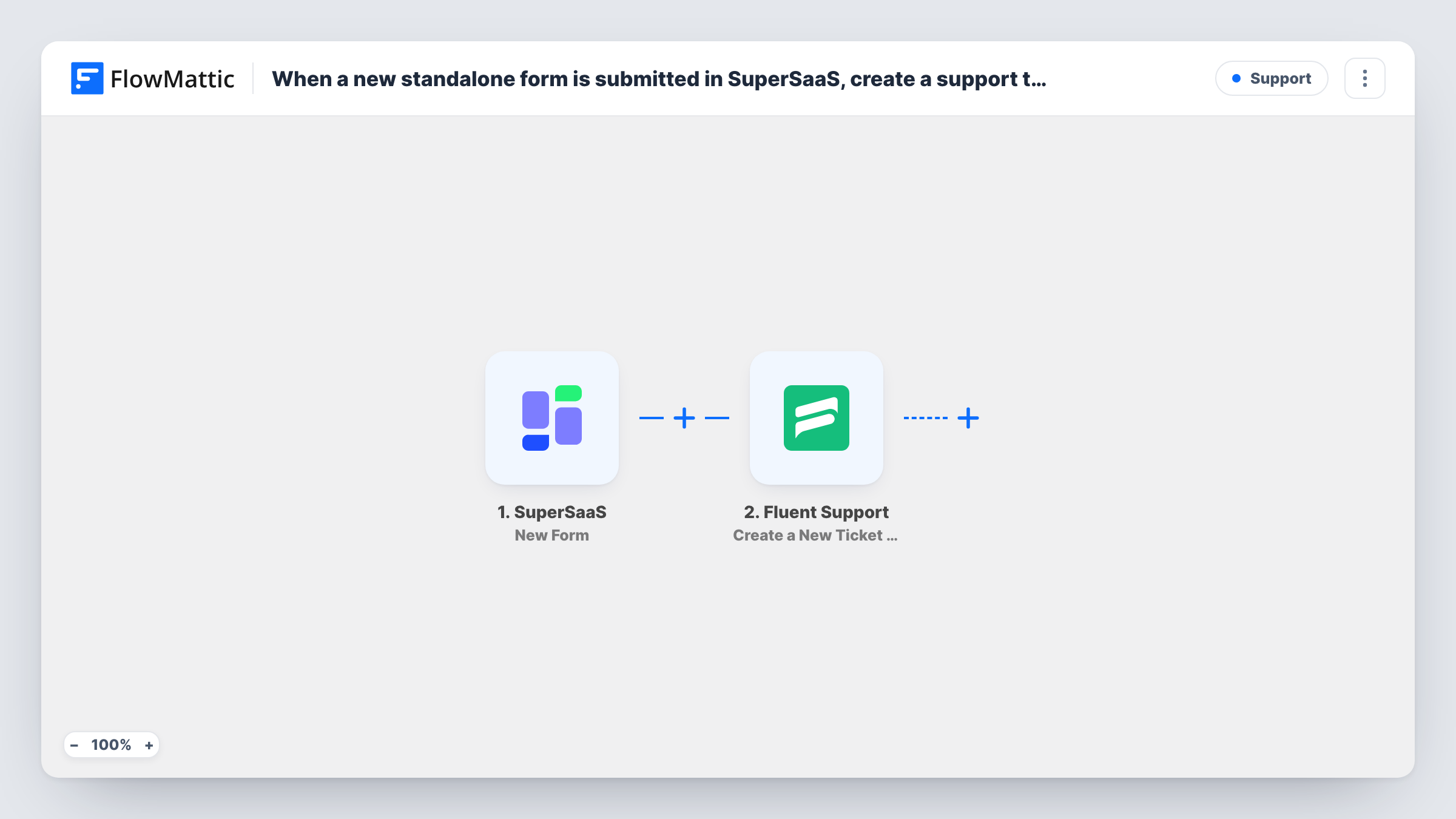
The SuperSaaS trigger, New Form, fires when a user submits a standalone form. The answers in that form are passed to FlowMattic and become values you can map.
The next step uses Fluent Support to create a new ticket using customer details. Map the person's details from the form into the customer part of the step, and build the ticket's subject and message from their answers. A test run shows exactly which customer fields the step asks for. Because Fluent Support is a WordPress plugin, the new ticket lives on your site rather than in another service. There is no Filter, so every standalone form that is submitted opens its own ticket. Task History lists each run and the values sent to Fluent Support, which helps if a ticket appears with an empty field.
Clinic intake questions
Patients send a question through a SuperSaaS standalone form. Each one becomes a Fluent Support ticket that reception can assign and answer.
Rescheduling or cancellation requests
A form for change requests feeds the help desk, so staff handle them in the same queue as other support work instead of checking SuperSaaS separately.
Equipment or room problems reported by members
Members of a shared workspace report a faulty room booked through SuperSaaS. The form opens a ticket that the facilities team works through in Fluent Support.
How this workflow runs
What happens at each step once the workflow is on, and what you need before you import it.
 SuperSaaS New Form
Fires when a user submits a standalone form in SuperSaaS. The answers they gave are handed to FlowMattic so the ticket step can use them.
- Fluent Support Create a New Ticket Using Customer
Creates a new Fluent Support ticket for the person who sent the form. Map the sender's details from the form, then fill the ticket's subject and content from their answers.
What you need
- FlowMatticCore
- SuperSaaS AccountAccount
- Fluent Support PluginPlugin
After importing, map your own data. To keep the template universal, not every step is pre-filled. Open each step in the builder and connect your accounts and fields (channels, lists, sheets, recipients) before you switch the workflow on.
Make it yours
Changes worth making after you import it.
- Put the most useful answer, such as the request type, at the start of the ticket title so agents can scan the Fluent Support list quickly.
- If only some standalone forms belong in the help desk, add a Filter after the trigger that continues for the form you care about, using a value your test run shows.
- Submit a test form in SuperSaaS after import, then check the new ticket in Fluent Support to confirm the customer details and message landed where you expect.
Questions about this workflow
Which SuperSaaS forms start this workflow?
Standalone forms, the ones a user submits on their own rather than as part of a booking. Each submission of such a form starts one run.
Must Fluent Support be installed where FlowMattic runs to receive SuperSaaS tickets?
Yes. Fluent Support is a WordPress plugin, and the ticket step creates tickets in the copy installed alongside FlowMattic.
What happens when the same person sends two SuperSaaS forms?
Each submission creates its own ticket. The workflow does not look for an open ticket from that person first.
Can the ticket include custom fields from the SuperSaaS form?
The Fluent Support action supports custom fields. Run a test, then check which ticket fields the step offers and map the matching form answers to them.
More Support workflows
Other ready-to-import templates from the same category.







Import this workflow into your WordPress site
Download the JSON, import it from the Workflows screen and connect your accounts. Every run stays on your server, with no per-task fees.
30-day money-back guarantee Unlimited workflows and runs Self-hosted