

When an 8x8 interaction is queued, log it in Google Sheets and alert the support team in Slack
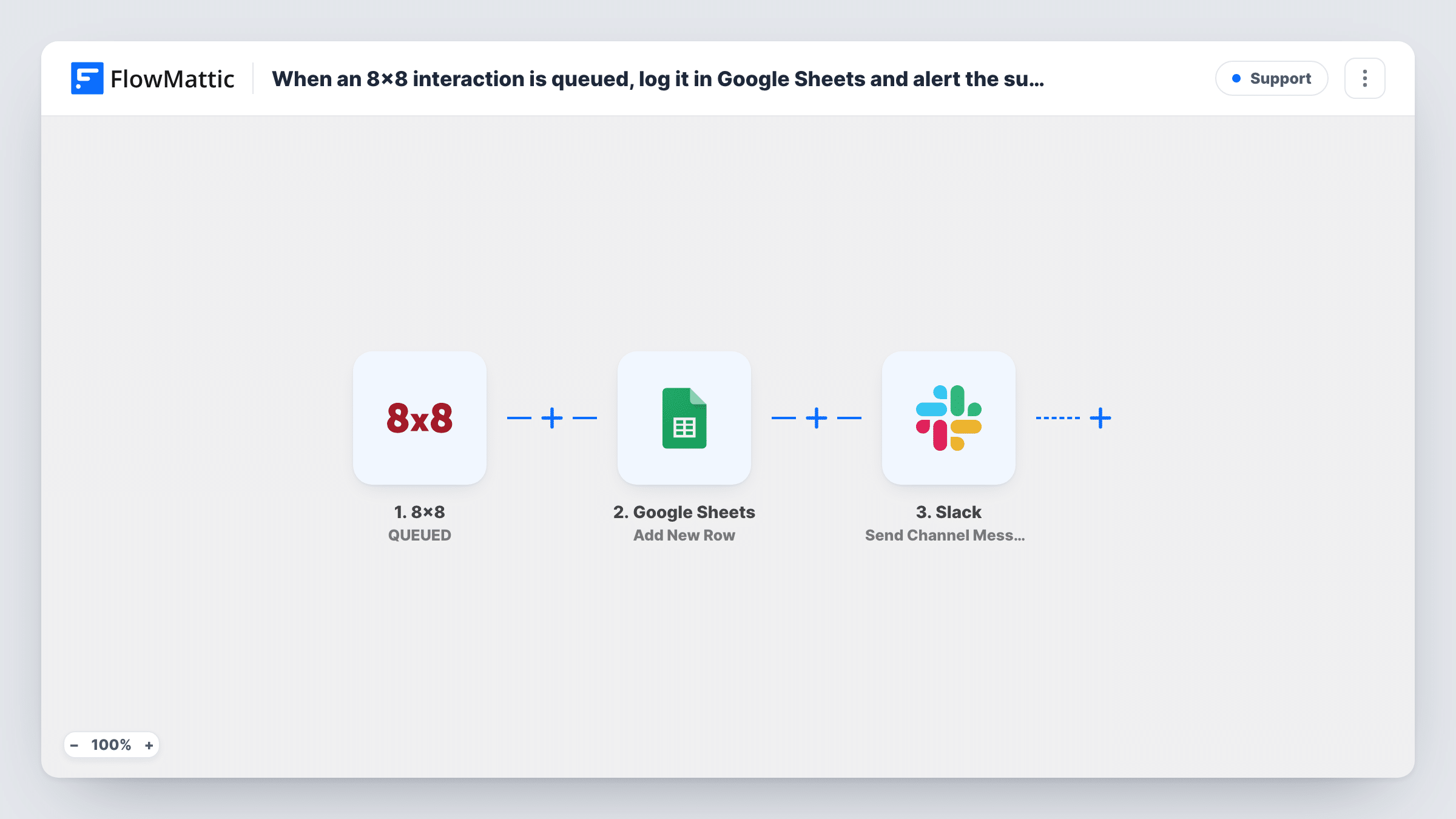
When an interaction enters the queue in your 8×8 contact centre, FlowMattic adds it as a row in Google Sheets and posts an alert in a Slack channel, so support leads see the waiting work.
 8x8
 Google Sheets
 Slack
3 steps Setup ~5 min Used on 2.0k sites Free to import
What this workflow does
Queued interactions are customers waiting for an agent. Supervisors who sit in Slack rather than the 8x8 console can miss a queue that is building up, and a spreadsheet of queued interactions gives you a record to review busy hours later. This workflow does both from one 8x8 event.
The 8x8 QUEUED trigger fires whenever an interaction is being queued for processing. FlowMattic passes the interaction's details on, so you can map them into the next two steps.
The Google Sheets step adds a new row for the interaction to the sheet you choose, and then the Slack step posts a message to your support channel. Neither step is mapped in the template: after import you pick the spreadsheet and match interaction details to columns, then pick the channel and write the alert text.
Every queued interaction runs both steps, so a busy queue means a busy channel. Run a test interaction through 8x8 first to see which details the trigger sends, and check Task History for what each step returned.
Queue alerts for shift supervisors
A support lead follows #support-queue in Slack during a shift and pulls in another agent when several queued alerts arrive close together.
Hourly volume review in a sheet
An operations manager adds a time column to the Google Sheet and builds a chart of how many interactions queued in each hour of the week.
Overflow awareness for a small team
A five-person helpdesk where agents also do other work sees each queued interaction in Slack, so someone picks it up even when nobody is watching 8x8.
How this workflow runs
What happens at each step once the workflow is on, and what you need before you import it.
 8x8 QUEUED
Fires whenever an interaction is being queued for processing in 8x8. The interaction's details are handed to the Google Sheets and Slack steps for mapping.
- Google Sheets Add New Row
Adds one row per queued interaction to the spreadsheet you pick. No columns are mapped in the template, so choose the sheet and match the 8x8 details you want to keep.
- Slack Send Channel Message
Posts an alert to a Slack channel about the queued interaction. The step ships unmapped: after import, choose the channel and write the message with the 8x8 details you need.
What you need
- FlowMatticCore
- 8x8 AccountAccount
- Google Sheets AccountAccount
- Slack AccountAccount
After importing, map your own data. To keep the template universal, not every step is pre-filled. Open each step in the builder and connect your accounts and fields (channels, lists, sheets, recipients) before you switch the workflow on.
Make it yours
Changes worth making after you import it.
- If a test run shows the 8x8 data includes a timestamp, map it into a column of its own, so you can sort and count queue entries by hour in Google Sheets.
- Add a second copy of this workflow on 8x8's AGENT JOINED trigger that writes to the same sheet, and you can compare when interactions were queued and when an agent took them.
- If only one queue needs Slack alerts, put a Filter between the Google Sheets step and the Slack step on the queue detail from a test run. Every interaction is still logged, and only that queue posts.
Questions about this workflow
Which 8x8 events start this workflow?
Only QUEUED, which FlowMattic describes as an interaction being queued for processing. FlowMattic's 8x8 integration also has AGENT JOINED, AGENT LEFT, TRANSFER and TEXT triggers if you want other moments.
Can the Slack alert go to a private support channel?
The template's Slack step posts to public channels you pick. For a private one, swap in Slack's Send Private Channel Message action, or use Send Direct Message to alert one supervisor.
What 8x8 details end up in the Google Sheet?
Whatever you map in the Add New Row step. Queue a test interaction after import, look at the trigger's data in Task History, and match those values to your column headers.
More Support workflows
Other ready-to-import templates from the same category.





Import this workflow into your WordPress site
Download the JSON, import it from the Workflows screen and connect your accounts. Every run stays on your server, with no per-task fees.
30-day money-back guarantee Unlimited workflows and runs Self-hosted