

When a new submission is added in FormDesigner, create a new event in SavvyCal
Each new FormDesigner submission creates an event in SavvyCal on the scheduling link you choose, so meeting requests made through your form turn into calendar events without you booking them by hand.
 FormDesigner
 SavvyCal
2 steps Setup ~5 min Used on 3.4k sites Free to import
What this workflow does
Some people would rather fill in a form than pick a slot from a booking page. They tell you who they are, what they need and when suits them, and someone then has to copy those details into the scheduling tool. This workflow removes that copying step by creating the SavvyCal event straight from the form entry.
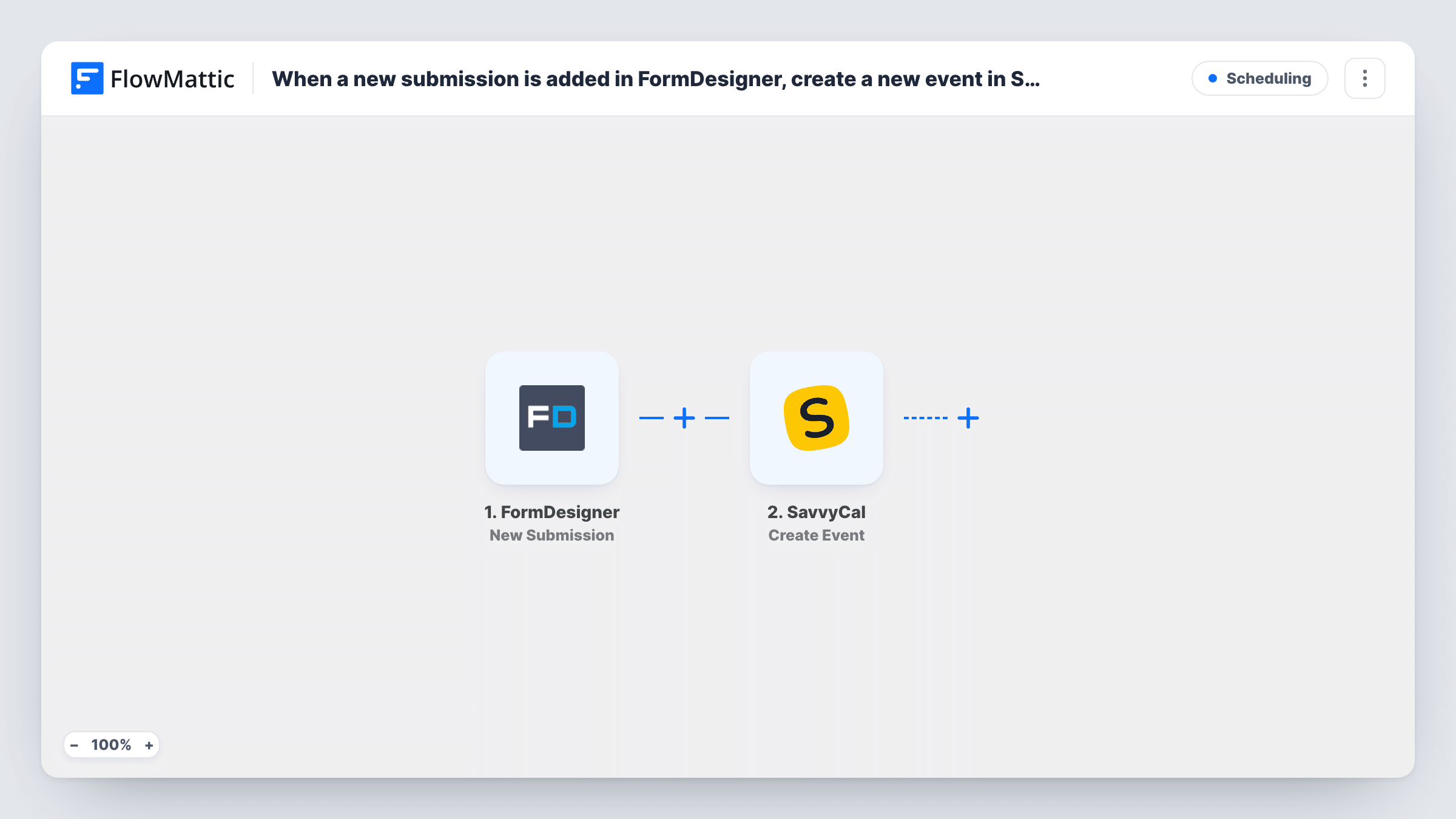
A run starts whenever someone sends one of your FormDesigner forms and the entry is added. FlowMattic passes the answers to SavvyCal, whose Create Event action creates an event for a given scheduling link. You map the form answers into that step, so the person's details and their chosen time go into the event.
Every submission creates an event, so the form has to collect what SavvyCal needs to book, in a format it accepts. Run a test submission after import and check the result in SavvyCal before going live. If SavvyCal rejects an entry, Task History shows the error it returned on that step.
Consultation request form for a coach
Clients answer a few intake questions and pick a preferred time in FormDesigner, and the session appears on your SavvyCal scheduling link.
Demo requests from a product site
A demo request form collects the company and contact details, and SavvyCal holds the event under the link your sales calls run from.
Call-back requests for a service business
Customers ask for a call at a stated time through a FormDesigner form, and the call is placed on the scheduling link you use for call-backs.
How this workflow runs
What happens at each step once the workflow is on, and what you need before you import it.
 FormDesigner New Submission
Fires when a submission is added for a FormDesigner form. Each answer in the entry becomes data you can map into the SavvyCal step.
- SavvyCal Create Event
Creates an event in SavvyCal for the scheduling link you choose. Map the submitter's details and the requested time from the form, then connect your SavvyCal account and test with one entry.
What you need
- FlowMatticCore
- FormDesigner AccountAccount
- SavvyCal AccountAccount
After importing, map your own data. To keep the template universal, not every step is pre-filled. Open each step in the builder and connect your accounts and fields (channels, lists, sheets, recipients) before you switch the workflow on.
Make it yours
Changes worth making after you import it.
- Make the date and time questions in FormDesigner required, so every entry carries a time the SavvyCal step can use.
- Want a check before anything is booked? Add a Human in the Loop step before SavvyCal and set its timeout action to End Workflow, so no event is created unless someone approves the request.
- Use a different scheduling link per service by adding a Router with a route per form answer, such as a service type of Coaching or Audit, each holding its own SavvyCal step.
Questions about this workflow
Does every FormDesigner entry become a SavvyCal event?
Yes, as imported. There is no Filter, so each submission runs the SavvyCal step. Add a Filter after the trigger if only some entries should be booked.
What happens if the time a person requests in FormDesigner doesn't work in SavvyCal?
The workflow passes the time as the form sent it. If SavvyCal refuses the event, the error appears on that step in Task History, and you follow up with the person yourself.
Will older FormDesigner submissions be booked?
No. Only submissions added after you turn the workflow on start a run.
Can I see which SavvyCal fields to fill before importing?
The template ships with the SavvyCal step unmapped. Open it after import to see what the Create Event action asks for, then build your form to collect those values.
More Scheduling workflows
Other ready-to-import templates from the same category.






Import this workflow into your WordPress site
Download the JSON, import it from the Workflows screen and connect your accounts. Every run stays on your server, with no per-task fees.
30-day money-back guarantee Unlimited workflows and runs Self-hosted