

When a new submission is received in FormKeep, create a new deal in HubSpot CRM
Each new FormKeep submission creates a deal in HubSpot CRM, filled from the form answers you map, so enquiries from your static or headless site show up in your sales pipeline.
 FormKeep
 HubSpot CRM
2 steps Setup ~5 min Used on 2.1k sites Free to import
What this workflow does
FormKeep collects form submissions for sites that have no backend of their own. Those entries are often sales enquiries, yet they sit in FormKeep until someone copies them into the CRM. This workflow opens a HubSpot deal for each one.
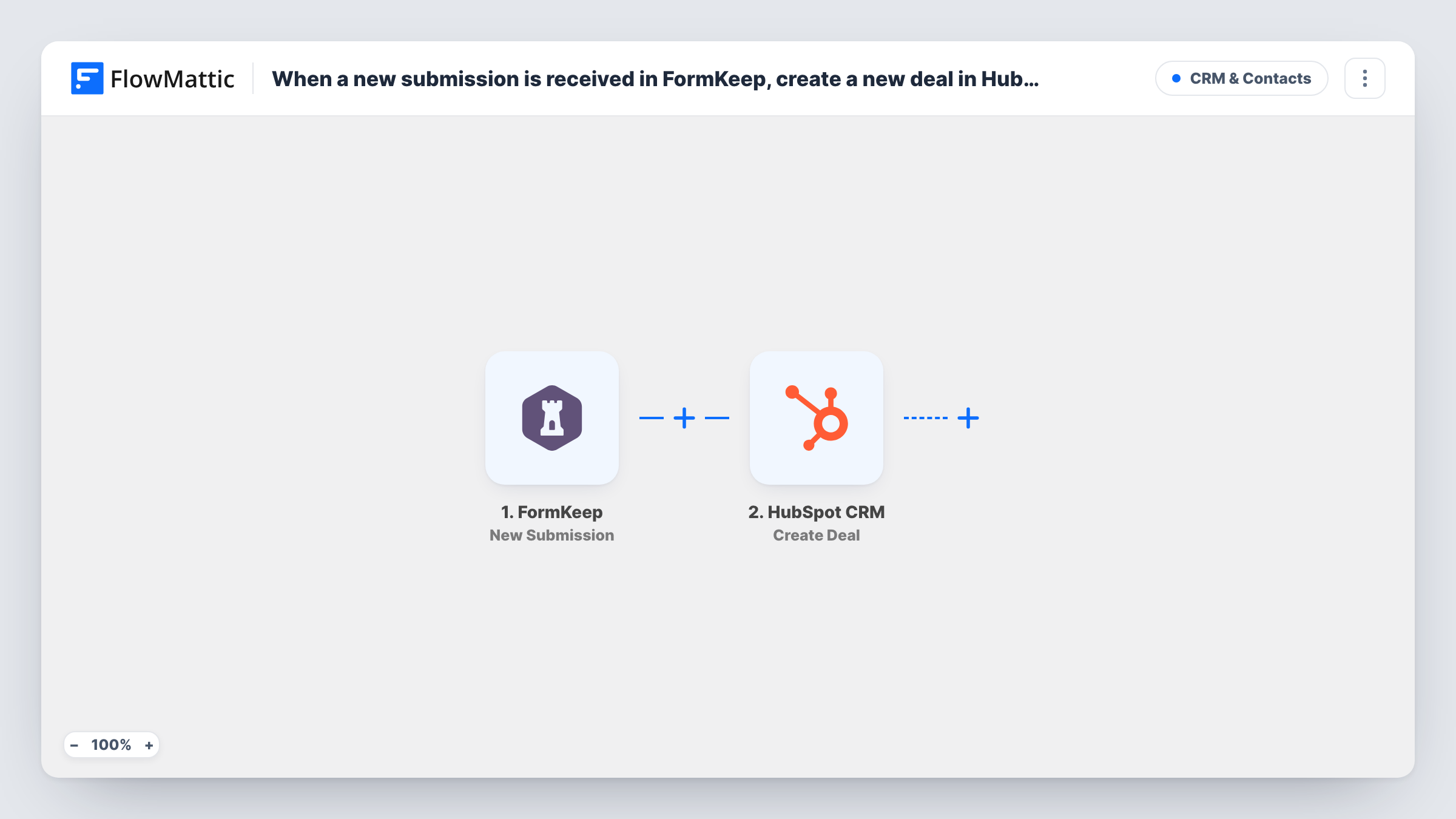
The FormKeep trigger runs when a new submission is received. FlowMattic passes the submitted fields to HubSpot CRM, where the Create Deal action creates a deal. You decide which form answers go into the deal when you map the step.
The template creates a deal only. It does not create or look up a contact, so the deal is not linked to the person who sent the form unless you add a step for that. Every submission makes a new deal, including repeat enquiries from the same person. Task History shows each run along with the response from HubSpot.
Project enquiries from a static agency site
Your portfolio site is static and uses FormKeep for its contact form. Each project enquiry becomes a HubSpot deal your team can move through the pipeline.
Quote requests from a landing page
A landing page built in a site builder posts to FormKeep. Every quote request opens a deal, so none are left in the form inbox.
Partnership requests
A partner sign-up form on a docs site feeds FormKeep. Each request arrives in HubSpot as a deal for the partnerships team to qualify.
How this workflow runs
What happens at each step once the workflow is on, and what you need before you import it.
 FormKeep New Submission
Runs when FormKeep receives a new submission for your form. The submitted fields are passed on to map into the HubSpot deal.
- HubSpot CRM Create Deal
Opens a new HubSpot CRM deal for the FormKeep entry. Connect your HubSpot account and map the FormKeep answers into the deal, then test with a sample entry to confirm where it lands.
What you need
- FlowMatticCore
- FormKeep AccountAccount
- HubSpot CRM AccountAccount
After importing, map your own data. To keep the template universal, not every step is pre-filled. Open each step in the builder and connect your accounts and fields (channels, lists, sheets, recipients) before you switch the workflow on.
Make it yours
Changes worth making after you import it.
- Add a HubSpot Create Contact step before Create Deal so the person behind each FormKeep enquiry is also saved in HubSpot.
- Put a Filter after the trigger so only submissions with a filled company or budget field become deals, keeping general questions out of the pipeline.
- Add a Slack or email step after the deal is created to tell the sales owner that a new FormKeep enquiry has arrived.
Questions about this workflow
Is the HubSpot deal linked to a contact?
Not as imported. No contact step exists in this FormKeep template. Add a HubSpot Create Contact step if you want the sender saved as a contact as well.
What happens when the same person sends the FormKeep form twice?
Each submission creates its own deal, so you get two. Use a Filter or check for duplicates in HubSpot if that is a problem.
How do I get FormKeep fields to map into HubSpot?
Follow the setup shown in the FormKeep trigger after import, then send one test entry. FlowMattic captures the submitted fields so you can map them in the Create Deal step.
More CRM & Contacts workflows
Other ready-to-import templates from the same category.







Import this workflow into your WordPress site
Download the JSON, import it from the Workflows screen and connect your accounts. Every run stays on your server, with no per-task fees.
30-day money-back guarantee Unlimited workflows and runs Self-hosted