

When a new subscriber is added in Mailchimp, add membership to folder in Kitchen.co.
When someone subscribes to your Mailchimp audience, this workflow adds them as a member of a folder in Kitchen.co, so new subscribers get access to the shared space you set up for them.
 Mailchimp
 Kitchen.co
2 steps Setup ~5 min Used on 2.1k sites Free to import
What this workflow does
Some lists are more than a newsletter. Joining might come with access to resources, a group space or a client area that you run in Kitchen.co. Granting that access by hand for each new subscriber is easy to fall behind on. This workflow does it when the subscription happens.
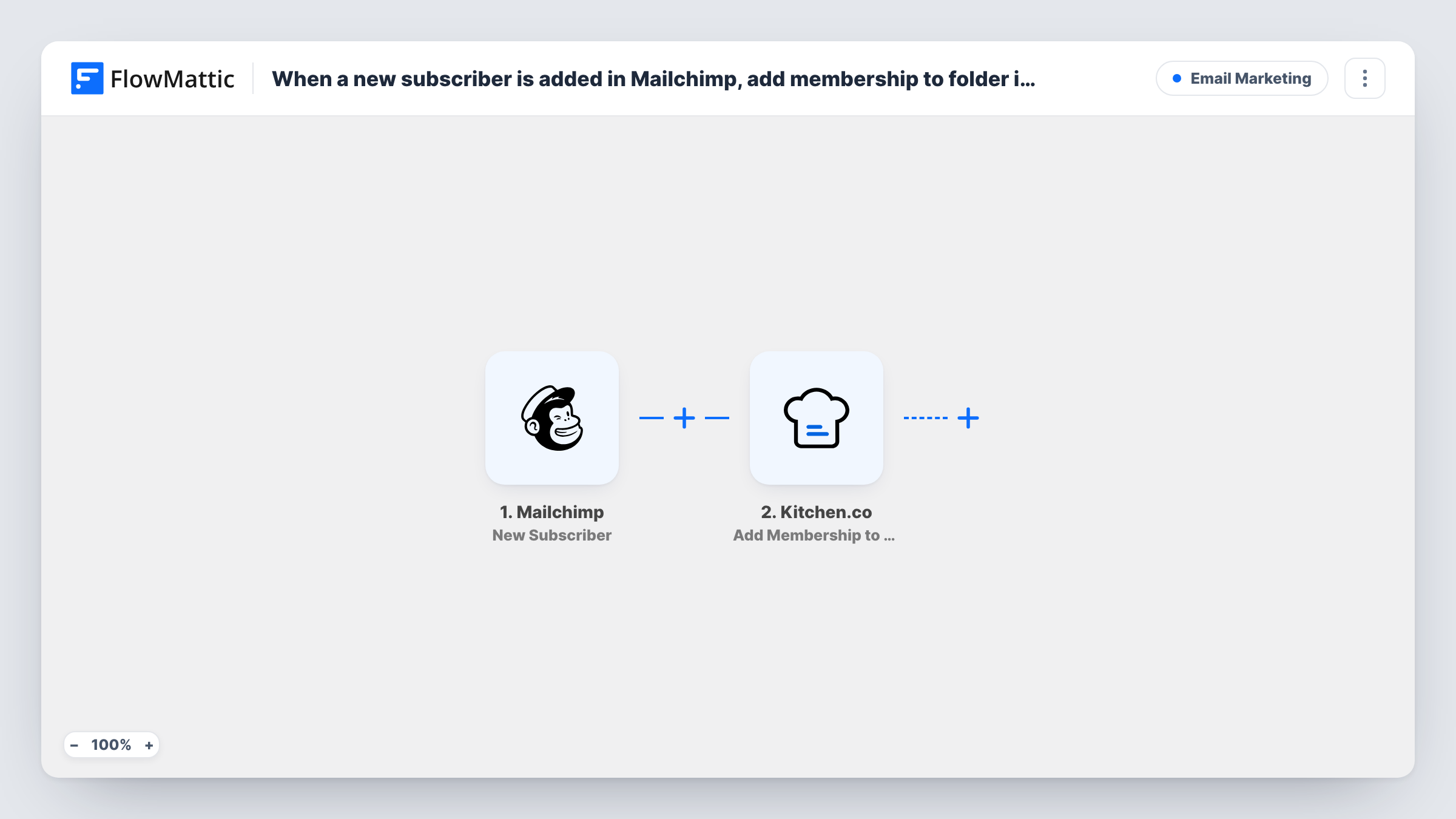
The Mailchimp trigger runs whenever a new subscriber is added to your audience. FlowMattic receives that subscriber's details. The Kitchen.co step then runs Add Membership to Folder, and you map the subscriber's data into it so they are added to the folder.
Every new subscriber starts a run, with no condition in between. What Kitchen.co needs to identify the person is set in the step itself, so do a test run after import and confirm the membership appears in the folder you expect. If a run fails, Task History shows the error Kitchen.co returned.
Members-only resource folder
People who join your Mailchimp list for a toolkit are added to the Kitchen.co folder that holds the templates and files you promised them.
Workshop or cohort sign-ups
A dedicated Mailchimp audience collects workshop registrations, and each registrant is given membership of the Kitchen.co folder used for that workshop.
Client onboarding from a sign-up form
New clients subscribe through your onboarding form, and Kitchen.co gives them a place in the folder where you share project updates.
How this workflow runs
What happens at each step once the workflow is on, and what you need before you import it.
 Mailchimp New Subscriber
Runs each time a new subscriber is added to your Mailchimp audience. The subscriber's details are passed to the Kitchen.co step for mapping.
- Kitchen.co Add Membership to Folder
Adds the new subscriber as a member of a Kitchen.co folder. Connect your Kitchen.co account, map the subscriber data into the step, and use a test run to see what it asks for.
What you need
- FlowMatticCore
- Mailchimp AccountAccount
- Kitchen.co AccountAccount
After importing, map your own data. To keep the template universal, not every step is pre-filled. Open each step in the builder and connect your accounts and fields (channels, lists, sheets, recipients) before you switch the workflow on.
Make it yours
Changes worth making after you import it.
- Subscribe a test address in Mailchimp after import so FlowMattic captures a real subscriber, then map that data in the Kitchen.co step.
- Use one audience for several purposes? Add a Filter after the trigger on a value in the subscriber data, such as a merge field from your sign-up form, that marks who should get folder access.
- Add an email step after Kitchen.co to tell the subscriber how to reach the folder, so they know where to find it.
Questions about this workflow
Does every Mailchimp subscriber get Kitchen.co folder access?
Yes, as imported. Each new subscriber starts a run. Add a Filter after the trigger if only some subscribers should be added.
Are my existing Mailchimp subscribers added to the Kitchen.co folder?
No. Only subscribers added after you turn the workflow on start a run. Existing contacts need to be added another way.
Is the Kitchen.co membership removed when someone unsubscribes from Mailchimp?
No. This workflow only reacts to new subscribers. Unsubscribes do not start a run, so remove memberships yourself or build a separate workflow for it.
More Email Marketing workflows
Other ready-to-import templates from the same category.





Import this workflow into your WordPress site
Download the JSON, import it from the Workflows screen and connect your accounts. Every run stays on your server, with no per-task fees.
30-day money-back guarantee Unlimited workflows and runs Self-hosted