

When a new task is generated in Sembly AI, create a support ticket in Fluent Support
When Sembly AI generates a task from a meeting, this workflow opens a ticket for it in Fluent Support on your WordPress site, so follow-ups from calls sit in the same queue your support team already works through.
 Sembly AI
 Fluent Support
2 steps Setup ~5 min Used on 480 sites Free to import
What this workflow does
Some meetings end with work for the support desk: a bug a customer described on a call, a refund someone promised, a question that needs a written answer. Sembly AI records these as tasks, but your support team works from Fluent Support. This workflow turns each Sembly task into a ticket there.
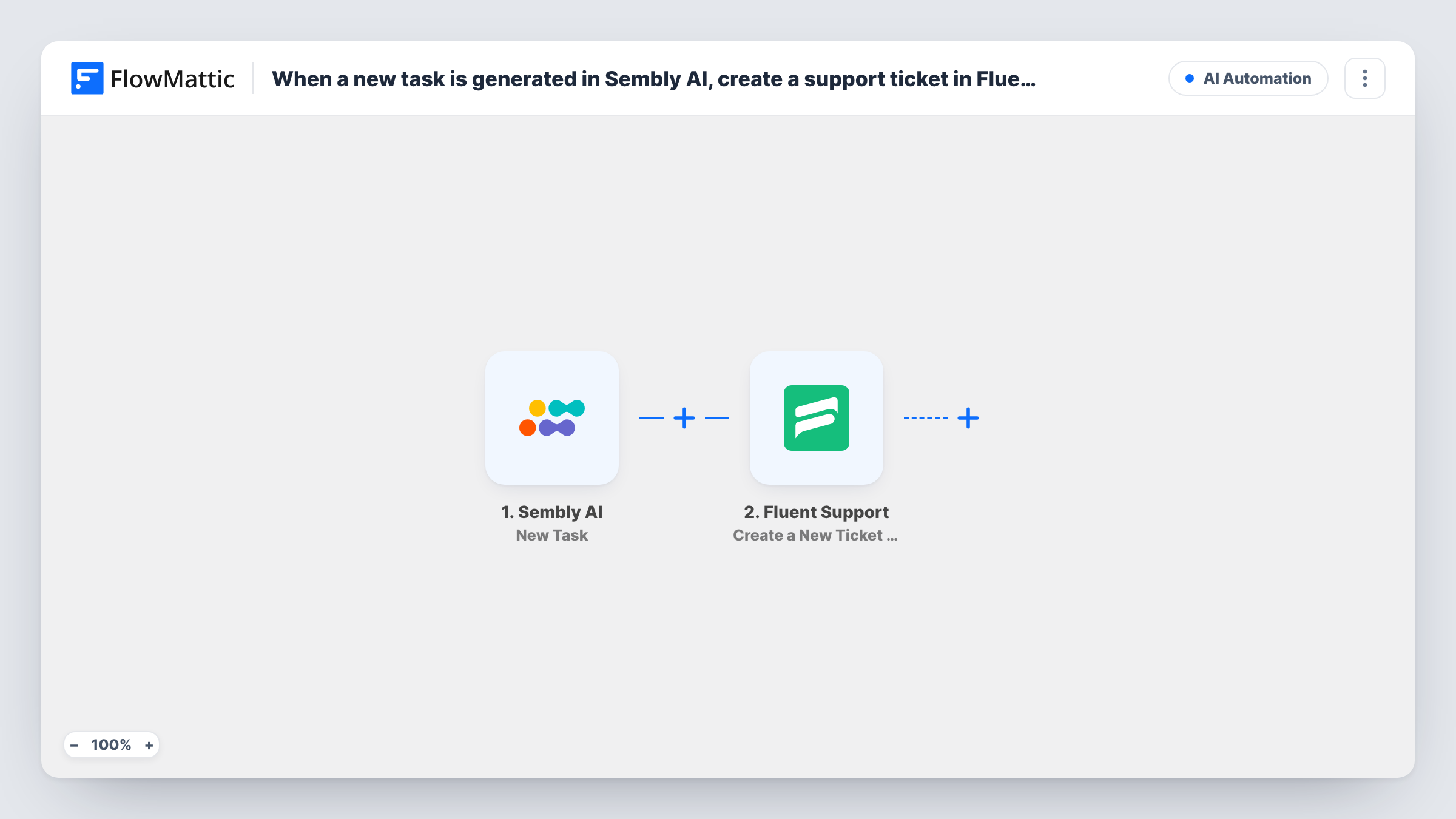
The Sembly AI trigger, New Task, starts a run each time Sembly produces a task, and the details of that task come through to FlowMattic. The Fluent Support step, Create a New Ticket Using Customer, then creates a ticket in your helpdesk. You map the Sembly task details into the new ticket.
A Sembly task describes work, not a support customer, so decide whose name each ticket goes under. One option is a customer record you keep for internal follow-ups. Run a test meeting and check the result in Task History before you rely on it. There is no Filter, so every Sembly task opens a ticket.
Bugs reported on customer calls
A customer describes a problem during a recorded call. Sembly picks up the follow-up, and it appears as a Fluent Support ticket your team can work and close.
Promises made by account managers
When an account manager agrees to send a document or check an order, the task reaches the support queue so someone owns the follow-up.
Internal support stand-ups
Action items from the support team's own meeting become tickets, so they're tracked in the same place as customer requests.
How this workflow runs
What happens at each step once the workflow is on, and what you need before you import it.
 Sembly AI New Task
Fires when Sembly AI generates a new task from one of your meetings. The task data Sembly sends is passed on for mapping into the ticket.
- Fluent Support Create a New Ticket Using Customer
Creates a new ticket in Fluent Support on your WordPress site. Map the Sembly task details into the ticket and set the customer it belongs to, then check the result with a test run.
What you need
- FlowMatticCore
- Sembly AI AccountAccount
- Fluent Support PluginPlugin
After importing, map your own data. To keep the template universal, not every step is pre-filled. Open each step in the builder and connect your accounts and fields (channels, lists, sheets, recipients) before you switch the workflow on.
Make it yours
Changes worth making after you import it.
- Hold a short test meeting after import so FlowMattic captures a real Sembly task, then map its fields into the Fluent Support step and confirm the ticket looks right.
- Add a Filter after the trigger so only some tasks become tickets, for example continuing when the task text contains a word such as refund or bug.
- If you'd rather route all Sembly tasks to a project tool and only some to support, use a Router with a ClickUp or Asana step on one route and Fluent Support on another.
Questions about this workflow
Does every Sembly AI task become a Fluent Support ticket?
Yes, as imported. Each new task starts a run. Add a Filter after the trigger if only some tasks belong in your support queue.
Which customer is the Fluent Support ticket created for?
The one you set in the Fluent Support step. Sembly's task data may not name the customer, so one option is a single fixed customer record for meeting follow-ups. Test the step to see what it accepts.
Do I need Fluent Support installed on my WordPress site?
Yes. Fluent Support is a helpdesk plugin for WordPress, and the template lists it as a requirement. The tickets are created in that helpdesk.
Will tickets close in Fluent Support when the Sembly task is done?
No. The workflow only creates tickets from new tasks. Closing them is up to your support team in Fluent Support.
More AI Automation workflows
Other ready-to-import templates from the same category.









Import this workflow into your WordPress site
Download the JSON, import it from the Workflows screen and connect your accounts. Every run stays on your server, with no per-task fees.
30-day money-back guarantee Unlimited workflows and runs Self-hosted