

When a note is created in Frill.co, create a task in ClickUp
Each time a note is created in Frill.co, FlowMattic creates a ClickUp task from it, so feedback your team writes down in Frill turns into work someone can pick up in ClickUp.
 Frill.co
 ClickUp
2 steps Setup ~5 min Used on 1.6k sites Productivity Free to import
What this workflow does
Frill.co collects ideas and feedback about your product, while the work to act on it is often planned in ClickUp. When someone records a note in Frill, a person still has to copy it into ClickUp before anyone acts on it. This workflow makes that copy for you, one task per note.
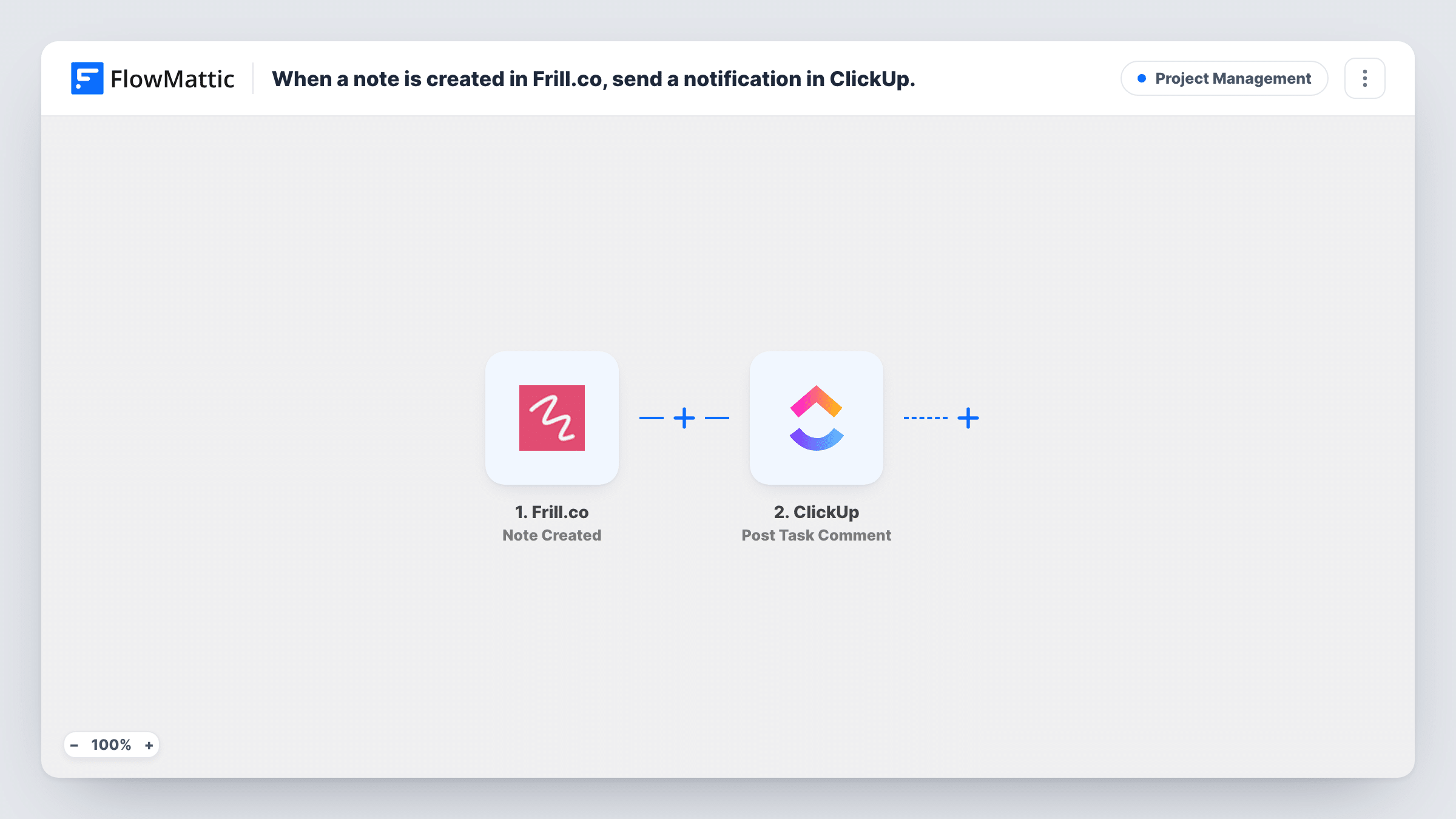
The Frill.co trigger is Note Created, which fires when a note is created. It passes the note's data to FlowMattic. Create a test note after import to see exactly what Frill sends, such as the note text and the idea or author it relates to.
The ClickUp step turns that note into a task. It ships unmapped: after import you connect ClickUp, choose where the task should go, and map the note's text into the task name and description. Adding a link back to the related Frill item, if the note data includes one, helps whoever picks up the task find the context.
Every new note makes one task, with no condition in between. Notes that are later edited or deleted in Frill don't change the ClickUp task, because only Note Created starts a run. Task History lists each run and ClickUp's response.
Product feedback into the sprint backlog
A product manager writes notes on customer ideas in Frill. Each note lands in the team's ClickUp backlog list, where it can be sized and scheduled with the rest of the work.
Follow-ups from customer calls
A customer success lead adds a note in Frill after a call about a requested feature. The matching ClickUp task reminds the team to reply to the customer once a decision is made.
Triage queue for a small team
A two-person startup uses one ClickUp list as an inbox for everything noted in Frill, and reviews it each Monday.
How this workflow runs
What happens at each step once the workflow is on, and what you need before you import it.
 Frill.co Note Created
Starts each time a note is created in Frill.co and passes the note's data on. Create a test note after import to see which values, such as the note text, are available to map.
- ClickUp Create Task
Creates a ClickUp task from the Frill note. The step ships unmapped: connect ClickUp, choose where the task goes and map the note text into the task name or description.
What you need
- FlowMatticCore
- Frill.co AccountAccount
- ClickUp AccountAccount
After importing, map your own data. To keep the template universal, not every step is pre-filled. Open each step in the builder and connect your accounts and fields (channels, lists, sheets, recipients) before you switch the workflow on.
Make it yours
Changes worth making after you import it.
- Put the first words of the note in the task name and the full note in the description, so long notes stay readable in ClickUp list views.
- Use FlowMattic's ClickUp Add Tag to Task action after the Create Task step to tag every task with frill, which makes them easy to filter in ClickUp.
- If only some notes need a task, put a Filter between the Frill.co trigger and the ClickUp step, for example continuing when the note text contains a word your team agrees on, such as task.
Questions about this workflow
Does every Frill.co note create a ClickUp task?
Yes. Each note that Frill reports as created starts one run and one task. There is no condition in the template, so add a Filter between the trigger and the ClickUp step if you need fewer.
What happens in ClickUp when a Frill note is edited?
Nothing. The workflow listens only for new notes. Frill.co also has a Note Updated trigger in FlowMattic if you want to build a separate workflow for edits.
Do I need a ClickUp list ready before importing?
It helps. The Create Task step needs a place in ClickUp for the tasks, so create or pick a list for Frill notes and choose it when you set up the step.
Can I use Frill ideas instead of notes?
Yes. Swap the trigger for Frill.co's Idea Created event in FlowMattic and remap the ClickUp step to the idea's fields.
More Project Management workflows
Other ready-to-import templates from the same category.




Import this workflow into your WordPress site
Download the JSON, import it from the Workflows screen and connect your accounts. Every run stays on your server, with no per-task fees.
30-day money-back guarantee Unlimited workflows and runs Self-hosted