

When a payment is successful in Formaloo, create a new order in WooCommerce
Each successful payment taken through a Formaloo form creates a new WooCommerce order on your WordPress store, so sales collected outside your checkout still show up in your orders list for fulfilment and reporting.
 Formaloo
 WooCommerce
2 steps Setup ~5 min Used on 2.7k sites Free to import
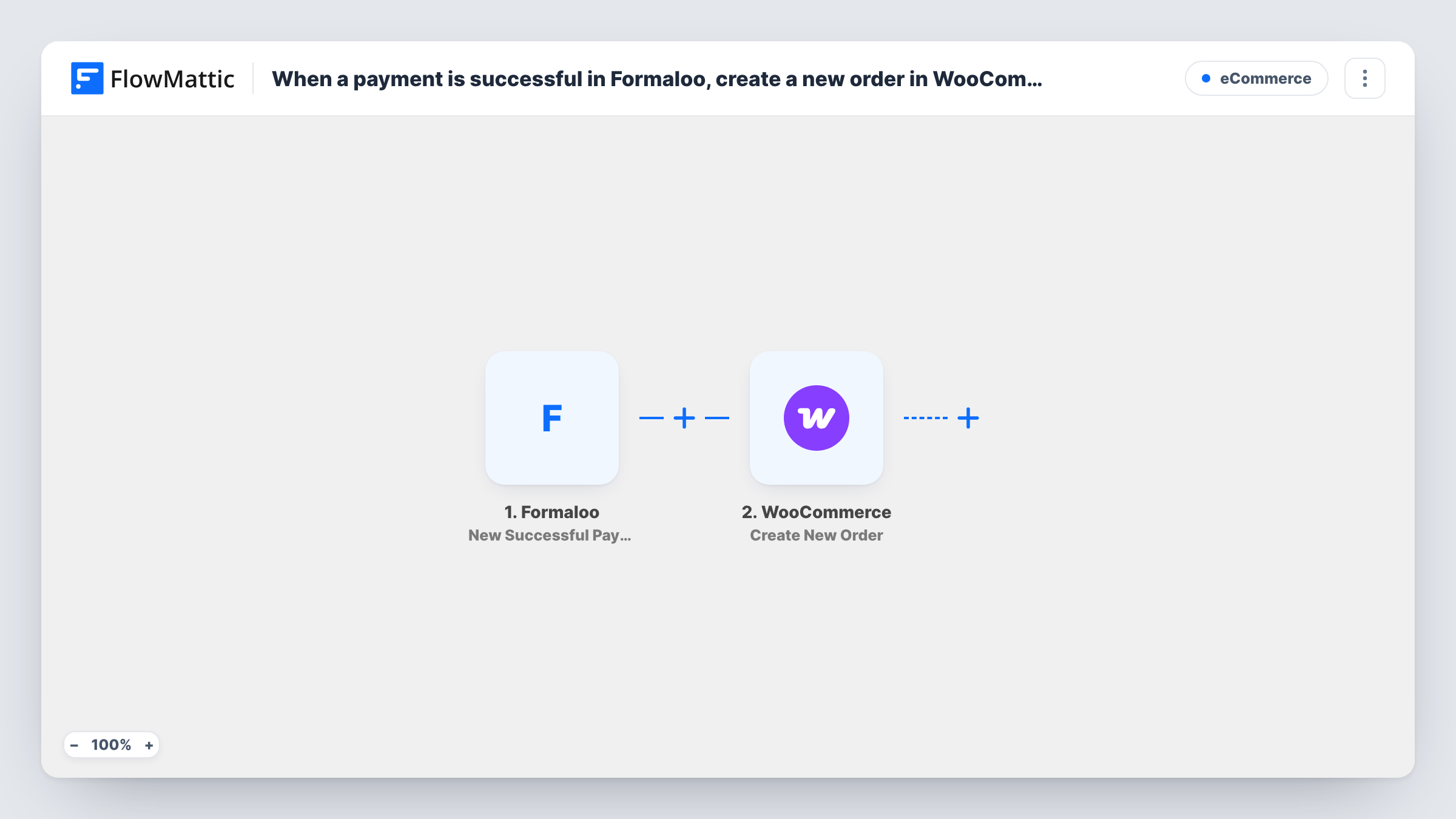
What this workflow does
Formaloo forms can take payments, which is handy for order forms, deposits and one-off sales. The catch is that those sales live in Formaloo, while your stock, shipping and reports live in WooCommerce. Copying each payment into the store by hand is slow and easy to forget. This workflow turns every successful Formaloo payment into a WooCommerce order.
The Formaloo trigger fires when a new payment succeeds. Failed or abandoned payments don't start a run. FlowMattic passes the payment data to WooCommerce, and the Create New Order step adds an order to your store. You map the buyer's details and what they paid for from the Formaloo data into the order.
The order is created inside WooCommerce on your own site, so it appears in your orders screen like any other. Run a test payment after import to see which fields Formaloo sends, then map them and check the new order before you rely on the workflow.
Order form on a landing page
You sell a limited product through a Formaloo payment form on a campaign page. Each paid submission becomes a WooCommerce order so your packing team works from one list.
Deposits for custom work
Customers pay a deposit through Formaloo for a made-to-order item, and the workflow records it as a WooCommerce order you can update as the job moves on.
Event or workshop tickets
Attendees pay through a Formaloo registration form, and each payment is logged in WooCommerce, keeping ticket income in the same reports as your shop sales.
How this workflow runs
What happens at each step once the workflow is on, and what you need before you import it.
 Formaloo New Successful Payment
Fires when a payment made through a Formaloo form succeeds. Whatever payment data Formaloo sends becomes available for mapping; a test payment shows whether it includes the amount and buyer details.
- WooCommerce Create New Order
Creates a new order in your WooCommerce store. Map the Formaloo buyer details and the product into the order, then use a test payment to check the order looks the way your store expects.
What you need
- FlowMatticCore
- Formaloo AccountAccount
- WooCommerce PluginPlugin
After importing, map your own data. To keep the template universal, not every step is pre-filled. Open each step in the builder and connect your accounts and fields (channels, lists, sheets, recipients) before you switch the workflow on.
Make it yours
Changes worth making after you import it.
- Create a matching product in WooCommerce for each item you sell through Formaloo, so the orders this workflow creates point at real products in your catalogue.
- Add a Filter after the trigger if one Formaloo account takes payments for several things and only some of them belong in your store.
- After the WooCommerce step, add an email step that sends your team the new order details, so someone knows to pick and pack it.
Questions about this workflow
Do failed Formaloo payments create WooCommerce orders?
No. The trigger is New Successful Payment, so a run starts only when a Formaloo payment goes through.
Does the new WooCommerce order charge the Formaloo buyer a second time?
No. The workflow only creates an order record in WooCommerce. The payment was already collected through Formaloo, and no payment step runs in your store.
What happens if the same buyer pays twice in Formaloo?
Each successful payment is its own trigger event, so each one creates a separate WooCommerce order.
Which Formaloo forms does this cover?
Check the trigger settings after import to see whether it asks for a form. If payments from several forms reach it, add a Filter on a value from the payment data so only one form's payments become orders.
More E-Commerce workflows
Other ready-to-import templates from the same category.




Import this workflow into your WordPress site
Download the JSON, import it from the Workflows screen and connect your accounts. Every run stays on your server, with no per-task fees.
30-day money-back guarantee Unlimited workflows and runs Self-hosted