

When a template is exported from Stripo, automatically upload the template file to Google Drive
Each time you export an email template from Stripo, this workflow uploads the exported file to a folder in Google Drive, so your designs are stored outside the editor.
 Stripo
 Google Drive
2 steps Setup ~5 min Used on 1.9k sites Free to import
What this workflow does
Email designs built in Stripo are often needed elsewhere: by a developer, a client or a colleague who doesn't use Stripo. Downloading each export and dragging it into a shared folder is easy to forget. This workflow sends the export to Google Drive for you.
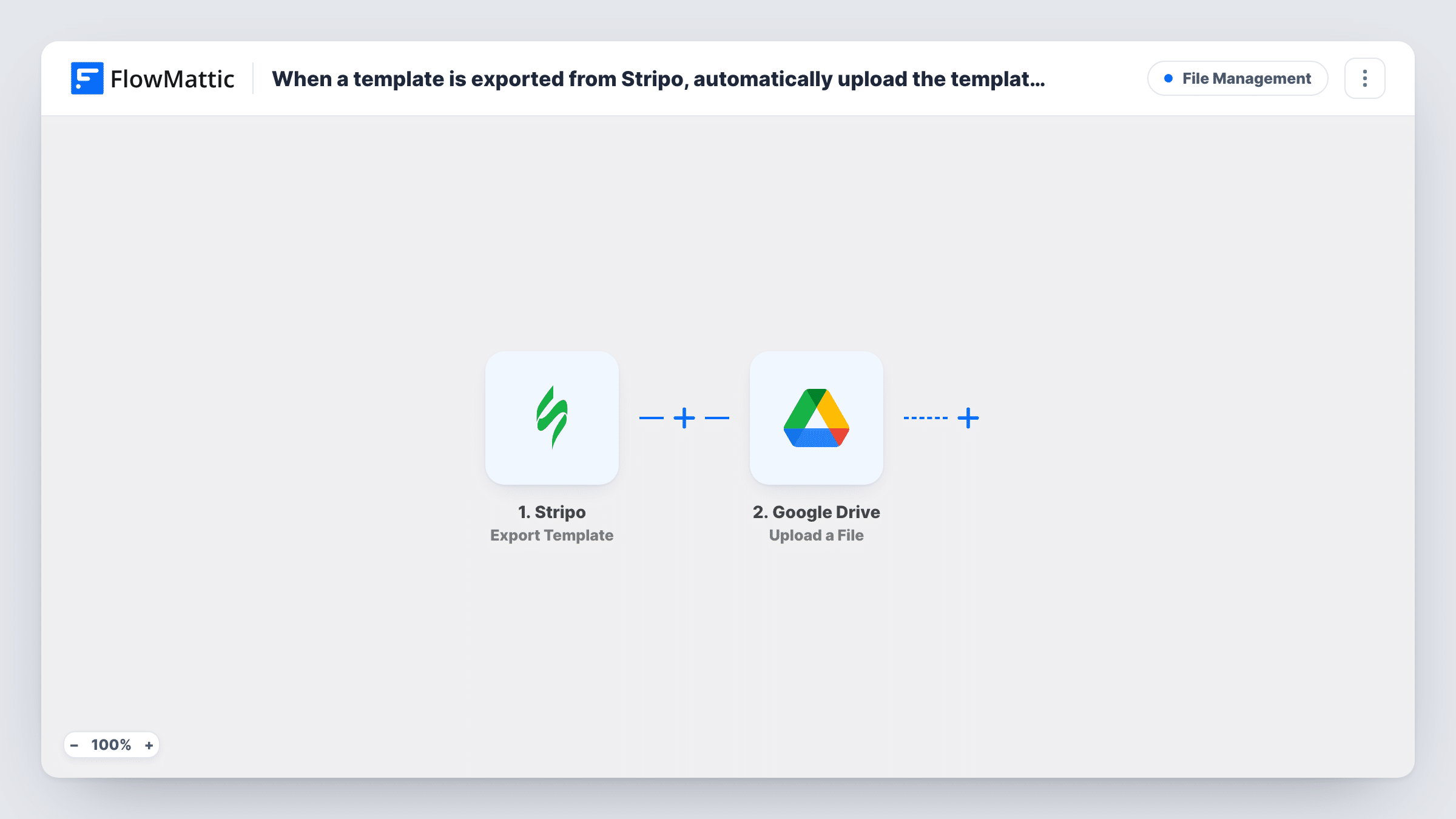
The Stripo trigger fires when you export a template from Stripo. FlowMattic receives the export data and passes it to Google Drive, whose Upload a File action places a file in the folder you select. You map the exported file or its link from the Stripo data into the upload step.
What you can upload depends on what the export sends. Export a test template after import and look at the data in FlowMattic to find the file URL or content. Every export runs the upload once, so exporting the same template twice adds two files. Task History shows each upload and any error from Google Drive.
Handing designs to a developer
A designer exports a newsletter from Stripo. The file lands in a shared Drive folder where the developer picks it up for the email platform.
Client approval folders
An agency exports each client's campaign template. The client reviews the file in a Google Drive folder they already have access to.
Version history of a template
Each export of the monthly newsletter is kept in Drive, giving the team a dated record of how the design changed.
How this workflow runs
What happens at each step once the workflow is on, and what you need before you import it.
 Stripo Export Template
Starts a run each time a Stripo template is exported. The export data, which may include the file or a link to it, becomes available to the Google Drive step.
- Google Drive Upload a File
Places the exported file in a Google Drive folder of your choice. Map the template file or its link from the Stripo data, and a file name if the step offers one.
What you need
- FlowMatticCore
- Stripo AccountAccount
- Google Drive AccountAccount
After importing, map your own data. To keep the template universal, not every step is pre-filled. Open each step in the builder and connect your accounts and fields (channels, lists, sheets, recipients) before you switch the workflow on.
Make it yours
Changes worth making after you import it.
- Put the export date in the file name, if the step takes a name and a date value is available, so repeat exports of one template don't look identical in Drive.
- Add a Slack or email step after the upload to tell the person who reviews templates, including the file's link if the upload result shows one.
- Export one test template right after import and check the Stripo data in FlowMattic. Map the file field from that sample, not from a guess.
Questions about this workflow
Which Stripo exports start the workflow?
Exports from the Stripo account connected to the trigger. Set up the trigger in FlowMattic and follow its instructions so Stripo sends export events to it.
What happens if I export the same Stripo template again?
Each export runs the workflow, so Google Drive gets another file. Add the date to the file name to tell versions apart.
Does the workflow change anything in Stripo?
No. It only reacts to exports and uploads to Google Drive. Your templates in Stripo stay as they are.
Can I send the file somewhere other than Google Drive?
Yes. Replace the Google Drive step with another storage app's upload action and map the same file data from Stripo.
More File Management workflows
Other ready-to-import templates from the same category.



Import this workflow into your WordPress site
Download the JSON, import it from the Workflows screen and connect your accounts. Every run stays on your server, with no per-task fees.
30-day money-back guarantee Unlimited workflows and runs Self-hosted