

When a template is exported from Stripo, create a contact in FluentCRM with template details
Each time a template is exported from Stripo, this workflow creates or updates a FluentCRM contact and stores the template details you map on that contact record in your WordPress CRM.
 Stripo
 FluentCRM
2 steps Setup ~5 min Used on 1.1k sites Free to import
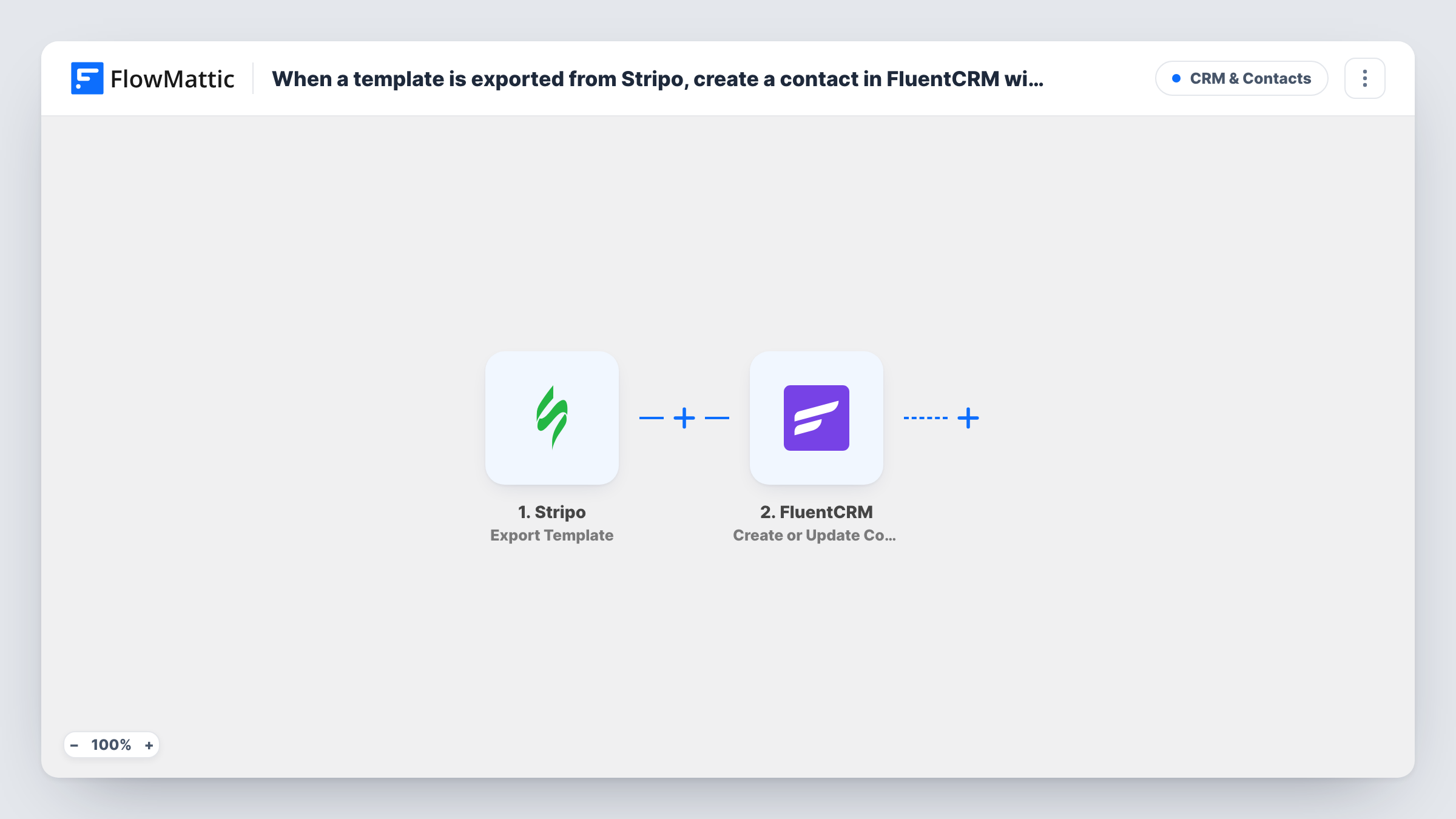
What this workflow does
Agencies and in-house teams that design emails in Stripo often need a record of what was exported and for whom. Keeping that record by hand means copying template names into a CRM after every export. This workflow writes it into FluentCRM for you, on your own WordPress site.
The Stripo trigger fires when a template is exported from Stripo. FlowMattic receives the export data and hands it to FluentCRM, whose Create or Update Contact action matches contacts by email address. If a contact with that email exists, it is updated. If not, a new contact is created. You choose which contact fields hold the template details from the export.
FluentCRM needs an email address for every contact. Run a test export after import to see exactly what Stripo sends. If the export carries an email you want to use, map it. If it doesn't, type a fixed address, such as the client's, into the email field so every export lands on that one contact.
Agency record of client deliverables
An agency working for one client sets that client's email on the step. Each time a designer exports a newsletter from Stripo, the client's FluentCRM contact is updated with the template details, so account managers see the latest delivery on the contact.
Logging which designer exported what
If the Stripo export data includes the email of the person who exported, map it, and each designer's FluentCRM contact shows the template they exported last.
How this workflow runs
What happens at each step once the workflow is on, and what you need before you import it.
 Stripo Export Template
Fires whenever a template is exported from Stripo. The export data Stripo sends becomes available for mapping, so check a test export to see which template details arrive.
- FluentCRM Create or Update Contact
Creates a FluentCRM contact, or updates the existing one when the email address already exists. Map an email address and the Stripo template details into the contact fields you want to fill.
What you need
- FlowMatticCore
- Stripo AccountAccount
- FluentCRM PluginPlugin
After importing, map your own data. To keep the template universal, not every step is pre-filled. Open each step in the builder and connect your accounts and fields (channels, lists, sheets, recipients) before you switch the workflow on.
Make it yours
Changes worth making after you import it.
- If you want the template details on their own field, create a FluentCRM custom field first, then check after a test run whether the contact step lists it for mapping.
- To update the contact only for some exports, add a Filter after the trigger that checks a value from the Stripo export data, so other exports end the run there.
- Export a test template from Stripo right after import. FlowMattic records the payload in Task History, and you can then map the real fields.
Questions about this workflow
Which email address does the FluentCRM contact get?
The one you map. Check a Stripo test export for an address you can use. If none comes through, enter a fixed email so each export updates the same FluentCRM contact.
Will a second Stripo export create a duplicate contact?
No. Create or Update Contact matches by email address, so an export that maps to an existing email updates that contact instead of adding a new one.
Do I need anything installed besides FluentCRM?
FluentCRM must be active on the same WordPress site as FlowMattic, and you need a Stripo account that you connect to the trigger.
Does it fire when a Stripo template is saved but not exported?
No. The trigger is Stripo's Export Template event, so saving or editing a template in the editor does not start a run.
More CRM & Contacts workflows
Other ready-to-import templates from the same category.







Import this workflow into your WordPress site
Download the JSON, import it from the Workflows screen and connect your accounts. Every run stays on your server, with no per-task fees.
30-day money-back guarantee Unlimited workflows and runs Self-hosted