

When a user submits a form in Formsite, create a new lead in HubSpot
Every result submitted to your Formsite form is created as a contact in HubSpot CRM, carrying the name, email and other answers you map, so sales can follow up from HubSpot.
 Formsite
 HubSpot CRM
2 steps Setup ~5 min Used on 3.0k sites Free to import
What this workflow does
Formsite is good at collecting answers, but your sales team works in HubSpot. If someone has to download Formsite results and import them, leads sit for days before anyone calls. This workflow creates a HubSpot contact from each Formsite result as it comes in.
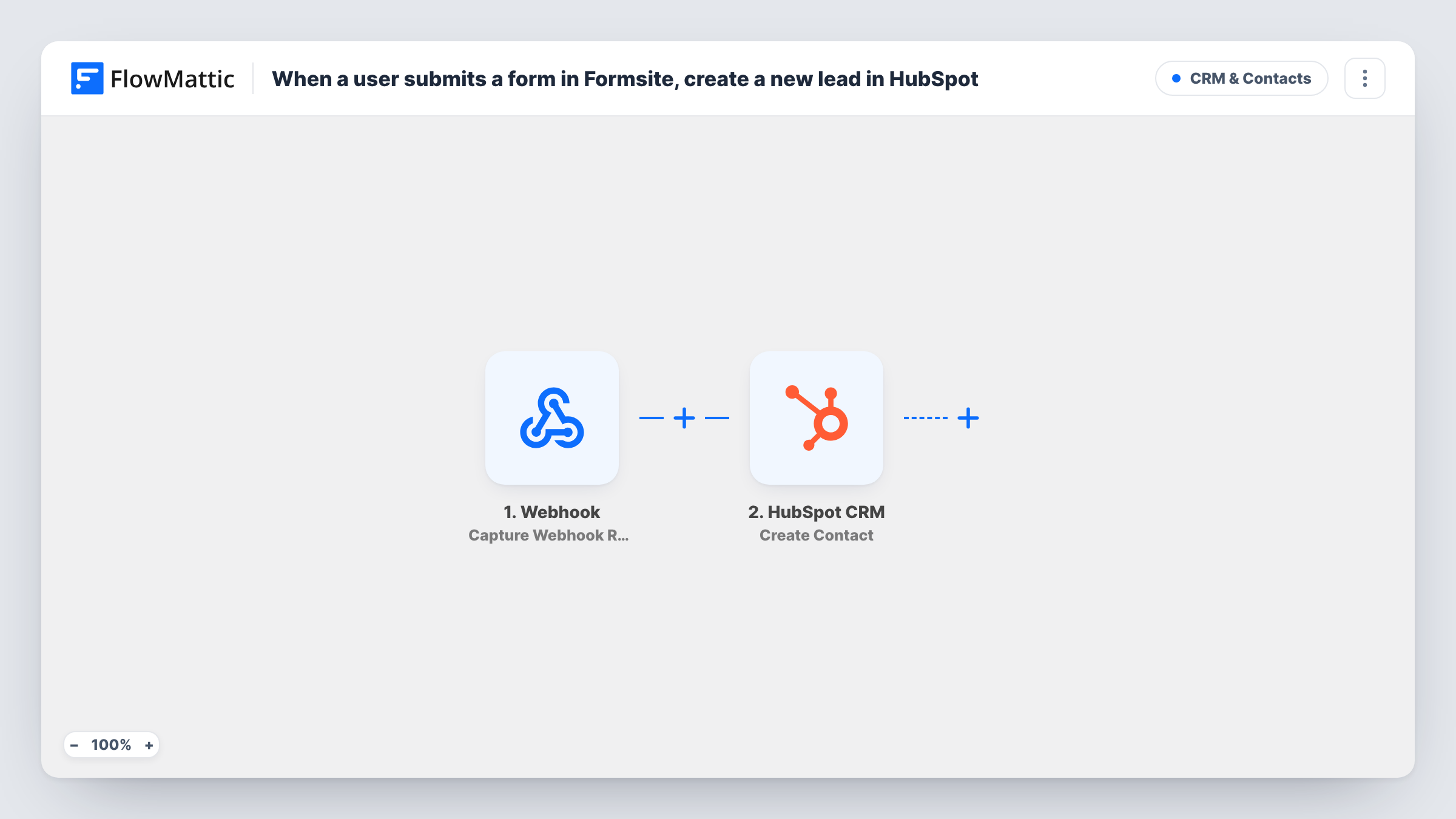
The Formsite New Form Result trigger fires when a person submits your form. FlowMattic receives the answers from that result, and a test submission shows the field names Formsite sends for your form.
The HubSpot CRM Create Contact step then adds the person to your CRM. The step is empty when you import it: connect HubSpot and map the Formsite answers into the contact, at least the email address, plus the name, phone or company if your form asks for them.
This HubSpot action adds new records and never edits existing ones. HubSpot may refuse a second contact with an email it already has, so a repeat submitter may not appear twice, and the run's entry in Task History holds HubSpot's reply. Every result your form receives starts a run, including test entries you send yourself.
Quote requests straight into the CRM
A contractor's Formsite quote form creates a HubSpot contact for each request, so the estimator sees the new lead in HubSpot the same morning.
Event registrations as HubSpot contacts
A training company registers attendees through Formsite and keeps each one as a HubSpot contact for post-event follow-up.
Survey respondents who left an email
A product team runs a Formsite feedback survey with an optional email field, and every respondent who fills it in becomes a contact sales can reach.
How this workflow runs
What happens at each step once the workflow is on, and what you need before you import it.
 Formsite New Form Result
Fires each time someone submits a new result to your Formsite form. The answers from that result are handed to the HubSpot step; send a test entry to see your form's field names.
- HubSpot CRM Create Contact
Adds the Formsite submitter to HubSpot CRM as a new contact. Nothing is mapped on import, so connect your HubSpot account and map the Formsite answers into the contact, starting with the email address.
What you need
- FlowMatticCore
- Formsite AccountAccount
- HubSpot CRM AccountAccount
After importing, map your own data. To keep the template universal, not every step is pre-filled. Open each step in the builder and connect your accounts and fields (channels, lists, sheets, recipients) before you switch the workflow on.
Make it yours
Changes worth making after you import it.
- If your form makes the email optional, put a Filter between the Formsite trigger and the HubSpot step that continues only when the email answer is not empty. Choose your own form's email field.
- Map a hidden or fixed value, such as the form's name, into a contact property you use for lead source, so you can see which Formsite form each contact came from.
- To tell sales about each new contact, add a Gmail or Slack step after the HubSpot step and map the person's name and email from the Formsite result into the message.
Questions about this workflow
What if a Formsite submitter is already a HubSpot contact?
Create Contact won't touch the contact HubSpot already holds. HubSpot may refuse a duplicate email, so that run won't add a new contact. Check Task History for HubSpot's response when you test with an existing contact's email.
Is a HubSpot lead the same as the contact this creates?
The workflow creates a HubSpot contact, which is the record your team follows up as a lead. Set the lifecycle stage or lead status in HubSpot if your process uses them.
Will results submitted before I import this reach HubSpot?
No. Only results that arrive after the workflow is switched on start a run. Export older Formsite results and import them into HubSpot separately.
Which Formsite answers end up on the HubSpot contact?
Only the ones you map into the Create Contact step. Submit a test result first, then match each Formsite answer to the HubSpot contact property it belongs in.
More CRM & Contacts workflows
Other ready-to-import templates from the same category.






Import this workflow into your WordPress site
Download the JSON, import it from the Workflows screen and connect your accounts. Every run stays on your server, with no per-task fees.
30-day money-back guarantee Unlimited workflows and runs Self-hosted