

When new form submitted in Kadence Forms, create contact in Autonami, and add form submission to Google Sheets
Each Kadence Forms submission creates a contact in FunnelKit Automations (Autonami) and then adds the same answers to a Google Sheets row, so the lead is ready for email automations and also on record in a spreadsheet.
 Kadence Forms
 Autonami
 Google Sheets
3 steps Setup ~5 min Used on 1.6k sites Free to import
What this workflow does
A form on a Kadence-built site collects the lead, but the lead is only useful once it's in your marketing automations. Many teams also want a plain spreadsheet record they can share. This workflow does both from each submission.
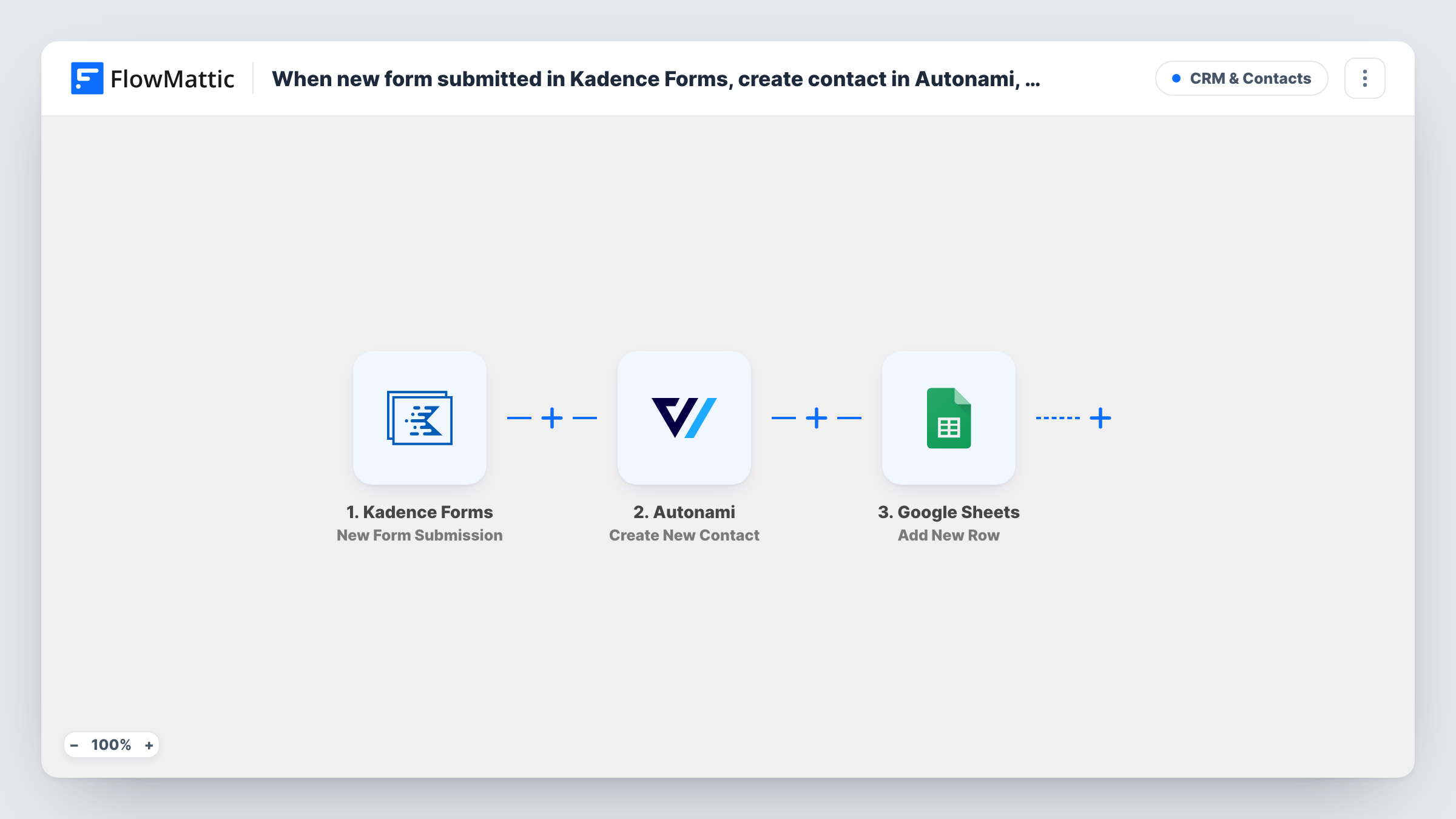
When a visitor submits a Kadence Forms form, FlowMattic picks up the answers. The Autonami step, Create New Contact, adds the person to FunnelKit Automations using the email and name fields you map. After that, Google Sheets gets a new row with the submission, in the columns you choose.
Both the form plugin and FunnelKit Automations run on your WordPress site, so the contact is created locally; only the sheet step sends data out. If Autonami returns an error for any reason, the sheet row is still added. Task History shows the response from each step.
Free consultation requests
Visitors book a free consultation through a Kadence form. They become FunnelKit contacts for your welcome automation, and the sheet gives the team a call list.
Webinar sign-ups on a Kadence landing page
Each registrant is added to FunnelKit Automations for reminder emails, and the sheet is the attendee list you share with the host.
Wholesale enquiry forms
A store's wholesale form adds each enquirer as a contact and logs company details in a sheet the sales team reviews weekly.
How this workflow runs
What happens at each step once the workflow is on, and what you need before you import it.
 Kadence Forms New Form Submission
Runs when a visitor submits a Kadence Forms form on your site. All submitted fields are available to map in the Autonami and Google Sheets steps.
- Autonami Create New Contact
Adds the submitter to FunnelKit Automations (Autonami) as a new contact. Map the form's email field and any name fields; then test with an address that isn't in Autonami yet.
- Google Sheets Add New Row
Writes the submission to a new row in the Google Sheets spreadsheet you pick. Map each form field to a column and connect your Google account.
What you need
- FlowMatticCore
- Kadence Forms PluginPlugin
- FunnelKit Automations ( Autonami ) PluginPlugin
- Google Sheets AccountAccount
After importing, map your own data. To keep the template universal, not every step is pre-filled. Open each step in the builder and connect your accounts and fields (channels, lists, sheets, recipients) before you switch the workflow on.
Make it yours
Changes worth making after you import it.
- Make the email field required in the Kadence form, so the Autonami step always has an address to create the contact with.
- To tag or list new contacts, add Autonami's Add Tags to Contact or Add Lists to Contact after the create step, so the contact already exists when they run.
- Submit the form once after import so FlowMattic captures the Kadence fields, then finish the mapping in both action steps.
Questions about this workflow
What if the Kadence Forms submitter is already a FunnelKit contact?
The step is Create New Contact, so it's meant for new people. Test with an existing address to see how Autonami responds in Task History. The Google Sheets row is added either way.
Do I need FunnelKit Automations on the same site as Kadence Forms?
Yes. Kadence Forms and FunnelKit Automations (Autonami) are WordPress plugins, so both must run on the site where FlowMattic is installed.
Does a Kadence Forms submission without an email still reach the sheet?
Yes. The Google Sheets step runs even if the Autonami step can't create a contact, so the submission is still recorded.
More CRM & Contacts workflows
Other ready-to-import templates from the same category.





Import this workflow into your WordPress site
Download the JSON, import it from the Workflows screen and connect your accounts. Every run stays on your server, with no per-task fees.
30-day money-back guarantee Unlimited workflows and runs Self-hosted