

When a Viterbit application is disqualified, find the Airtable row and post to Slack
When an application is disqualified in Viterbit, FlowMattic searches your Airtable base for the candidate’s record and posts a Slack message with the details your team needs.
 Viterbit
 Airtable
 Slack
Slack3 steps Setup ~5 min Used on 1.1k sites Productivity Free to import
What this workflow does
Recruiting teams often track candidates in two places: the applicant tracking system for the hiring process, and an Airtable base for sourcing notes, referrals or talent pools. When a candidate is disqualified, the people who work from Airtable and Slack may not hear about it. This workflow tells them, with the matching Airtable record in hand.
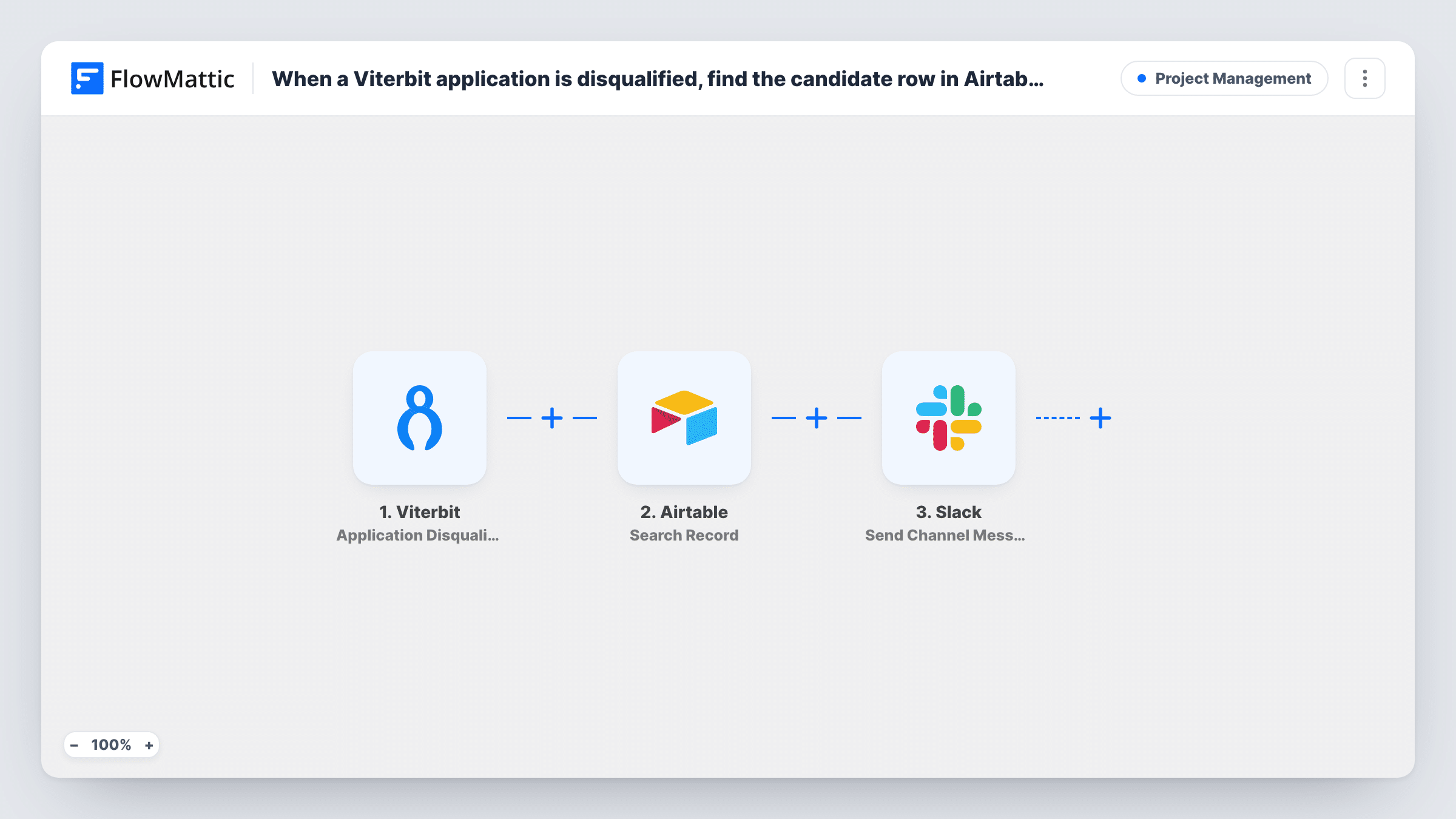
The Viterbit Application Disqualified trigger fires when an application is disqualified and passes the application and candidate details. The Airtable Search Record step then looks for records using a filter formula, for example one that matches the candidate's email address. Finally, a Slack Send Channel Message step posts to the channel you pick.
All three steps ship unmapped. After import, connect Viterbit and disqualify a test application, then choose your base and table and write the search formula with a value from the trigger. In the Slack step, write the message and map fields from Viterbit and from the Airtable result, such as the candidate's name, the role and a note from their record.
The workflow only reads Airtable. It doesn't change the candidate's record, so if you want the row marked as disqualified, add a step for that.
Talent pool follow-up
A recruiter keeps promising candidates in an Airtable talent pool, and the Slack alert tells her when one is disqualified for a role so she can consider them for another.
Referral updates for employees
A company tracks employee referrals in Airtable, and the hiring channel hears when a referred candidate is disqualified so someone can update the referrer.
Agency client reporting
A recruitment agency posts disqualifications to a client's Slack channel, including the source noted in its Airtable sourcing log.
How this workflow runs
What happens at each step once the workflow is on, and what you need before you import it.
 Viterbit Application Disqualified
Fires when an application is disqualified in Viterbit. The application and candidate details, such as name, email and the role applied for, are passed on.
- Airtable Search Record
Searches your Airtable table for records with a filter formula. The step ships unmapped: pick the base and table and write a formula that matches the candidate, for example by email.
- Slack Send Channel Message
Sends the disqualification alert into a Slack channel you pick. Write the text and map the candidate's details from Viterbit and any fields from the Airtable record the search returned.
What you need
- FlowMatticCore
- Viterbit AccountAccount
- Airtable AccountAccount
- Slack AccountAccount
After importing, map your own data. To keep the template universal, not every step is pre-filled. Open each step in the builder and connect your accounts and fields (channels, lists, sheets, recipients) before you switch the workflow on.
Make it yours
Changes worth making after you import it.
- Search Airtable on the candidate's email rather than their name, since names can be spelled differently between the two systems.
- To mark the candidate as disqualified in Airtable too, add an Airtable Update Record step after the search and map the record ID it returns.
- If some candidates aren't in Airtable at all, put a Filter between the Airtable step and the Slack step that continues only when the search found a record. Check a test run for what an empty search returns.
Questions about this workflow
What if the Viterbit candidate isn't in my Airtable base?
The search finds no record and the Slack message has no Airtable values to show. Test with a candidate who isn't in the base to see what the step returns, then add a Filter between the Airtable step and the Slack step if you want to skip those.
Does this workflow update the candidate's Airtable record?
No. Search Record only reads. Add Airtable's Update Record step after it, mapping the record ID from the search, to write a status or date back.
Can the Slack message go to a private recruiting channel?
The step as imported targets an ordinary channel. For a private recruiting channel, replace it with Send Private Channel Message, another action in FlowMattic's Slack integration.
Does it run for applications that were disqualified before I turned it on?
No. Only disqualifications that happen while the workflow is active start a run.
More Project Management workflows
Other ready-to-import templates from the same category.






Import this workflow into your WordPress site
Download the JSON, import it from the Workflows screen and connect your accounts. Every run stays on your server, with no per-task fees.
30-day money-back guarantee Unlimited workflows and runs Self-hosted