

Create a ClickUp task for each new Instabug bug report
Each new report filed through Instabug becomes a task in ClickUp, carrying the details you map, so your developers pick up reports from the board they already work in.
 Instabug
 ClickUp
2 steps Setup ~5 min Used on 2.2k sites Productivity Free to import
What this workflow does
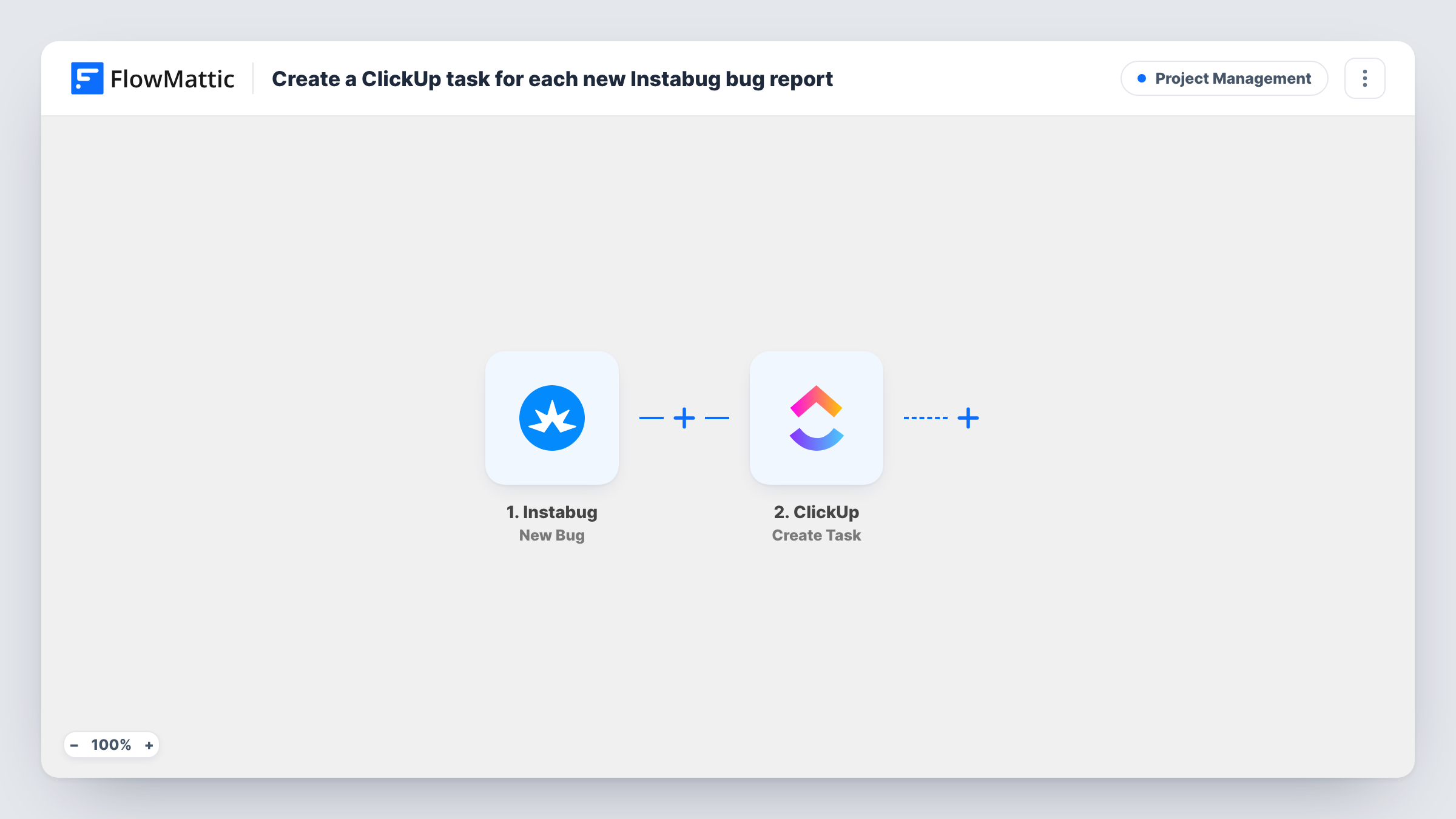
Instabug collects reports from inside your mobile app, but your developers plan their work in ClickUp. Someone has to copy each report across, and some get missed. This workflow creates the task as soon as a report comes in.
The Instabug trigger, New Bug, fires when a new bug, improvement or question is reported. FlowMattic passes the report data to ClickUp, which creates a task. You choose where the task goes and map report fields, such as the title and description, into it.
Note that the trigger covers all three report types, not only bugs. As imported, suggestions and questions also become ClickUp tasks. If you want bugs only, add a Filter on the report type after the trigger. Run a test report after import to see the fields Instabug sends, and use Task History to check each run.
Beta testers reporting from a test build
Testers shake their phones to file reports during a beta. Each one lands in the ClickUp list the team triages every morning.
A small team with no separate tracker
Two developers run their whole roadmap in ClickUp. Reports from the live app appear there as tasks, next to planned work.
Product suggestions to a backlog
Because improvement reports also fire the trigger, a product manager can route them to a backlog list with a Router and keep bugs in the dev list.
How this workflow runs
What happens at each step once the workflow is on, and what you need before you import it.
 Instabug New Bug
Runs when a new bug, improvement or question is reported through Instabug. The report data is passed on to ClickUp.
- ClickUp Create Task
Creates a task in ClickUp for each Instabug report. Connect your ClickUp account, pick where the task goes, and map report fields into its name and description.
What you need
- FlowMatticCore
- Instabug AccountAccount
- ClickUp AccountAccount
After importing, map your own data. To keep the template universal, not every step is pre-filled. Open each step in the builder and connect your accounts and fields (channels, lists, sheets, recipients) before you switch the workflow on.
Make it yours
Changes worth making after you import it.
- To create tasks for bugs only, add a Filter after the Instabug trigger on the report type field. A test report shows the exact value Instabug sends for a bug.
- Use a Router to send bugs, improvements and questions to different ClickUp lists. Each route checks the report type for a different value, so one report follows one route.
- Map a link back to the report in Instabug into the task description, if the trigger data includes one, so developers can open the full report with its logs.
Questions about this workflow
Do Instabug improvements and questions create ClickUp tasks too?
Yes, as imported. The New Bug trigger fires for bugs, improvements and questions. Add a Filter on the report type to keep only bugs.
Are screenshots from the Instabug report added to the ClickUp task?
Not as an attachment. You can map any link the trigger data carries into the task description. Check a test report to see what Instabug sends.
Will closing the ClickUp task update Instabug?
No. The workflow only runs one way, from a new Instabug report to a new ClickUp task.
Does the same Instabug report create more than one task?
Each new report starts one run and one task. Updates to an existing report don't fire the New Bug trigger.
More Project Management workflows
Other ready-to-import templates from the same category.



Import this workflow into your WordPress site
Download the JSON, import it from the Workflows screen and connect your accounts. Every run stays on your server, with no per-task fees.
30-day money-back guarantee Unlimited workflows and runs Self-hosted