

When an airfocus date range field changes, create a Monday.com item, then notify the product team in Slack
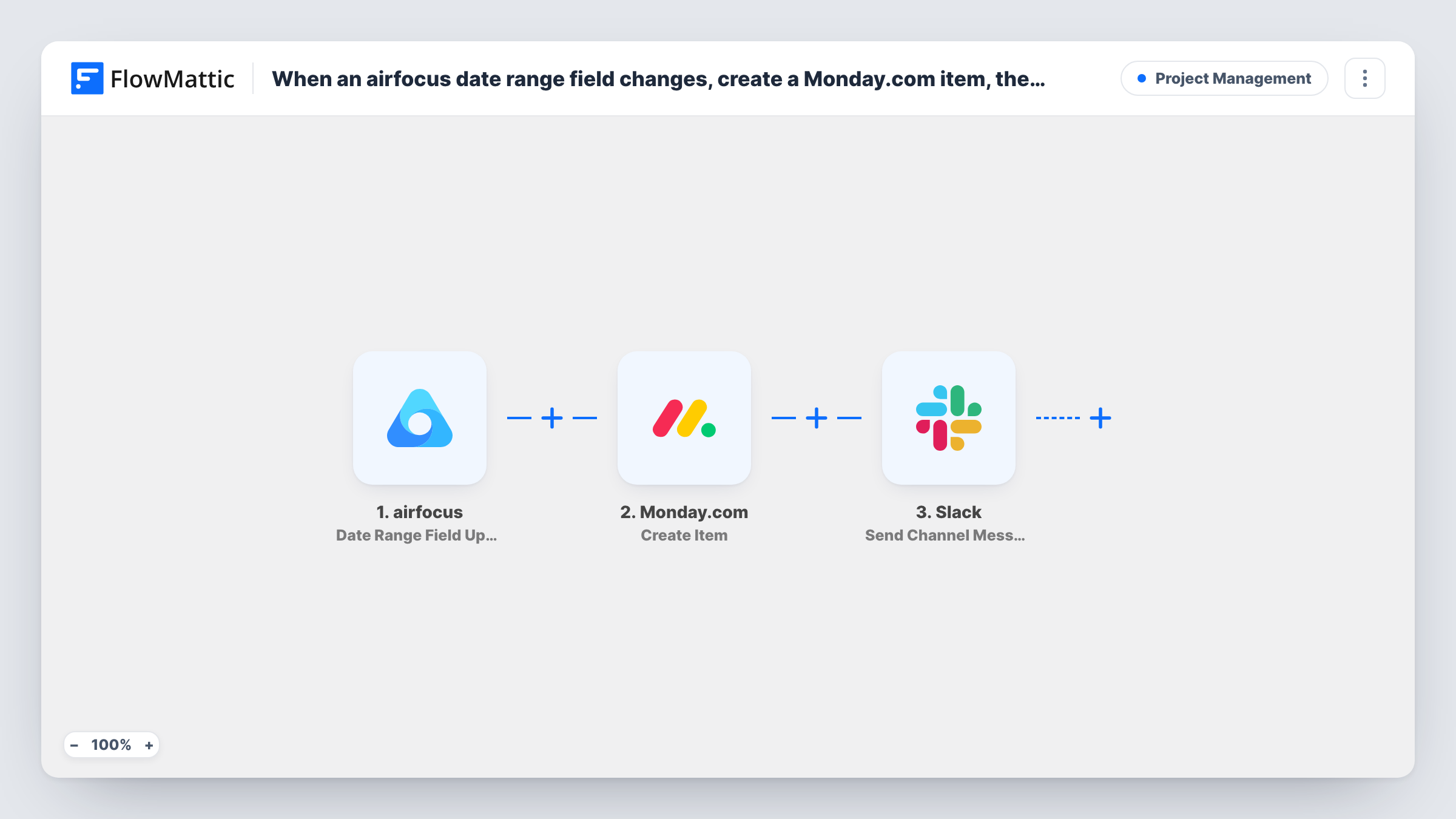
When a date range field changes on an airfocus item, FlowMattic creates a new item on a Monday.com board and posts a message to a Slack channel, so delivery teams and the product team hear about the new dates.
 airfocus
 Monday.com
 Slack
Slack3 steps Setup ~5 min Used on 3.3k sites Productivity Free to import
What this workflow does
Product managers move dates in airfocus as plans shift, but the people who deliver the work often track tasks in Monday.com and talk in Slack. This workflow carries each date change across, so nobody has to repeat it by hand.
The trigger fires when a date range field is updated in airfocus. FlowMattic then creates a new item on a board in Monday.com, with the airfocus details you map into it, such as the item name and the new start and end dates. Last, a message goes to the Slack channel you pick, and it can include values from both the airfocus change and the new Monday.com item.
Know that every date change creates another Monday.com item. The template does not look for an item made earlier and update it, so an airfocus item whose dates move three times produces three Monday.com items and three Slack posts. That suits a log of changes; if you want one item per roadmap entry, plan to adjust the flow. Task History shows each run and what every step sent.
Roadmap date changes as delivery tasks
A release slips by two weeks in airfocus. A new Monday.com item carrying the revised dates appears on the delivery board, ready for the team to plan around.
A Slack heads-up for the product channel
Each time someone edits a timeline in airfocus, the product channel gets a short post naming the item and its new date range.
A board that records every reschedule
Because each change makes its own Monday.com item, the board doubles as a history of how often and when roadmap dates moved.
How this workflow runs
What happens at each step once the workflow is on, and what you need before you import it.
 airfocus Date Range Field Updated
Fires when a date range field is updated on an item in airfocus. The changed item's details, including the new dates, become data you can map into the next two steps.
- Monday.com Create Item
Adds an item to a Monday.com board for this date change. Map the airfocus item's name and dates into it. A new item is made on every run; existing items are not updated.
- Slack Send Channel Message
Sends the product team a Slack post in the channel set on this step. Write the text and map in values such as the airfocus item name, the new dates and details of the Monday.com item just created.
What you need
- FlowMatticCore
- airfocus AccountAccount
- Monday.com AccountAccount
- Slack AccountAccount
After importing, map your own data. To keep the template universal, not every step is pre-filled. Open each step in the builder and connect your accounts and fields (channels, lists, sheets, recipients) before you switch the workflow on.
Make it yours
Changes worth making after you import it.
- Add a Filter after the airfocus trigger so only certain items continue, based on any value the airfocus trigger returns, keeping the board and channel focused on the items you care about.
- Put a link to the airfocus item in the Slack message if the trigger returns one, so readers can open the roadmap entry in a single click.
- Change a date on a test item after import, then map the fields FlowMattic captured into the Monday.com and Slack steps before you turn the workflow on.
Questions about this workflow
Does the Monday.com item update when the airfocus dates change again?
No. Each date change creates a new Monday.com item. The template has no step that finds and updates an earlier item.
Which airfocus changes start this workflow?
Only updates to a date range field. Changes to other fields on the airfocus item do not trigger it.
Can the Slack message go to a private channel?
The step posts to the channel you choose when you set it up. For a private channel, make sure the connected Slack account can post there, then send a test run.
Do I need accounts for airfocus, Monday.com and Slack?
Yes. You connect all three when you import the workflow. FlowMattic runs it from your WordPress site.
More Project Management workflows
Other ready-to-import templates from the same category.






Import this workflow into your WordPress site
Download the JSON, import it from the Workflows screen and connect your accounts. Every run stays on your server, with no per-task fees.
30-day money-back guarantee Unlimited workflows and runs Self-hosted