

When an envelope is sent in Signable, log the activity in Notion
Each time an envelope is sent in Signable, FlowMattic adds an item to a Notion database, so you keep a searchable log of the documents that went out for signature alongside the rest of your team’s notes.
 Signable
 Notion
2 steps Setup ~5 min Used on 2.3k sites Free to import
What this workflow does
Signable tracks your envelopes, but your team may run its client work, deal notes and admin in Notion. Keeping a record there of what went out for signing, and when, usually means copying details by hand. This workflow writes that record for you each time an envelope is sent.
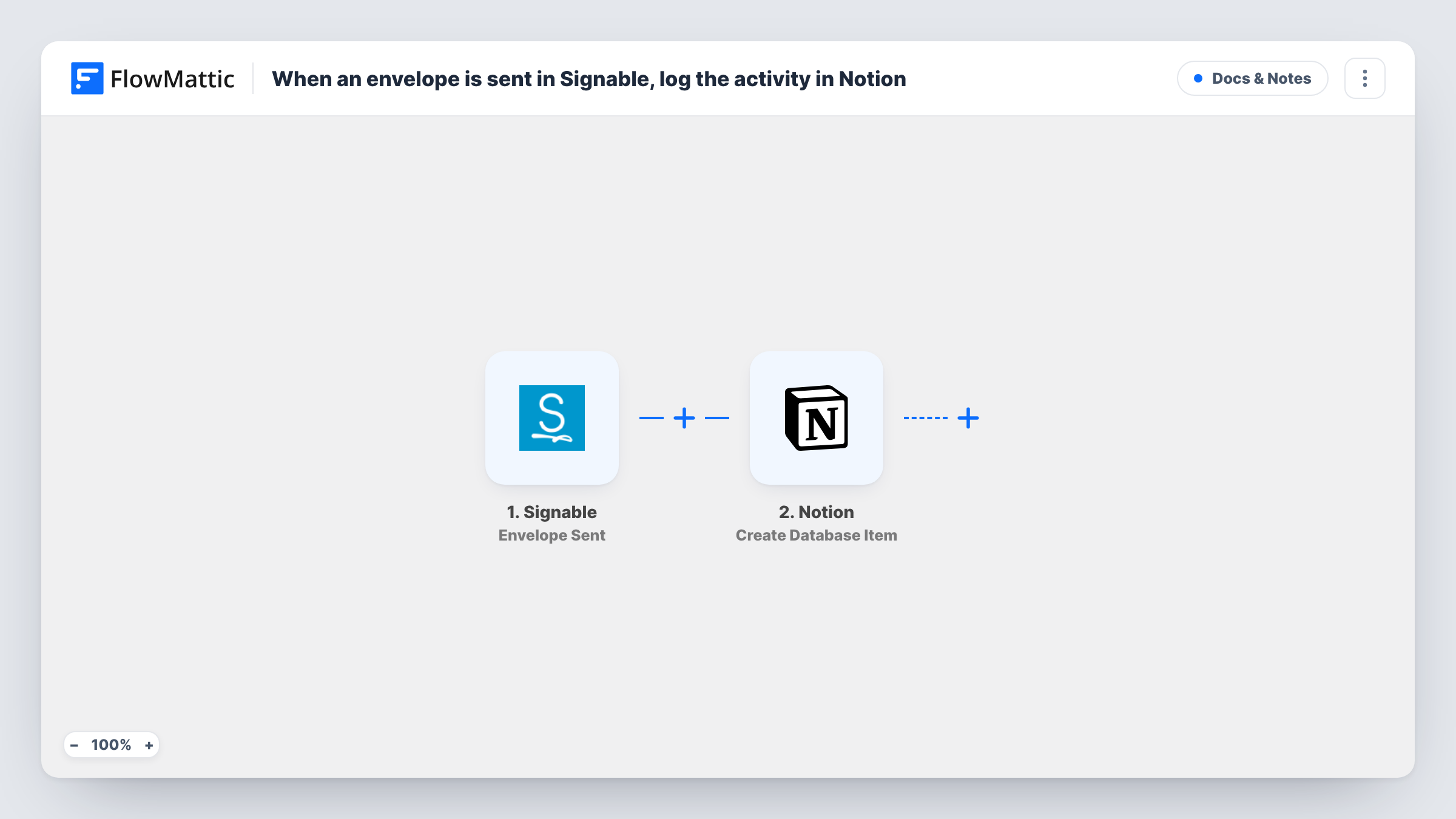
The Signable trigger, Envelope Sent, fires when an envelope is sent. FlowMattic receives the envelope's details, such as its title and the parties, and makes them available to map. The Notion step then runs Create Database Item, which adds an item to the database you choose, with each value placed in a property you map it to.
The log records sending only. When a party opens, signs or rejects the envelope, nothing changes in Notion, because this workflow neither watches those events nor edits items. Signable has separate triggers for them if you want to track more. Every sent envelope's run, and what Notion returned, can be checked in Task History.
Agency logging sent contracts
Account managers send client contracts through Signable. Each one appears as an item in the agency's Notion contracts database, ready for notes.
HR keeping an offer letter record
HR sends offer letters with Signable. The Notion database lists every letter sent, with the candidate's name and the date, for the hiring team to check.
Letting agent tracking tenancy agreements
Each tenancy agreement sent for signing becomes a Notion item. The team can see which properties have paperwork out without logging in to Signable.
How this workflow runs
What happens at each step once the workflow is on, and what you need before you import it.
 Signable Envelope Sent
Fires when an envelope is sent from your Signable account. Send a test envelope after connecting so FlowMattic captures the envelope fields to map.
- Notion Create Database Item
Creates a database item in Notion for the sent envelope. Connect Notion, share the database with the integration, and map Signable values such as the envelope title and party names to properties.
What you need
- FlowMatticCore
- Signable AccountAccount
- Notion AccountAccount
After importing, map your own data. To keep the template universal, not every step is pre-filled. Open each step in the builder and connect your accounts and fields (channels, lists, sheets, recipients) before you switch the workflow on.
Make it yours
Changes worth making after you import it.
- Create the Notion database first, with properties for title, parties and sent date, so each Signable value has a place before you map the step.
- Build a second workflow on Signable's Envelope Signed & Completed trigger that logs completed envelopes to another Notion database, so you can compare sent and finished.
- Add a Filter after the trigger if only some envelopes belong in this log, for example ones whose title contains Contract, based on what a test run shows.
Questions about this workflow
Does the Notion item change when the Signable envelope is signed?
No. The workflow only creates an item when the envelope is sent. Use Signable's signed or completed triggers in another workflow to record those events.
Which Signable envelope details can I store in Notion?
Whatever the Envelope Sent trigger returns. Send a test envelope, then map the captured values to your database's properties.
Are envelopes sent before import logged in Notion?
No. Only envelopes sent after the workflow is switched on start a run. Add older ones to the Notion database yourself.
Why can't the Notion step find my envelope log database?
Notion only lets a connection see the pages and databases shared with it. Share the database with the connection you use in FlowMattic, then open the step again.
More Docs & Notes workflows
Other ready-to-import templates from the same category.






Import this workflow into your WordPress site
Download the JSON, import it from the Workflows screen and connect your accounts. Every run stays on your server, with no per-task fees.
30-day money-back guarantee Unlimited workflows and runs Self-hosted