

When customer replies to a ticket, add the details to Google Sheets
Each time a customer replies to a Fluent Support ticket, this workflow adds the reply’s details to a new Google Sheets row, building a record of customer responses you can sort, count and share outside WordPress.
 Fluent Support
 Google Sheets
2 steps Setup ~5 min Used on 2.7k sites Free to import
What this workflow does
Fluent Support keeps every conversation inside your WordPress dashboard. That works for agents, but managers often want numbers: which tickets go back and forth the most, and when customers write in. A spreadsheet of customer replies gives you that without a dashboard login.
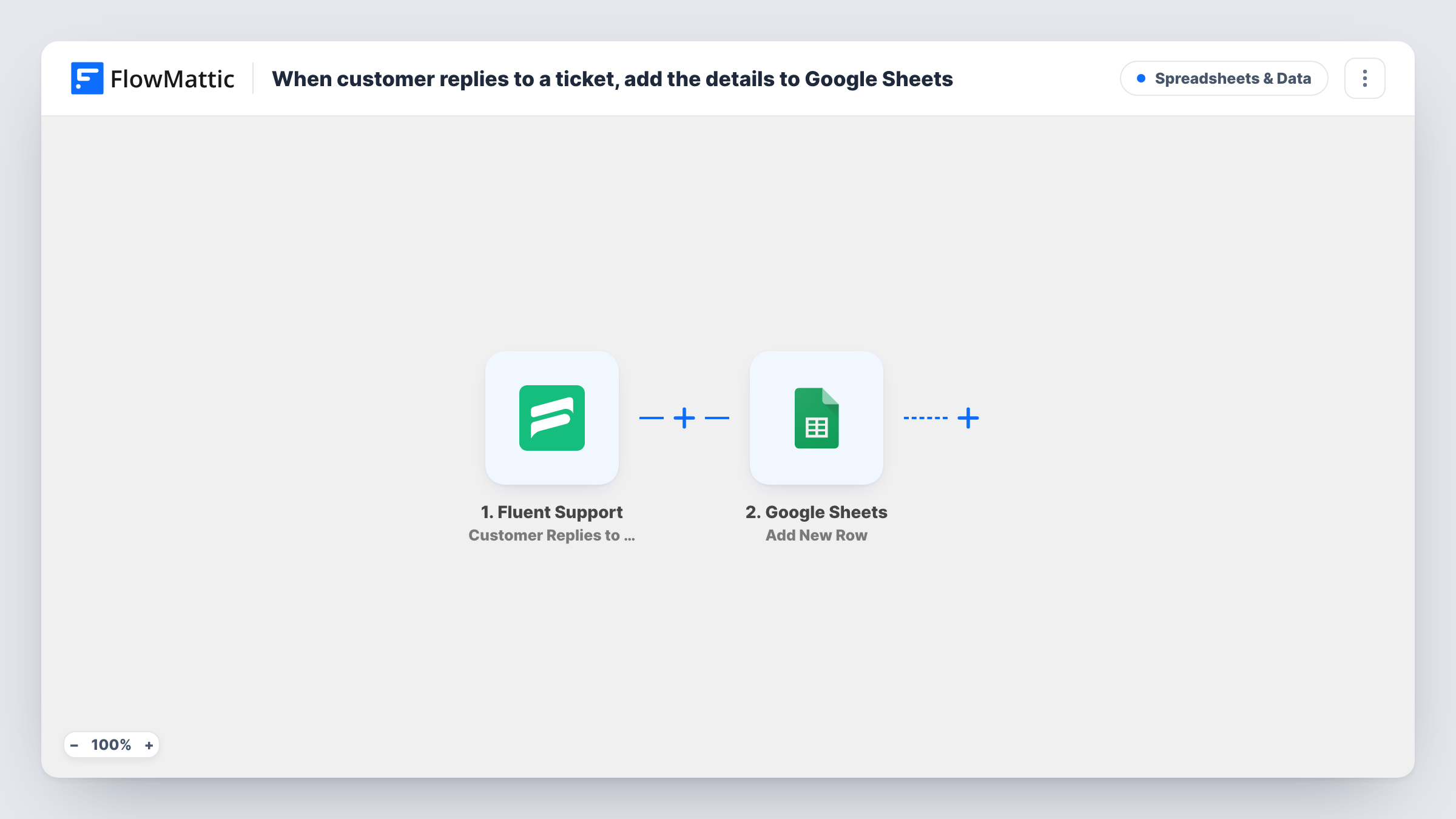
The Fluent Support trigger fires when a customer adds a reply to a ticket. FlowMattic receives the reply and ticket details Fluent Support sends, such as the ticket title, the customer and the reply text. The Google Sheets step then runs Add New Row and writes the fields you map into the spreadsheet you pick.
Only customer replies run the workflow. Agent replies, new tickets and closures are separate Fluent Support triggers and aren't logged here. Because each customer reply adds its own row, a long conversation fills several rows for the same ticket. The reply text leaves your site when it lands in Google Sheets, so share the sheet with care.
Spotting tickets that drag on
A support lead counts rows per ticket in the sheet to find conversations where customers had to write back many times.
Weekly reply volume report
A manager charts the sheet by date to see which days bring the most customer replies, and plans agent shifts around it.
Sharing feedback with product
The product team reads customer replies in a shared sheet without needing a Fluent Support agent account.
How this workflow runs
What happens at each step once the workflow is on, and what you need before you import it.
 Fluent Support Customer Replies to a Ticket
Fires when a customer adds a reply to a Fluent Support ticket on your site. The ticket and reply details become available to map into the sheet.
- Google Sheets Add New Row
Adds one row per customer reply to the Google Sheets spreadsheet you choose. Map the ticket ID, customer and reply text, plus a date column if you want one.
What you need
- FlowMatticCore
- Fluent Support PluginPlugin
- Google Sheets AccountAccount
After importing, map your own data. To keep the template universal, not every step is pre-filled. Open each step in the builder and connect your accounts and fields (channels, lists, sheets, recipients) before you switch the workflow on.
Make it yours
Changes worth making after you import it.
- Reply to a test ticket as a customer after import, so FlowMattic captures the Fluent Support fields before you map the Google Sheets columns.
- Include the ticket ID or title in its own column, so you can group rows by ticket and see how many replies each conversation took.
- Leave the full reply text out of the sheet if it may contain private details, and map only the ticket ID, customer name and date.
Questions about this workflow
Are agent replies in Fluent Support also logged to Google Sheets?
No. This trigger fires on customer replies only. Fluent Support's Agent Replies to a Ticket trigger would need its own workflow.
Is the first message of a new Fluent Support ticket added to the sheet?
No. Opening a ticket is a separate Ticket Created event. Only replies a customer adds to an existing ticket start this workflow.
Does the sheet update when a ticket is closed?
No. The workflow only appends rows for customer replies. Closing a ticket doesn't touch the sheet.
Will replies made before I turn the workflow on appear in Google Sheets?
No. Only customer replies added after the workflow is active are logged.
More Spreadsheets & Data workflows
Other ready-to-import templates from the same category.




Import this workflow into your WordPress site
Download the JSON, import it from the Workflows screen and connect your accounts. Every run stays on your server, with no per-task fees.
30-day money-back guarantee Unlimited workflows and runs Self-hosted