

When a document is updated in Nifty PM, create a new post in WordPress
When a document is updated in Nifty PM, FlowMattic creates a new WordPress post from it, so writing drafted in your project tool can reach your site without copying and pasting.
 Nifty PM
 WordPress
2 steps Setup ~5 min Used on 1.4k sites Productivity Free to import
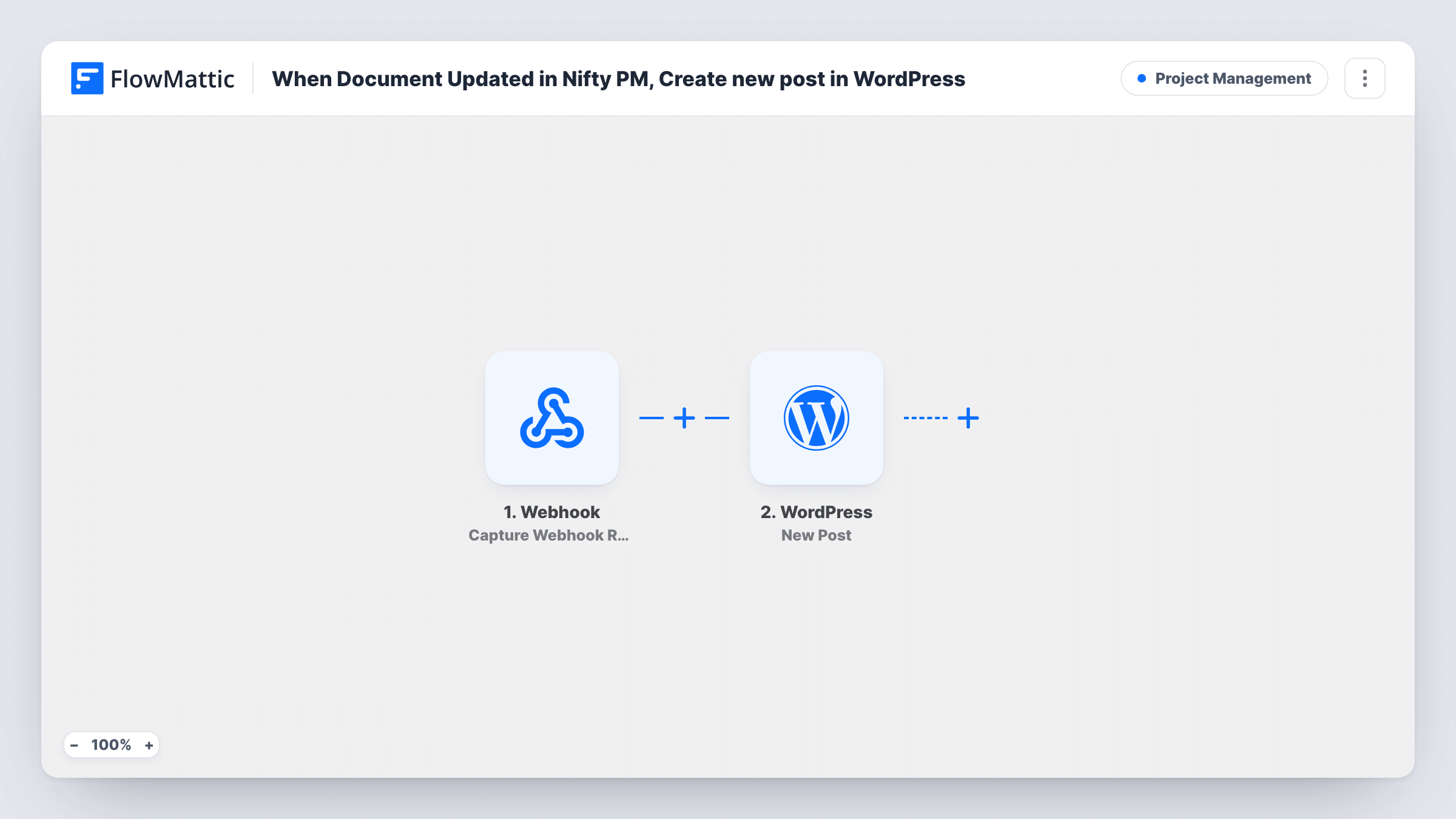
What this workflow does
Teams that plan content in a project tool often write the first drafts there too, next to the tasks and comments. Moving that text into WordPress by hand is slow and easy to get wrong. This workflow takes a Nifty PM document and turns it into a WordPress post each time the document is updated.
The Nifty PM trigger fires when a document is updated, and passes the document's data along. The WordPress step then creates a new post on the site where FlowMattic is installed. It ships unmapped: after import you map the document's title and text into the post and choose the other post details you want.
Know what to expect before you switch it on. Nothing in the template limits which documents count, and each update is its own run, so every save of every document in the connected account creates another post. A document edited five times becomes five posts. To keep this to finished pieces, add a condition between the two steps, as the tips describe.
Test with one document, then open Task History to see what Nifty PM sent and what WordPress returned for the new post.
Agency drafts handed to the client site
An agency writes blog drafts as Nifty PM documents beside the client's tasks. When a draft is marked final in its title and saved, the text lands in WordPress as a post for review.
Release notes from the product project
A software team keeps release notes in a Nifty PM document per version and publishes each finished version as a post on its WordPress changelog.
Internal knowledge shared publicly
A support team turns approved how-to documents from its Nifty PM workspace into posts on its help blog instead of retyping them.
How this workflow runs
What happens at each step once the workflow is on, and what you need before you import it.
 Nifty PM Document Updated
Fires each time a document in your Nifty PM account is updated. The document data Nifty PM sends is made available for mapping into the post. Every update to any document starts a new run.
- WordPress New Post
Creates a new post in WordPress on every run. The step comes without mapping, so after import map the Nifty PM document's title and content into the post and check the result with a test update.
What you need
- FlowMatticCore
- Nifty PM AccountAccount
After importing, map your own data. To keep the template universal, not every step is pre-filled. Open each step in the builder and connect your accounts and fields (channels, lists, sheets, recipients) before you switch the workflow on.
Make it yours
Changes worth making after you import it.
- Put a Filter between the Nifty PM trigger and the WordPress step that continues only when the document title contains a word you add when a draft is ready, such as Final. Other saves then create no post.
- Look at a test run in Task History before mapping, so you can see whether Nifty PM sends the document text itself or only its title and link.
- Run your first tests on a staging copy of the site, or delete the test posts afterwards, since every update you try creates a real post.
Questions about this workflow
Does each save of a Nifty PM document create another WordPress post?
Yes. The Document Updated trigger fires on each update and the New Post step always creates a new post, so repeated edits give you repeated posts. A Filter between the two steps keeps it to the saves you choose.
Will a brand-new Nifty PM document become a post?
Not through this trigger, which listens for updates. FlowMattic's Nifty PM integration also has a Document Created trigger if you want new documents to start the workflow.
Which parts of the Nifty PM document end up in the post?
Only what you map. The New Post step ships empty, so you match the document data to the post title and content after import. Check a test run to see which document fields arrive.
Is the post created on this WordPress site?
Yes. The WordPress step creates the post on the site where FlowMattic is installed, so it shows up under Posts in your dashboard.
More Project Management workflows
Other ready-to-import templates from the same category.





Import this workflow into your WordPress site
Download the JSON, import it from the Workflows screen and connect your accounts. Every run stays on your server, with no per-task fees.
30-day money-back guarantee Unlimited workflows and runs Self-hosted