

When form submission received in Gravity Forms, Create new contact in Groundhogg
Every Gravity Forms submission on your WordPress site creates a new contact in Groundhogg from the form’s answers, so leads reach your CRM and its funnels without being copied by hand.
 Gravity Forms
 Groundhogg
2 steps Setup ~5 min Used on 2.8k sites Free to import
What this workflow does
Gravity Forms and Groundhogg often sit on the same WordPress site, yet a form entry doesn't become a CRM contact on its own. Until it does, the person can't receive your Groundhogg emails, join a funnel or be tagged. This workflow creates the contact as soon as the form is sent.
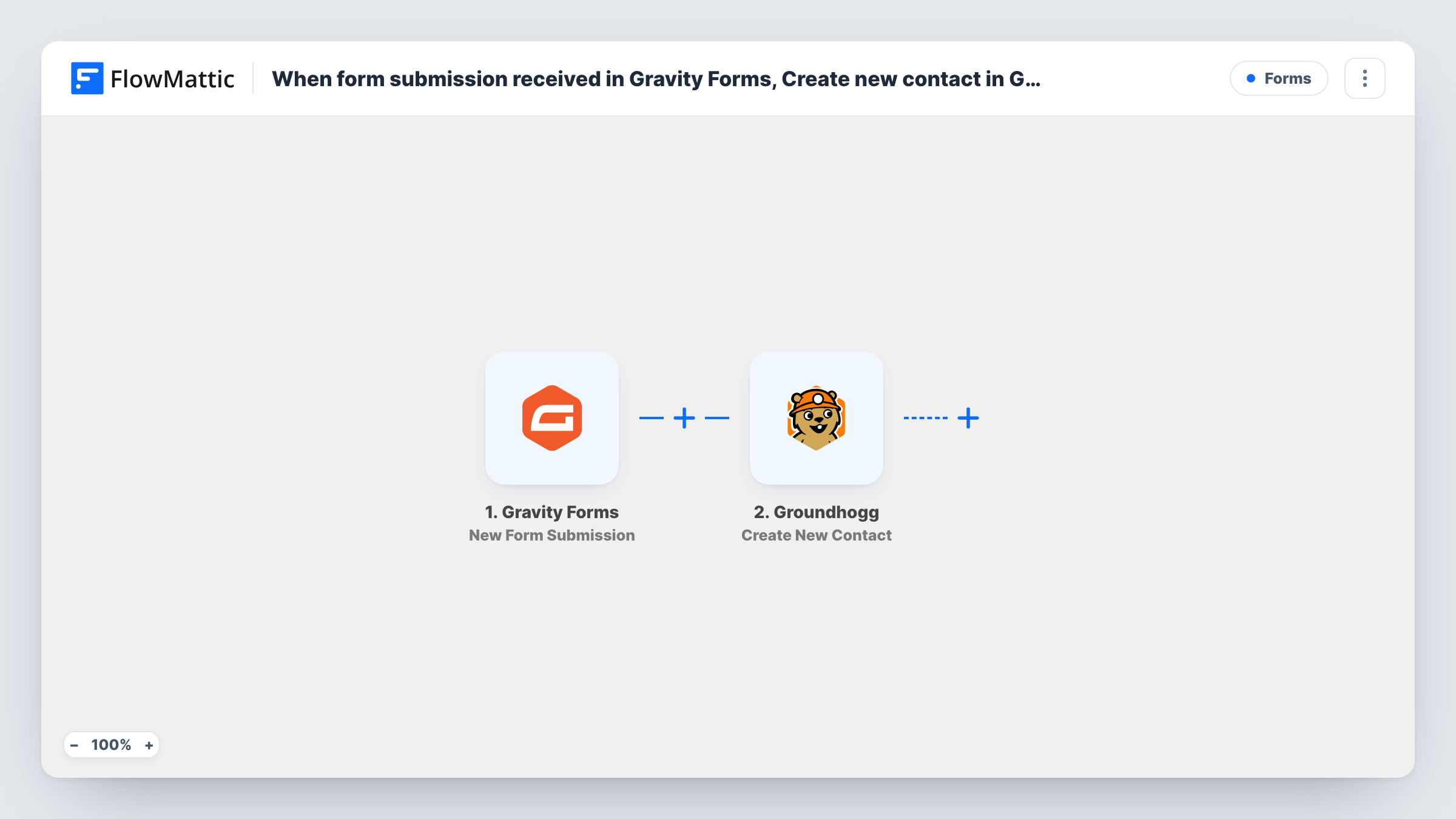
The Gravity Forms trigger runs when a form is submitted. FlowMattic receives every answer from the entry. The Groundhogg step then creates a new contact from the fields you map, typically the email address plus first and last name, and any other details your form collects.
Both plugins run on your own site, so the data stays inside WordPress. Every submission runs the step, because no Filter sits in between. If the same person fills in a form twice, check how Groundhogg treats an email it already has during your first tests, since this action is for creating contacts.
Free consultation requests
A coach's Gravity Forms booking request creates a Groundhogg contact, and a Groundhogg funnel follows up with prep questions.
Newsletter sign-up form
A short Gravity Forms sign-up adds readers to Groundhogg as contacts, where your broadcast emails reach them.
Membership applications
A club collects applications with Gravity Forms. Each applicant becomes a Groundhogg contact the committee can tag as approved or declined later.
How this workflow runs
What happens at each step once the workflow is on, and what you need before you import it.
 Gravity Forms New Form Submission
Runs each time a Gravity Forms form on this WordPress site is submitted. All the entry's answers are passed on to the Groundhogg step.
- Groundhogg Create New Contact
Adds a contact to Groundhogg built from the Gravity Forms answers. Map the email address and name fields, plus any other details you want stored on the contact.
What you need
- FlowMatticCore
- Gravity Forms PluginPlugin
- Groundhogg PluginPlugin
After importing, map your own data. To keep the template universal, not every step is pre-filled. Open each step in the builder and connect your accounts and fields (channels, lists, sheets, recipients) before you switch the workflow on.
Make it yours
Changes worth making after you import it.
- Make the Gravity Forms email field required, so every entry carries an address for the Groundhogg contact.
- Follow the contact step with Groundhogg's Add Tag(s) to User action to mark where the contact came from, such as the name of the form.
- Submit the form once after import with a test address so FlowMattic picks up the Gravity Forms field names, then map them and check the contact in Groundhogg.
Questions about this workflow
What if the Gravity Forms submitter is already a Groundhogg contact?
The step is Create New Contact, not an update. Groundhogg's response for an address it already holds shows in Task History, so test with a known email before going live.
Do Gravity Forms and Groundhogg need to be on the same site?
Yes. FlowMattic talks to both plugins directly, so install Gravity Forms and Groundhogg alongside it on one WordPress site.
Can I add the new Groundhogg contact to a funnel?
Add a Groundhogg tag step after this one, then have your funnel start when that tag is applied in Groundhogg.
Are older Gravity Forms entries sent to Groundhogg?
No. Only entries submitted while the workflow is active create contacts.
More Forms workflows
Other ready-to-import templates from the same category.







Import this workflow into your WordPress site
Download the JSON, import it from the Workflows screen and connect your accounts. Every run stays on your server, with no per-task fees.
30-day money-back guarantee Unlimited workflows and runs Self-hosted