

When form submitted in Zoho LandingPage, tag contact as "launch interested" in ActiveCampaign, send exclusive early-access offer
A Zoho LandingPage form submission creates or updates the contact in ActiveCampaign, adds your launch-interest tag, and emails the person an early-access offer that you write.
 Zoho Landing Page
 ActiveCampaign
 Email
Email4 steps Setup ~8 min Used on 3.0k sites Free to import
What this workflow does
Before a launch, a pre-launch landing page collects the people who want in first. You want them marked in your CRM and thanked with something worth waiting for. This workflow handles both from each Zoho LandingPage submission.
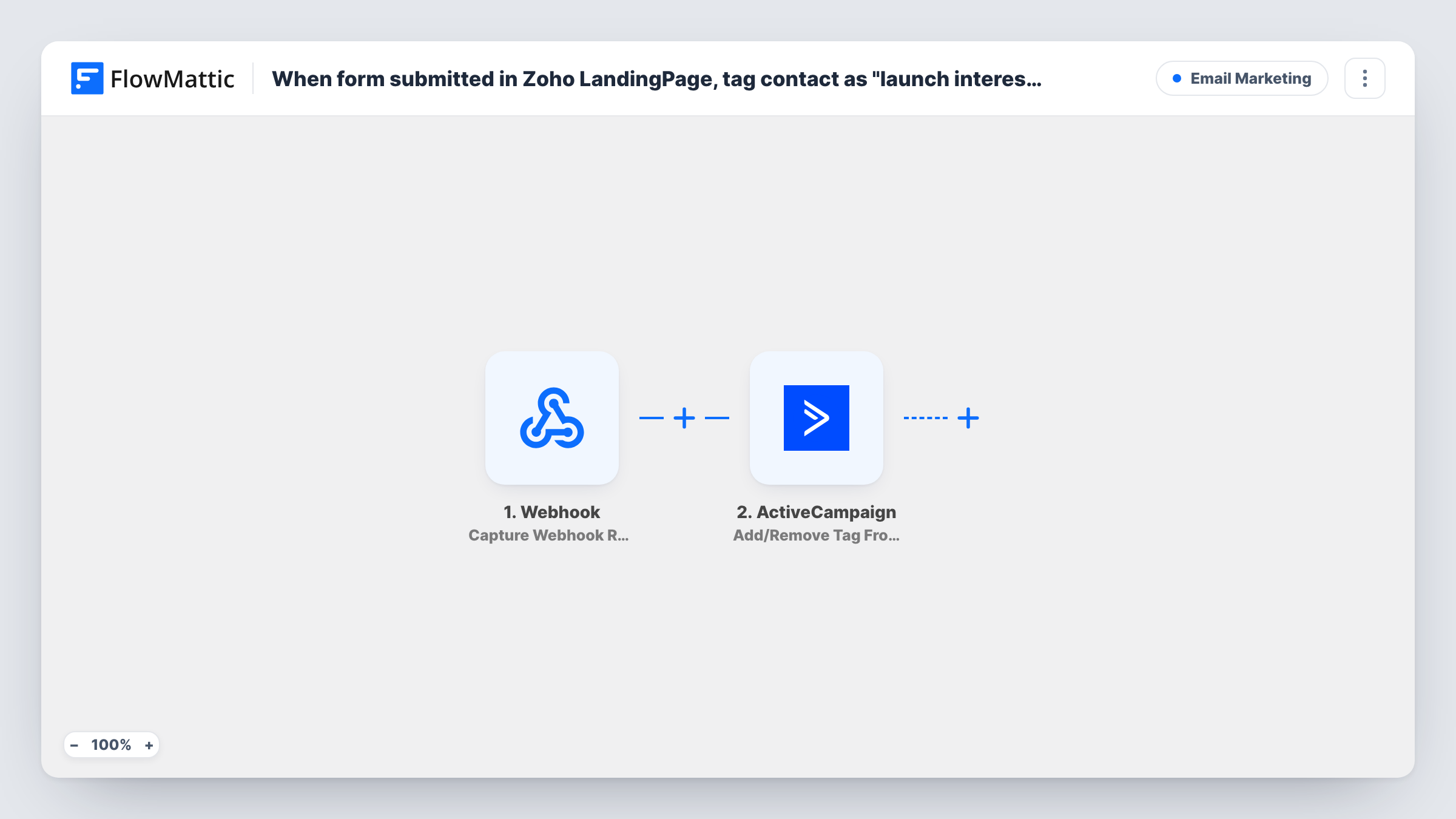
The trigger fires when a lead submits your landing page form. ActiveCampaign Create or Update Contact then adds the person, or updates them if the email is already a contact. The next step, Add/Remove Tag From Contact, applies a tag. Both ActiveCampaign steps ship unmapped: map the form's email and name into the first, and in the second map the contact from step 2 and set the tag to launch interested, or whatever tag your launch automations use.
The last step sends an email through FlowMattic's Email module, which uses WordPress mail or your SMTP account. The subject, "Your exclusive early-access offer", and a one-line thank-you are written in, but the offer itself isn't. Add the details, such as a code or a private link, map the lead's email as the recipient, and send yourself a test submission.
Pre-launch list for a new product
A hardware start-up collects interest on a Zoho landing page and tags everyone in ActiveCampaign so launch-day emails go only to them.
Early-bird pricing for a course
An instructor sends each sign-up an early-access code by email while ActiveCampaign marks them for the launch sequence.
Beta invitations
A software team tags beta applicants in ActiveCampaign and emails them the private sign-up link straight after they apply.
How this workflow runs
What happens at each step once the workflow is on, and what you need before you import it.
 Zoho Landing Page New Form Submission
Runs each time someone fills in the form on your pre-launch Zoho landing page. The submitted details, such as email and name, are passed to ActiveCampaign and the email step.
- ActiveCampaign Create or Update Contact
Adds the lead to ActiveCampaign, or refreshes their record if a contact with that email exists. The step ships unmapped, so map the form's email and name fields after import.
- ActiveCampaign Add/Remove Tag From Contact
Adds or removes a tag on a contact. Nothing is filled in yet, so map the contact from the previous step and set the tag, for example launch interested.
 Email Send Email
Emails the lead with the subject "Your exclusive early-access offer" and a short thank-you. Write the actual offer into the message and map the lead's email as the recipient.
What you need
- FlowMatticCore
- Zoho Landing Page AccountAccount
- ActiveCampaign AccountAccount
After importing, map your own data. To keep the template universal, not every step is pre-filled. Open each step in the builder and connect your accounts and fields (channels, lists, sheets, recipients) before you switch the workflow on.
Make it yours
Changes worth making after you import it.
- Create the launch interested tag in ActiveCampaign first and use the exact same name in the tag step, so your launch automations pick these contacts up.
- Add ActiveCampaign's Add Existing Contact to Automation action after the tag step if you want a sequence of launch emails, not one message.
- Put a Filter between the Zoho LandingPage trigger and the ActiveCampaign step that checks a consent field, if your form asks for marketing permission.
- To send through Gmail, enter Gmail's SMTP details in the Email step, or replace it with the Gmail app's Send Email action.
Questions about this workflow
Does the early-access email already include an offer?
No. The template has a subject and a one-line thank-you only. Add the code, link or terms of your offer to the message before turning the workflow on.
What if the Zoho LandingPage lead is already an ActiveCampaign contact?
Create or Update Contact updates the existing contact with that email instead of making a new one, and the tag step then tags it.
Which tag does the contact get in ActiveCampaign?
The one you set in the Add/Remove Tag From Contact step. The template doesn't fill it in, so enter launch interested or your own launch tag.
More Email Marketing workflows
Other ready-to-import templates from the same category.




Import this workflow into your WordPress site
Download the JSON, import it from the Workflows screen and connect your accounts. Every run stays on your server, with no per-task fees.
30-day money-back guarantee Unlimited workflows and runs Self-hosted