

When a new meeting record is created in Airtable, create a Google Meet space
Whenever a record is created in the Airtable table you pick, FlowMattic opens a new Google Meet space for it, ready for you to send the link or save it back to the base.
 Airtable
 Google Meet
2 steps Setup ~5 min Used on 1.6k sites Free to import
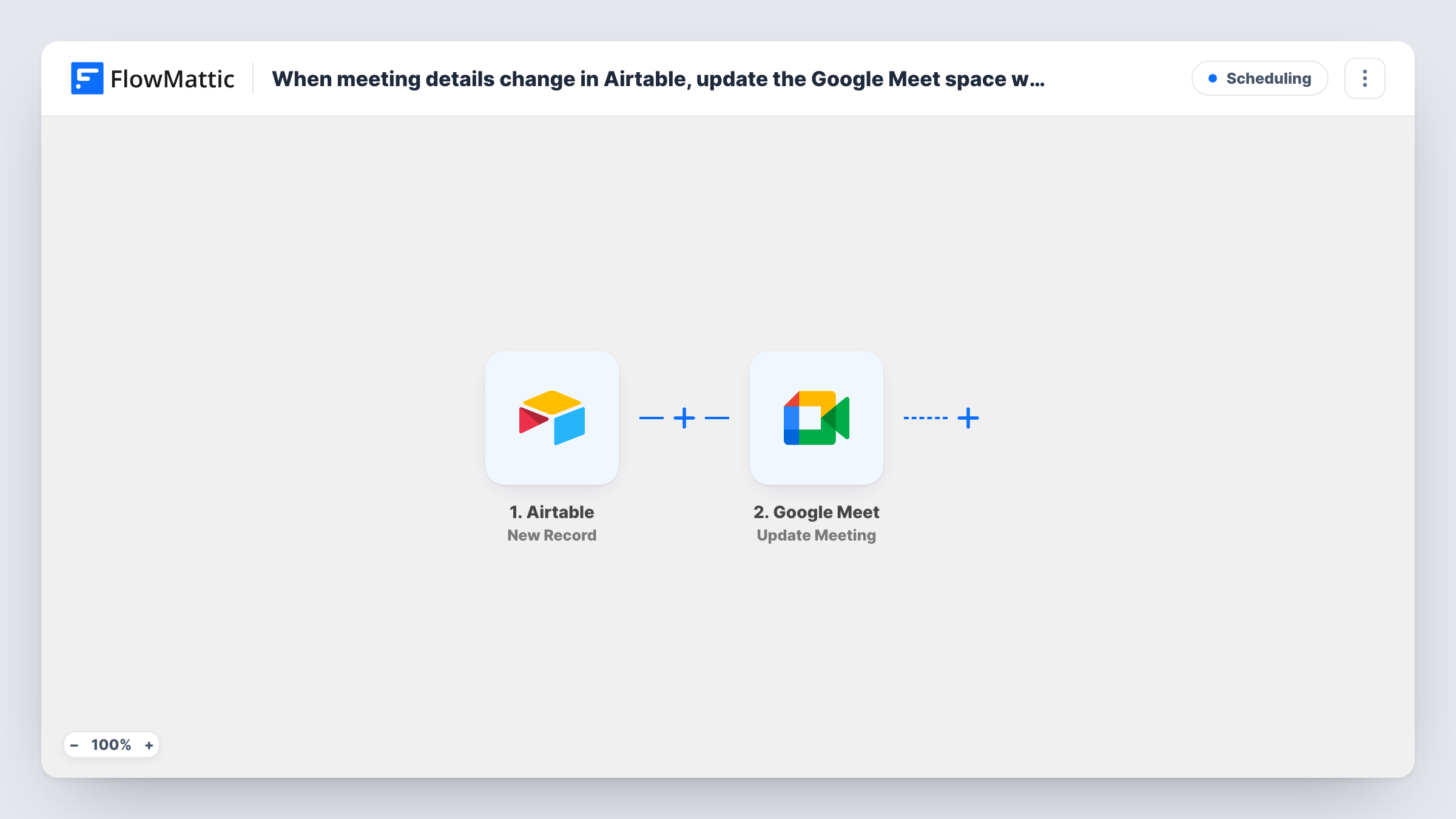
What this workflow does
If you plan calls, interviews or sessions in an Airtable base, each new row usually needs a video room before it is useful. This workflow creates that room for you: add the meeting record, and a Google Meet space exists for it moments later.
The Airtable trigger watches the base and table you choose and starts a run for each new record. The record's fields, such as a meeting title, attendee or date, travel with the run. The Google Meet step follows and opens a meeting space under your connected Google account. It ships with nothing mapped.
The imported template ends with that step. The new space and its link appear in Task History, but nothing writes them anywhere else. To put the link to use, add one more step: an Airtable Update Record that stores the link in a column of the same record, or an email that sends it to the attendee. Updating the record that started the run doesn't create a new record, so it doesn't start another run.
Edits to an existing record don't trigger anything; only new records do. Run one test with a sample record to see what Google Meet returns.
Interview rooms for a hiring tracker
A recruiter adds each scheduled interview as a record in an Airtable base, and a Meet space is created for it so the link can be stored with the candidate's row.
Client sessions for a coaching practice
A coach logs every booked session in Airtable, and each new record gets its own meeting space instead of everyone reusing one link.
Workshop planning in a shared base
A training team adds upcoming workshops to an Airtable table, and each one has a Google Meet room ready before the facilitator sends invites.
How this workflow runs
What happens at each step once the workflow is on, and what you need before you import it.
 Airtable New Record
Watches the Airtable base and table you select and starts a run when a new record is created there. The record's field values are passed on for mapping.
- Google Meet Create Meeting
Creates a new Google Meet space on your connected Google account. Nothing is mapped and no later step uses the result yet, so check Task History after a test to find the meeting link.
What you need
- FlowMatticCore
- Airtable AccountAccount
- Google Meet AccountAccount
After importing, map your own data. To keep the template universal, not every step is pre-filled. Open each step in the builder and connect your accounts and fields (channels, lists, sheets, recipients) before you switch the workflow on.
Make it yours
Changes worth making after you import it.
- Add an Airtable Update Record step after Google Meet, map the triggering record's ID and write the meeting link into a column such as "Meet link", so the room is saved on the row.
- Add a Gmail or Email step after Google Meet that sends the link to an attendee email stored on the record.
- Put a Filter between the Airtable trigger and the Google Meet step that continues only when a field such as meeting type says "video", so in-person meetings don't get a room.
Questions about this workflow
Is the Google Meet link saved back to my Airtable record?
Not as imported. The workflow ends after the Meet space is created. Add an Airtable Update Record step that maps the triggering record's ID and the meeting link to store it.
Does editing an Airtable record create another Meet space?
No. The trigger only fires when a new record is created in the table you chose. Changing an existing record doesn't start a run.
Does the Meet space use the meeting date from Airtable?
No. The step creates a meeting space with its own link and no scheduled time. Keep the date in Airtable or put it in the message you send with the link.
More Scheduling workflows
Other ready-to-import templates from the same category.








Import this workflow into your WordPress site
Download the JSON, import it from the Workflows screen and connect your accounts. Every run stays on your server, with no per-task fees.
30-day money-back guarantee Unlimited workflows and runs Self-hosted