

Create a Calendly one-off meeting type and email it for each new Zoho Books invoice
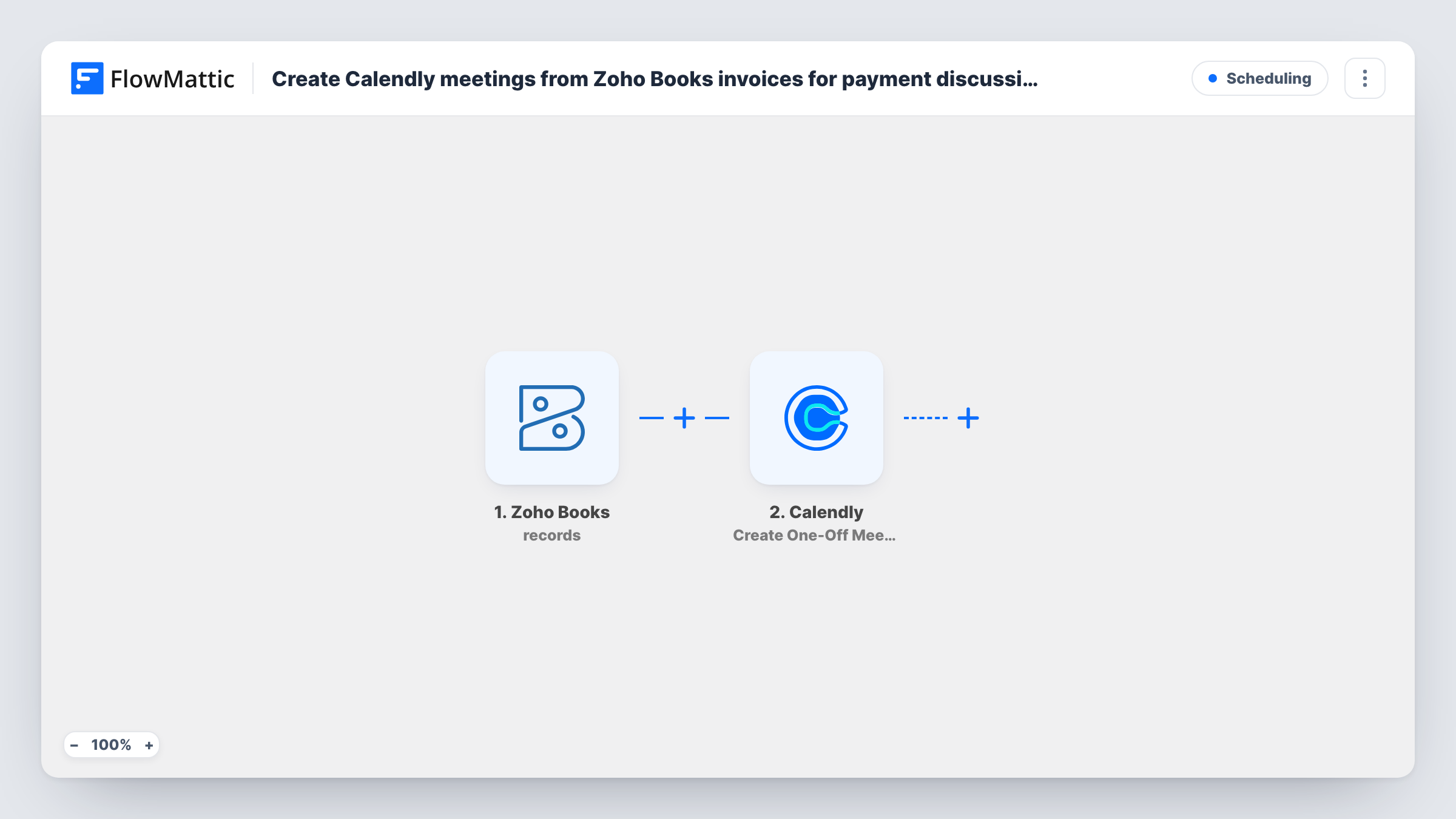
For each new Zoho Books invoice, Calendly creates a one-off meeting type and FlowMattic’s Email step sends a message you write, so the client can pick a time to talk the invoice through.
 Zoho Books
 Calendly
 Email
Email3 steps Setup ~5 min Used on 3.2k sites Free to import
What this workflow does
Larger invoices often lead to a conversation: a client wants to go over line items, agree a payment plan or ask about terms. Rather than trading emails to find a time, this workflow sets up a Calendly booking option for each new invoice and emails it out, so the client chooses a slot themselves.
The Zoho Books trigger starts a run whenever an invoice is created. The Calendly step then creates a one-off meeting type. FlowMattic describes this action as creating the event type structure, not a scheduled meeting: nothing goes on your calendar until the client books a time through it.
The final step uses FlowMattic's Email module, which sends through WordPress mail or your own SMTP account. All three steps after the trigger ship without mapping. After import you set up the Calendly meeting details, then in the email enter the recipient, the subject and the message, and map in the booking link Calendly returns along with invoice details such as the number and amount.
Create a test invoice and check Task History. It shows what Zoho Books sent, which value Calendly returned for the link, and whether the email went out.
Payment plan calls for large invoices
A design agency sends each client a Calendly link with the invoice, so anyone who wants to split the payment books a short call instead of emailing back and forth.
Invoice walkthroughs for new clients
A consultant offers first-time clients a slot to go through the invoice line by line, set up as a one-off Calendly meeting for that invoice.
Finance team availability
A small firm's bookkeeper gets booked by clients with billing questions through links created from each Zoho Books invoice.
How this workflow runs
What happens at each step once the workflow is on, and what you need before you import it.
 Zoho Books New Invoice
Starts the workflow whenever a new invoice is created in Zoho Books. The invoice data, such as the number, customer and total, is passed on for the Calendly and email steps.
- Calendly Create One-Off Meeting
Creates a one-off meeting type in Calendly for this invoice. It sets up the booking option only; no meeting is scheduled until someone books. Configure the meeting details after import and check the link it returns.
 Email Send Email
Delivers your message using WordPress mail or the SMTP account you configure. Enter who receives it, write the subject and body, and map in the Calendly booking link and the invoice details you want the client to see.
What you need
- FlowMatticCore
- Zoho Books AccountAccount
- Calendly AccountAccount
After importing, map your own data. To keep the template universal, not every step is pre-filled. Open each step in the builder and connect your accounts and fields (channels, lists, sheets, recipients) before you switch the workflow on.
Make it yours
Changes worth making after you import it.
- Put a Filter between the Zoho Books trigger and the Calendly step that continues only when the invoice total is greater than an amount you choose, so small invoices don't each create a Calendly meeting type.
- If the Calendly step lets you name the meeting, put the invoice number in it, so each one-off meeting type in Calendly shows which invoice it belongs to.
- Send a test invoice to your own address first and click the link in the email, to confirm you mapped the booking URL rather than another value from the Calendly result.
Questions about this workflow
Does the Calendly step book a meeting on my calendar?
No. It creates a one-off meeting type, which is a booking option. A meeting appears on your calendar only after the client picks a time through the link.
Who receives the email about the Zoho Books invoice?
The address you type or map into the Email step, which has no recipient yet. If a test run shows the customer's email in the invoice data, map it there.
Can I send this through Gmail instead of SMTP?
Yes. Enter Gmail's SMTP details in the Email step, or replace it with the Gmail app's Send Email action and map the same subject, message and link.
Will every new invoice get its own Calendly meeting type?
Yes, as imported. Each invoice creates one. To limit them, put a Filter on the invoice amount or customer between the Zoho Books trigger and the Calendly step.
More Scheduling workflows
Other ready-to-import templates from the same category.





Import this workflow into your WordPress site
Download the JSON, import it from the Workflows screen and connect your accounts. Every run stays on your server, with no per-task fees.
30-day money-back guarantee Unlimited workflows and runs Self-hosted