

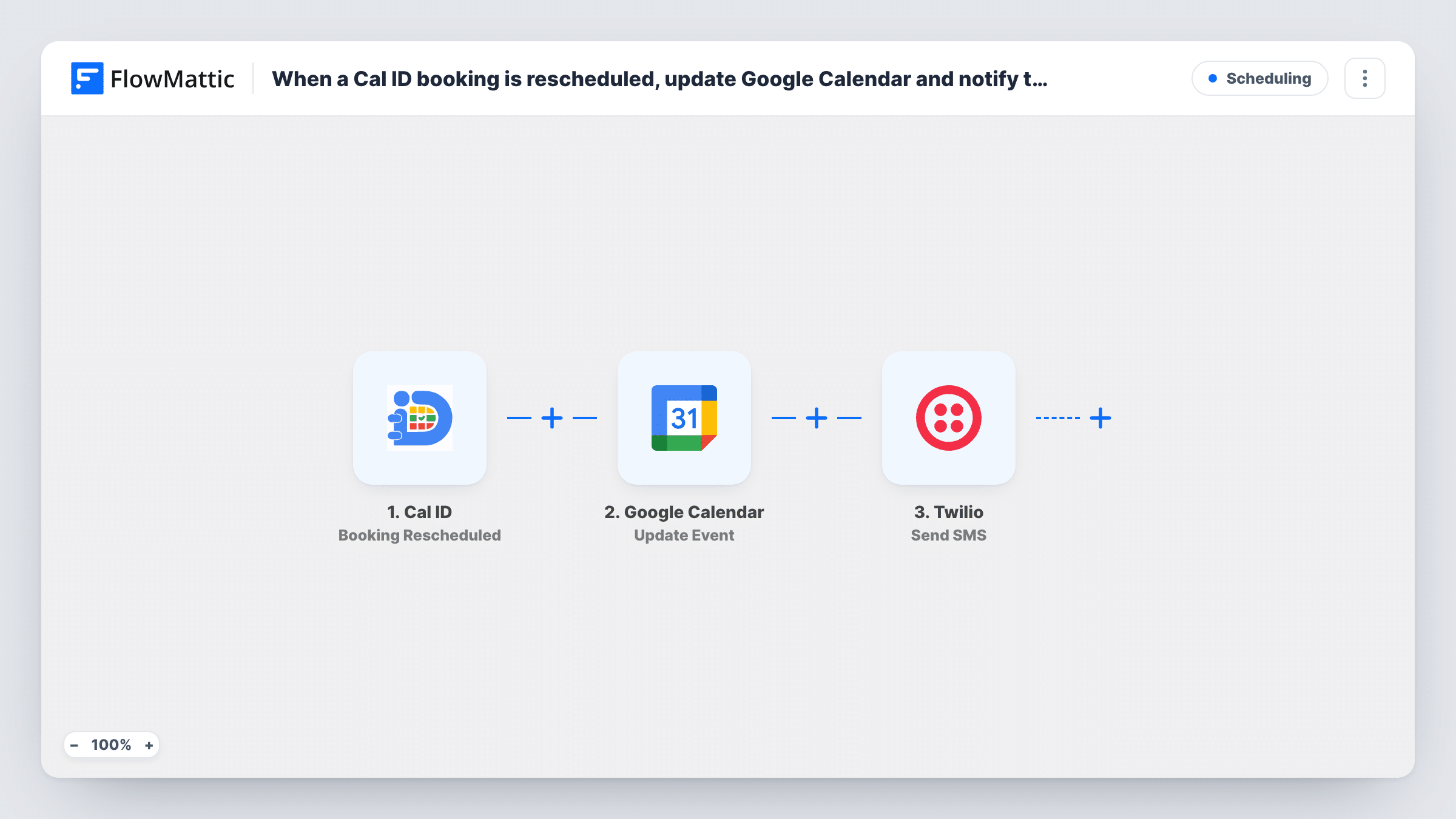
When a Cal ID booking is rescheduled, notify the invitee with a Twilio SMS
When a booking in Cal ID is moved to a new time, FlowMattic sends the invitee a Twilio SMS with the updated details, so the change reaches their phone and not only their inbox.
 Cal ID
 Twilio
2 steps Setup ~5 min Used on 1.6k sites Free to import
What this workflow does
A rescheduled meeting is easy to miss when the only notice is an email among dozens. A short text message is harder to overlook, and it gives the invitee the new time where they will see it on the day. This workflow sends that text every time a Cal ID booking moves.
The Cal ID trigger fires when a booking is rescheduled. FlowMattic receives the booking data from Cal ID, which you can map into the message, such as the invitee's name, the event type and the new start time. Cal ID can only pass on a phone number if your booking form asks for one, so add a phone question to the event type first.
The Twilio Send SMS step then texts that number from your Twilio account. It ships unmapped: after import you connect Twilio, map the invitee's phone from the Cal ID data and write the text. Keep it short and include the new date and time in a format your invitees will read correctly.
Every rescheduled booking sends one SMS. Phone numbers need the country code for Twilio to deliver them, and Task History shows Twilio's response if a message is not accepted.
Clinic appointment moved by the patient
A physiotherapy clinic texts the patient when they move their Cal ID slot, confirming the new day and time so they arrive at the right hour.
Sales call pushed to next week
A rep reschedules a demo in Cal ID, and the prospect gets an SMS with the new time and the rep's name, without the rep writing a separate message.
Tutoring session swapped
A tutor who moves a lesson in Cal ID knows the student's phone gets the change, which helps when the student rarely reads email.
How this workflow runs
What happens at each step once the workflow is on, and what you need before you import it.
 Cal ID Booking Rescheduled
Fires whenever a Cal ID booking is rescheduled. The booking data, including the invitee's details and the new time, is passed on; a phone number is only there if your booking form collects one.
- Twilio Send SMS
Texts the invitee about the new booking time through your Twilio account. The step ships unmapped: map the invitee's phone from the Cal ID booking and write a message with the new date and time.
What you need
- FlowMatticCore
- Cal ID AccountAccount
- Twilio AccountAccount
After importing, map your own data. To keep the template universal, not every step is pre-filled. Open each step in the builder and connect your accounts and fields (channels, lists, sheets, recipients) before you switch the workflow on.
Make it yours
Changes worth making after you import it.
- Add a required phone question with the country code to each Cal ID event type you use, so every booking has a number Twilio can text.
- Put a Filter between the Cal ID trigger and the Twilio step that continues only when the phone field is not empty, so bookings without a number don't reach Twilio.
- Include your business name at the start of the SMS, since the invitee may not recognise the Twilio number.
Questions about this workflow
Where does the invitee's phone number come from?
From the Cal ID booking. Add a phone question to your event type, make a test booking and reschedule it, then map that answer into the Twilio step's recipient.
Does the SMS go out when a Cal ID booking is cancelled?
No. This workflow only listens for rescheduled bookings. Cal ID cancellations come through FlowMattic's separate Booking Cancelled trigger, which you can use in a second workflow.
Can I also text new Cal ID bookings?
Yes, though that needs a second workflow. Copy this one and change the trigger to Booking Created, then reword the message as a confirmation.
Which time zone will the new time be in?
The time arrives as Cal ID sends it. Check a test run to see the format, and put the Date/Time Formatter's Convert Timezone action between the Cal ID trigger and the Twilio step if you need it in your local time.
More Scheduling workflows
Other ready-to-import templates from the same category.








Import this workflow into your WordPress site
Download the JSON, import it from the Workflows screen and connect your accounts. Every run stays on your server, with no per-task fees.
30-day money-back guarantee Unlimited workflows and runs Self-hosted