

When new feedback is received in SatisMeter, add the respondent as a contact in FluentCRM
When someone answers a SatisMeter survey, this workflow adds them to FluentCRM as a contact, or updates them if their email is already there, along with the feedback details you map.
 SatisMeter
 FluentCRM
2 steps Setup ~5 min Used on 757 sites Free to import
What this workflow does
People who answer a survey are telling you how they feel about your product. If their answers stay in SatisMeter, your email marketing can't use them. This workflow brings each respondent into FluentCRM on your WordPress site.
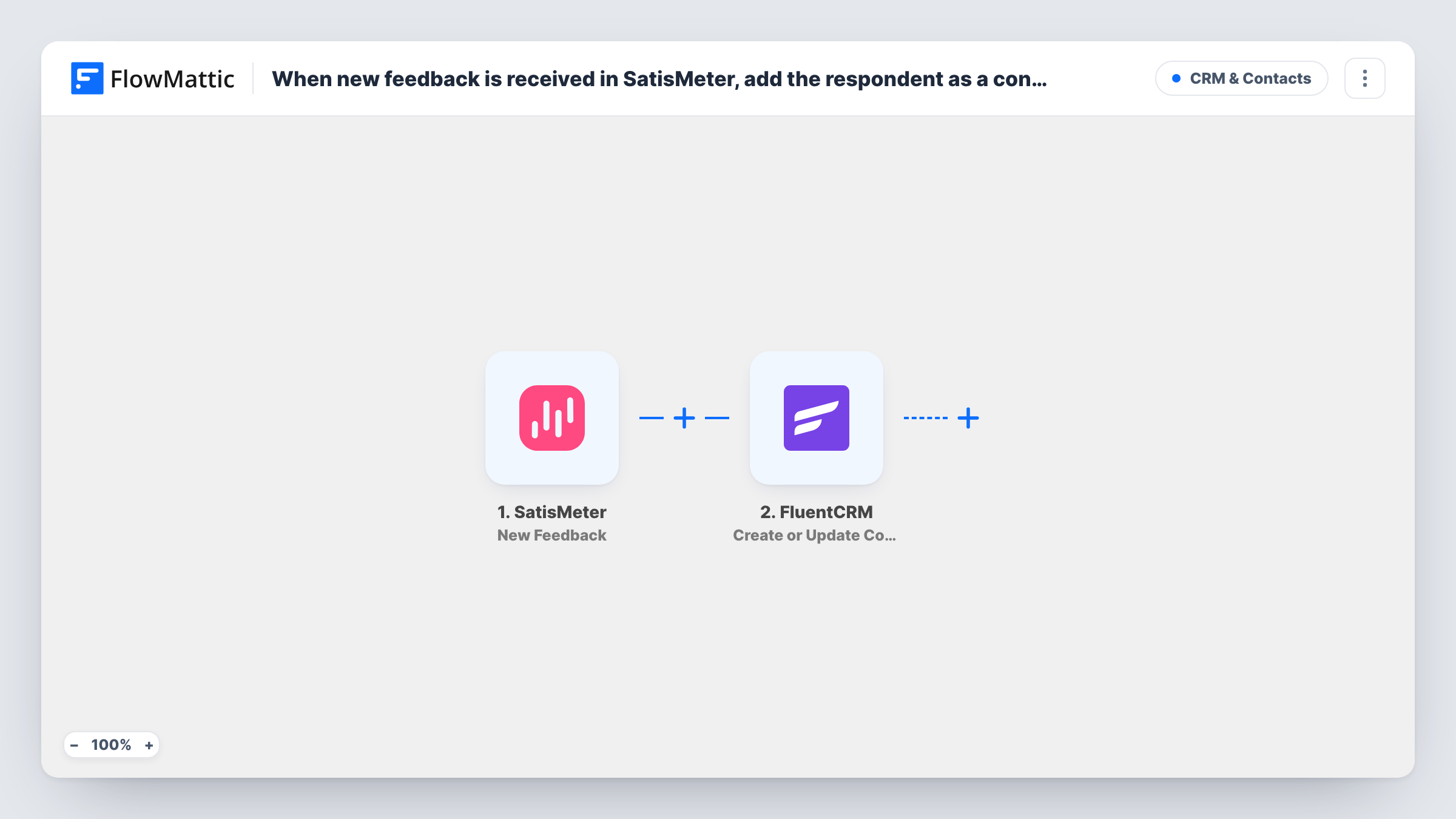
The SatisMeter trigger is New Feedback, which fires when new feedback is received. FlowMattic passes the response to FluentCRM, where Create or Update Contact adds the person, or updates them if a contact with that email already exists.
FluentCRM matches by email, so the SatisMeter response needs to carry the respondent's email address. That depends on how you identify users in SatisMeter, so check a test run first. Each response runs the step once, and Task History lists every run.
Thank promoters by email
A SaaS company tags contacts by score in FluentCRM, then sends people who rated it highly a thank-you email with a referral link.
Follow up with unhappy users
Low scores are stored on the FluentCRM contact, so your support lead can filter for them and reach out personally.
Keep survey history with the customer
Each new response updates the person's contact in FluentCRM, so the CRM shows their latest feedback next to their purchases.
How this workflow runs
What happens at each step once the workflow is on, and what you need before you import it.
 SatisMeter New Feedback
Fires when SatisMeter receives new feedback. The response, including the score and any comment and user details SatisMeter sends, is passed to FluentCRM.
- FluentCRM Create or Update Contact
Creates a FluentCRM contact from the SatisMeter response, or updates the existing one with the same email. Map the email, any name fields and the feedback you want to keep.
What you need
- FlowMatticCore
- SatisMeter AccountAccount
- FluentCRM PluginPlugin
After importing, map your own data. To keep the template universal, not every step is pre-filled. Open each step in the builder and connect your accounts and fields (channels, lists, sheets, recipients) before you switch the workflow on.
Make it yours
Changes worth making after you import it.
- Make sure your SatisMeter setup sends each user's email address with their response. Without it, FluentCRM has nothing to match the contact on.
- Map the score into a FluentCRM custom field so you can segment contacts by how they rated you.
- Add a Router after the FluentCRM step with one route for low scores and one for high scores, each running FluentCRM's Add Tags to Contact with a different tag. Use score ranges that can't overlap, since every matching route runs.
Questions about this workflow
What if the SatisMeter respondent is already in FluentCRM?
FluentCRM looks the person up by email. An existing contact is updated with what you map, and no duplicate is created.
Does SatisMeter send the respondent's email?
Only if you pass it to SatisMeter when you identify users. Run a test response and look at the fields captured in FlowMattic before you map the step.
Will older SatisMeter feedback be added to FluentCRM?
No. The trigger fires on new feedback, so only responses received after you turn the workflow on create or update contacts.
More CRM & Contacts workflows
Other ready-to-import templates from the same category.




Import this workflow into your WordPress site
Download the JSON, import it from the Workflows screen and connect your accounts. Every run stays on your server, with no per-task fees.
30-day money-back guarantee Unlimited workflows and runs Self-hosted