

When new form submitted in Kadence Forms, send WhatsApp message to user using WhatsApp Cloud API
When someone submits a Kadence Forms form on your site, this workflow sends a WhatsApp text to the number they entered, using WhatsApp Cloud API. It reaches people who messaged your business number in the last 24 hours.
 Kadence Forms
 WhatsApp Cloud API
2 steps Setup ~5 min Used on 3.2k sites Free to import
What this workflow does
A form submission is a good moment to reply, while the person still has your site open. Many people check WhatsApp before email, so a short text there confirms you received their request and tells them what happens next.
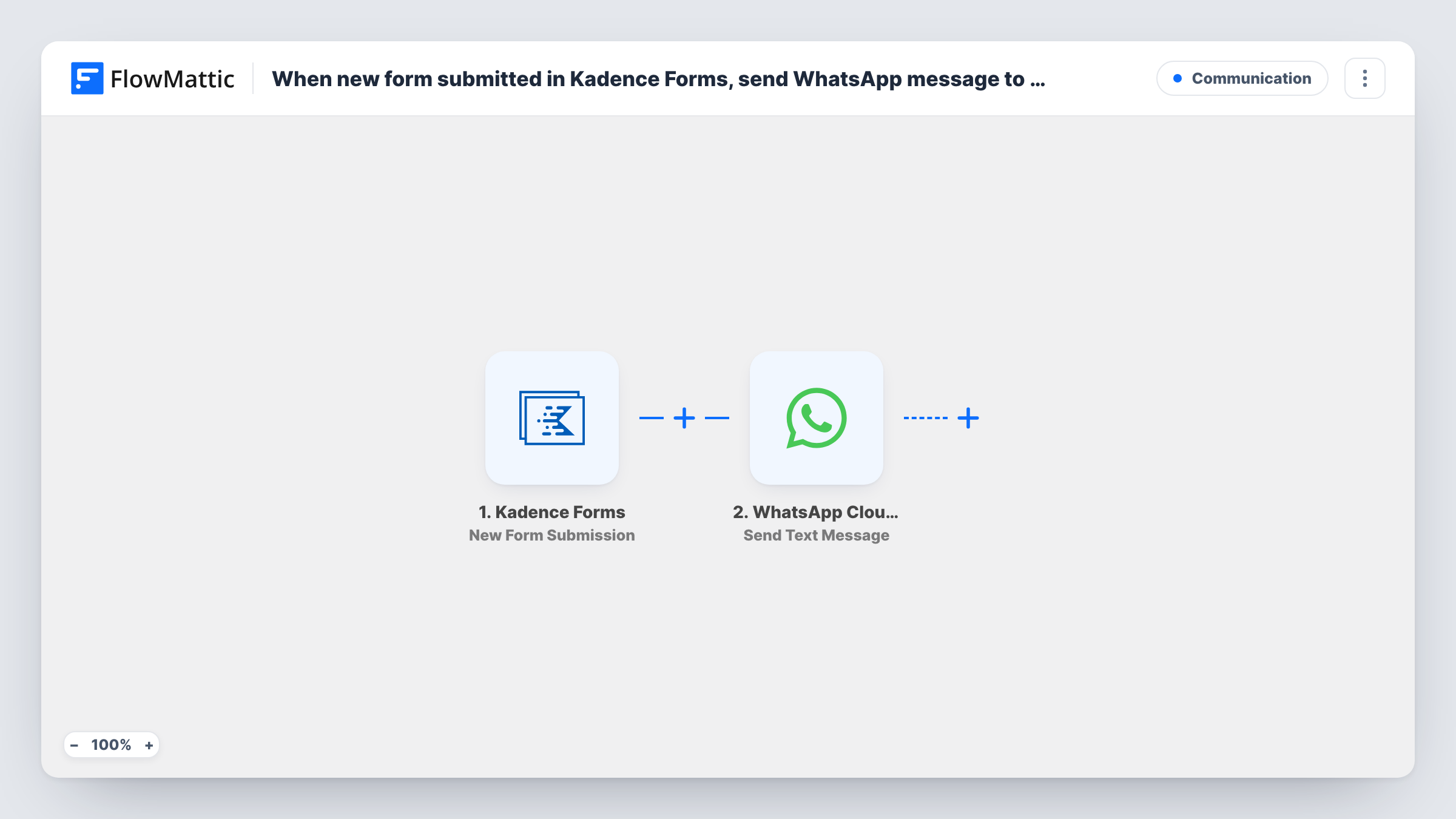
The Kadence Forms trigger fires on each new submission from a form built with Kadence Blocks. FlowMattic passes along the answers, including the phone number field. The WhatsApp Cloud API step sends a text message to that number, and you write the text with form answers such as the person's name mapped in.
Free-form text comes with a limit. WhatsApp delivers it only to people who have messaged your business number in the past 24 hours. A visitor who fills in your form without ever writing to you will usually not get this message. To reach new contacts, change the step to Send Template Message and use a template WhatsApp has approved. Each run, with WhatsApp's response, is listed in Task History.
Booking requests from people already chatting
Customers who asked about availability on WhatsApp are sent to a Kadence booking form. When they submit it, they get a confirmation text in the same chat.
Support form linked from a WhatsApp conversation
Your team sends a form link during a WhatsApp chat to collect order details. The submission triggers a text that confirms what the customer entered.
Event check-in form
Attendees who joined your event's WhatsApp line submit a Kadence check-in form and receive a text with the venue details you write into the message.
How this workflow runs
What happens at each step once the workflow is on, and what you need before you import it.
 Kadence Forms New Form Submission
Fires when a visitor submits a Kadence Forms form on your site. All answers, including the phone number you will text, are passed on to the WhatsApp step.
- WhatsApp Cloud API Send Text Message
Sends a WhatsApp text through your WhatsApp Cloud API account to the number from the form. Write the message and map answers into it. It is only delivered if the person wrote to you within the past 24 hours.
What you need
- FlowMatticCore
- Kadence Forms PluginPlugin
- WhatsApp Cloud API AccountAccount
After importing, map your own data. To keep the template universal, not every step is pre-filled. Open each step in the builder and connect your accounts and fields (channels, lists, sheets, recipients) before you switch the workflow on.
Make it yours
Changes worth making after you import it.
- Switch the action to WhatsApp Cloud API's Send Template Message if your form reaches people who have not messaged your business number. Approved templates are what WhatsApp allows outside the 24-hour window.
- Ask for the phone number with its country code in the Kadence form, and say so in the field label. WhatsApp needs the full international number.
- Add a Filter after the trigger that continues only when the phone field is not empty, so submissions without a number don't produce failed sends in Task History.
Questions about this workflow
Why didn't the Kadence Forms visitor get my WhatsApp message?
Free-form WhatsApp text only arrives if that person messaged your business number within the past 24 hours. For new contacts, use Send Template Message with an approved template instead.
Do I need a Meta business setup for WhatsApp Cloud API?
Yes. The step sends through WhatsApp Cloud API, so you need a WhatsApp Business number set up in Meta's platform and connected in FlowMattic.
Does this work with any form built in Kadence Blocks?
The trigger listens for Kadence Forms submissions on the same WordPress site as FlowMattic. The form you use needs a phone number field so the WhatsApp step has a number to send to.
Will older Kadence submissions get a message?
No. Only forms submitted after you switch the workflow on send a WhatsApp text.
More Communication workflows
Other ready-to-import templates from the same category.



Import this workflow into your WordPress site
Download the JSON, import it from the Workflows screen and connect your accounts. Every run stays on your server, with no per-task fees.
30-day money-back guarantee Unlimited workflows and runs Self-hosted