

When New Order in SpreadSimple, New Row in Google Sheets
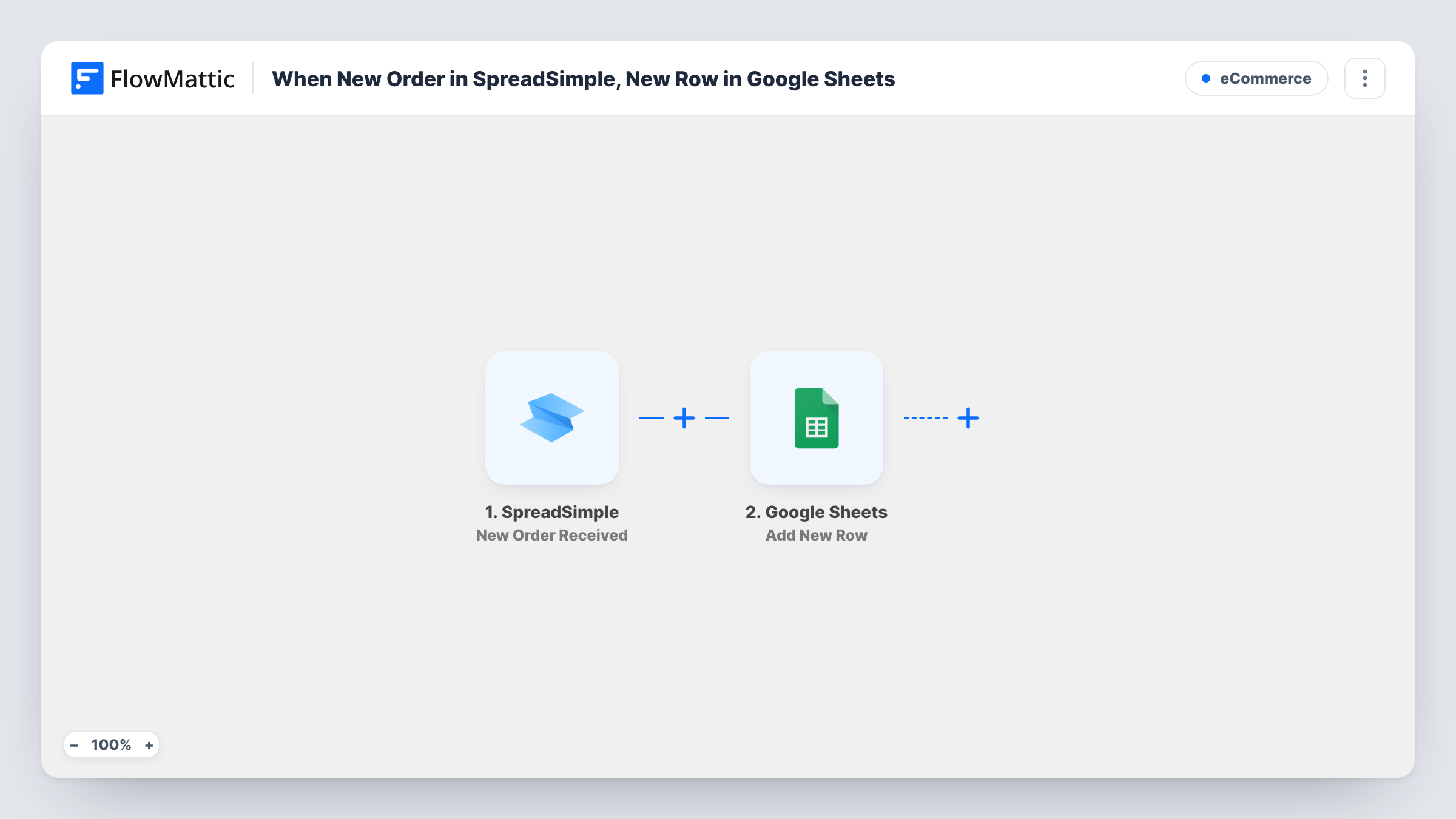
Every order placed on your SpreadSimple store is written to a new row in Google Sheets, so you keep a separate order log for bookkeeping, fulfilment lists or sharing with someone outside the store.
 SpreadSimple
 Google Sheets
2 steps Setup ~5 min Used on 1.9k sites Free to import
What this workflow does
SpreadSimple turns a spreadsheet into a website or shop, but orders still need to end up somewhere you can total, filter and hand to whoever packs them. Copying each order by hand gets old after the first busy day. This workflow writes them into a Google Sheet for you.
The SpreadSimple trigger starts a run for each order a shopper places on your SpreadSimple site. FlowMattic passes the order data to Google Sheets, where Add New Row writes it into the sheet you pick. You decide which order values go into which columns.
Use a different spreadsheet from the one that powers your SpreadSimple site, so the order log never changes your product listings. Each order is one run, and Task History lists them all with the data that was written.
Packing list for a small shop
Whoever ships orders opens the sheet each morning and works down the new rows from yesterday's SpreadSimple sales.
Monthly sales totals
A SUM formula over the order total column gives you each month's revenue without logging into SpreadSimple.
Bookkeeper access
Share the order log with your bookkeeper so they can reconcile payments against orders without needing a store login.
How this workflow runs
What happens at each step once the workflow is on, and what you need before you import it.
 SpreadSimple New Order Received
Fires when a new order is placed on your SpreadSimple site. Everything SpreadSimple includes about that order can be mapped into your sheet columns.
- Google Sheets Add New Row
Adds a new row per SpreadSimple order to the spreadsheet and sheet you select. Map each order value to a column, using a test order to see what is available.
What you need
- FlowMatticCore
- SpreadSimple AccountAccount
- Google Sheets AccountAccount
After importing, map your own data. To keep the template universal, not every step is pre-filled. Open each step in the builder and connect your accounts and fields (channels, lists, sheets, recipients) before you switch the workflow on.
Make it yours
Changes worth making after you import it.
- Place a test order after import so FlowMattic captures the order fields, then map them to your columns.
- Add a Fulfilled column you fill in by hand. The workflow only writes the columns you map, so your notes stay beside each order.
- Point the step at a separate spreadsheet from your SpreadSimple data source, so new rows don't appear as products on your site.
Questions about this workflow
Can I log orders into the same sheet that runs my SpreadSimple site?
Use a separate sheet. Adding order rows to the data source would add them to what the site displays.
Which SpreadSimple order details reach the sheet?
Whatever the New Order Received event carries and you map. A test order shows the available values in FlowMattic.
Are earlier SpreadSimple orders copied?
No. Only orders placed after the workflow is switched on are written. Older orders stay where they are.
More E-Commerce workflows
Other ready-to-import templates from the same category.





Import this workflow into your WordPress site
Download the JSON, import it from the Workflows screen and connect your accounts. Every run stays on your server, with no per-task fees.
30-day money-back guarantee Unlimited workflows and runs Self-hosted