

When a customer replies to a ticket in Zoho Desk, update the contact in HubSpot CRM
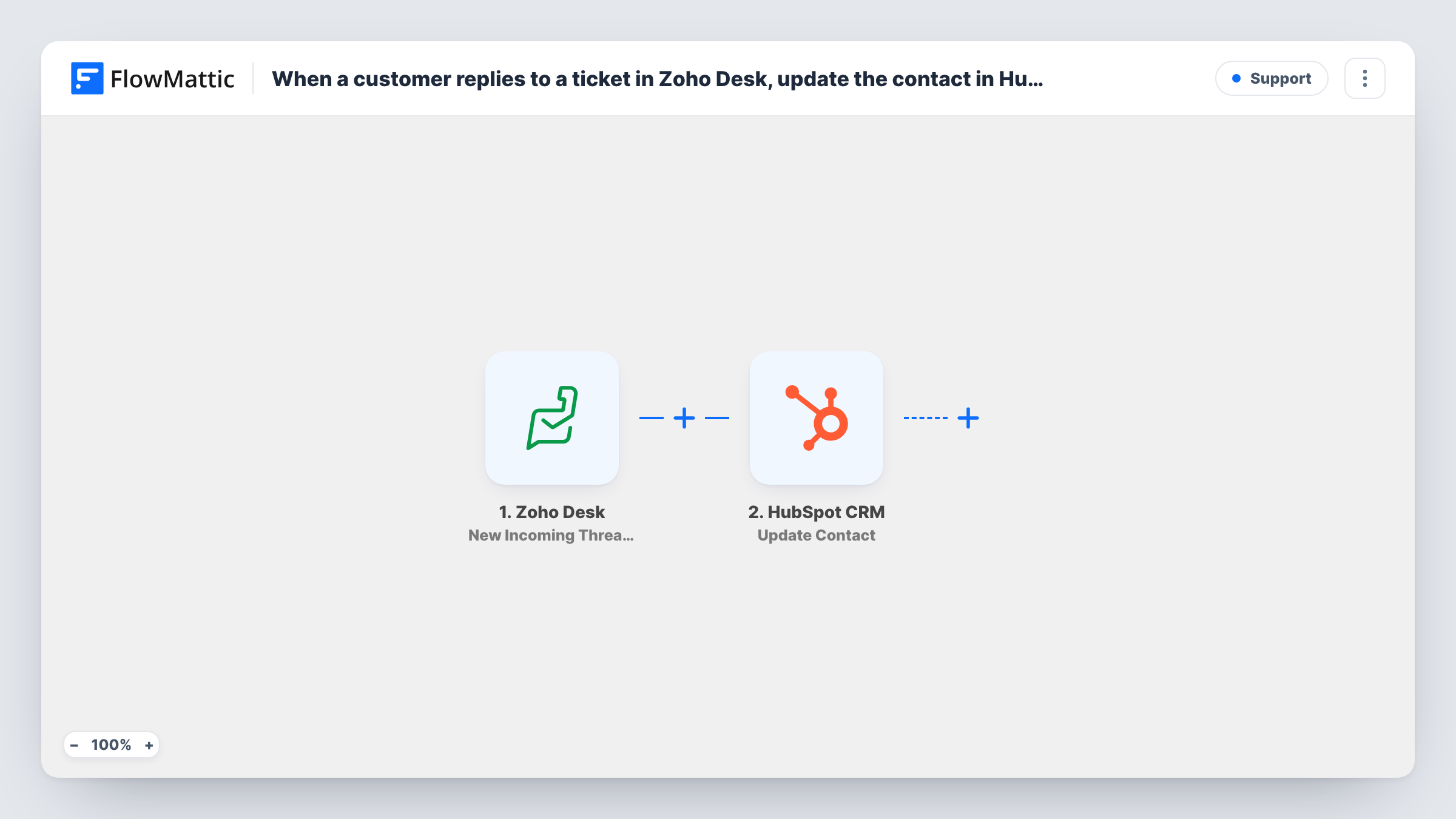
Every time a customer replies to a Zoho Desk ticket, FlowMattic updates that customer’s existing HubSpot CRM contact, found by email or contact ID, so sales can see recent support activity.
 Zoho Desk
 HubSpot CRM
2 steps Setup ~5 min Used on 1.9k sites Free to import
What this workflow does
A customer who is writing back to support is an active customer, and your sales team may want to know before they call. Support works in Zoho Desk while sales works in HubSpot, so this workflow carries each customer reply over to the person's contact record.
The trigger is Zoho Desk's New Incoming Thread (Customer Reply), which fires only when a customer replies to a ticket. Replies from your agents don't start it. FlowMattic then runs the HubSpot CRM Update Contact step on that customer. The HubSpot integration resolves contacts by email address or contact ID, so mapping the customer's email reaches the right record without a lookup.
After import you finish the HubSpot step, which ships unmapped. Connect HubSpot, map the email address from the trigger data into the contact field, and choose which properties to change, such as a custom Last support reply property. Reply to a test ticket as a customer and check Task History to see the thread data Zoho Desk sent, including the sender's email.
Each customer reply updates the contact again. Customers who aren't in HubSpot are left alone, since Update Contact doesn't create contacts.
Heads-up before a sales call
A rep preparing for a renewal call opens the HubSpot contact and sees the customer wrote to support in Zoho Desk yesterday, so they ask how it went.
Recently active customer list
A marketing team filters HubSpot contacts on a Last support reply date and leaves people with ongoing tickets out of promotional emails for now.
Account health reviews
A customer success manager reviews HubSpot contacts each week and uses the recorded Zoho Desk reply activity to spot accounts that need attention.
How this workflow runs
What happens at each step once the workflow is on, and what you need before you import it.
 Zoho Desk New Incoming Thread (Customer Reply)
Fires only when a customer replies to a ticket in Zoho Desk, not when an agent does. The thread data is passed on, and a test run in Task History shows which fields arrive and whether the sender's email address is among them.
- HubSpot CRM Update Contact
Changes the customer's existing HubSpot contact. Map the email address from the Zoho Desk data into the contact field (or a HubSpot contact ID), then choose the properties to set, since the template leaves them empty.
What you need
- FlowMatticCore
- Zoho Desk AccountAccount
- HubSpot CRM AccountAccount
After importing, map your own data. To keep the template universal, not every step is pre-filled. Open each step in the builder and connect your accounts and fields (channels, lists, sheets, recipients) before you switch the workflow on.
Make it yours
Changes worth making after you import it.
- Create a HubSpot date property such as Last support reply and map the reply time into it, if a test run shows one in the Zoho Desk data.
- Put a Filter between the Zoho Desk trigger and the Update Contact step that continues only when the sender's email is not empty, so replies without an address stop before HubSpot.
- Add a Slack Send Channel Message step after Update Contact to alert the account owner's channel when a customer writes back.
Questions about this workflow
Do agent replies in Zoho Desk update HubSpot?
No. New Incoming Thread (Customer Reply) fires only when a customer replies. FlowMattic's Zoho Desk integration has a separate New Outgoing Thread (Agent Reply) trigger if you need one.
How does HubSpot find the customer who replied?
Map the customer's email from the trigger data into the step's contact field. FlowMattic's HubSpot integration resolves contacts by email or HubSpot contact ID, so no lookup is required. Confirm in a test run that the email arrives.
Is a HubSpot contact created for a new Zoho Desk customer?
No. The HubSpot step changes people who are already contacts and never adds new ones. Task History shows HubSpot's reply for each customer reply.
More Support workflows
Other ready-to-import templates from the same category.






Import this workflow into your WordPress site
Download the JSON, import it from the Workflows screen and connect your accounts. Every run stays on your server, with no per-task fees.
30-day money-back guarantee Unlimited workflows and runs Self-hosted