

When a new ticket is created in Freshdesk, send the ticket details to user's WhatsApp using WA.Team
When a new ticket is created in Freshdesk, this workflow sends the requester a WhatsApp template message through WA.Team with the ticket details, so they know their request was received.
 Freshdesk
 WhatsApp by WA.Team
2 steps Setup ~5 min Used on 1.7k sites Free to import
What this workflow does
Customers who raise a support ticket want to know it reached someone. An email acknowledgement can land in spam or go unread, and some customers would rather hear back on WhatsApp. This workflow sends a WhatsApp message with the ticket details each time a Freshdesk ticket is created.
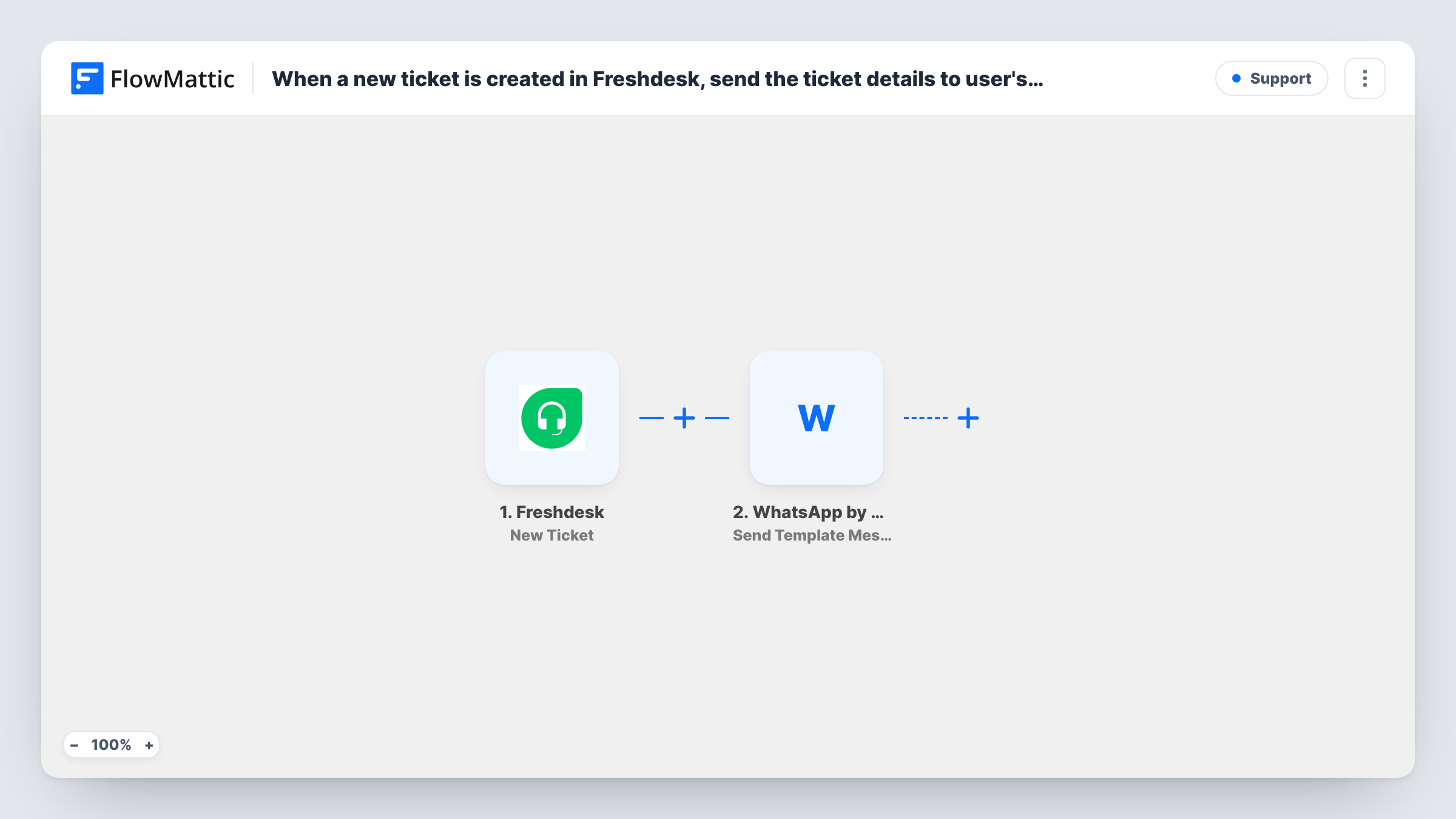
Each run begins with a newly created ticket in Freshdesk. FlowMattic passes the ticket data to WhatsApp by WA.Team, whose Send Template Message action sends an approved template from your WA.Team account. You fill the template's variables with values like the ticket number and subject.
The message needs the customer's phone number. Freshdesk only has one if the requester's contact record holds it, so check a test ticket to see whether the trigger data includes it. Tickets without a number fail at the WhatsApp step, and Task History shows the WA.Team response.
Acknowledging support requests from a store
Customers of an online shop raise tickets through Freshdesk. Those with a phone number on file get a WhatsApp template confirming the ticket number.
Service businesses with phone-first customers
A repair company's customers rarely read email. The WhatsApp message gives them the ticket reference to quote when they call back.
Regional support teams
A team serving markets where WhatsApp is the usual way to talk sends every new ticket's details there, alongside Freshdesk's own email.
How this workflow runs
What happens at each step once the workflow is on, and what you need before you import it.
 Freshdesk New Ticket
Picks up every fresh Freshdesk ticket as soon as it exists. The ticket's details, plus any requester information Freshdesk sends, become available to map.
- WhatsApp by WA.Team Send Template Message
Sends an approved WhatsApp template from your WA.Team account to the requester. Choose the template, map the ticket values into its variables, and map the phone number.
What you need
- FlowMatticCore
- Freshdesk AccountAccount
- WhatsApp by WA.Team AccountAccount
After importing, map your own data. To keep the template universal, not every step is pre-filled. Open each step in the builder and connect your accounts and fields (channels, lists, sheets, recipients) before you switch the workflow on.
Make it yours
Changes worth making after you import it.
- Add a Filter after the trigger that continues only when the requester's phone field, if the trigger data includes one, is not empty, so tickets without a number don't fail at WA.Team.
- Use a template with variables for the ticket number and subject, so the customer can quote the reference when they follow up.
- Make a phone number a required field on your Freshdesk ticket form, if you use one, so more requesters have a number the workflow can use.
Questions about this workflow
Where does the customer's WhatsApp number come from?
From the Freshdesk ticket data, if the requester has a phone number on their contact. Run a test ticket to check. If none is sent, the WhatsApp step can't reach that customer.
Why a template message rather than free-form WhatsApp text?
WhatsApp delivers free-form text only within 24 hours of the person writing to your business number. Ticket requesters often haven't, so an approved template is the message that can reach them.
Will Freshdesk still send its own acknowledgement email?
The workflow doesn't change Freshdesk's settings, so whatever emails Freshdesk is set to send go out as before. The WhatsApp message is sent as well.
Do ticket updates in Freshdesk send more messages?
No. This trigger fires on new tickets only. Freshdesk has a separate Update Ticket trigger if you want messages on changes.
More Support workflows
Other ready-to-import templates from the same category.





Import this workflow into your WordPress site
Download the JSON, import it from the Workflows screen and connect your accounts. Every run stays on your server, with no per-task fees.
30-day money-back guarantee Unlimited workflows and runs Self-hosted