

When workflow step is triggered in your Typebot flow, create a new ticket in Desku.io
When a chat in your Typebot flow reaches its webhook block, FlowMattic opens a new ticket in Desku with the answers collected so far, so a bot conversation becomes a support case your team can work.
 Typebot
 Desku
2 steps Setup ~5 min Used on 497 sites Free to import
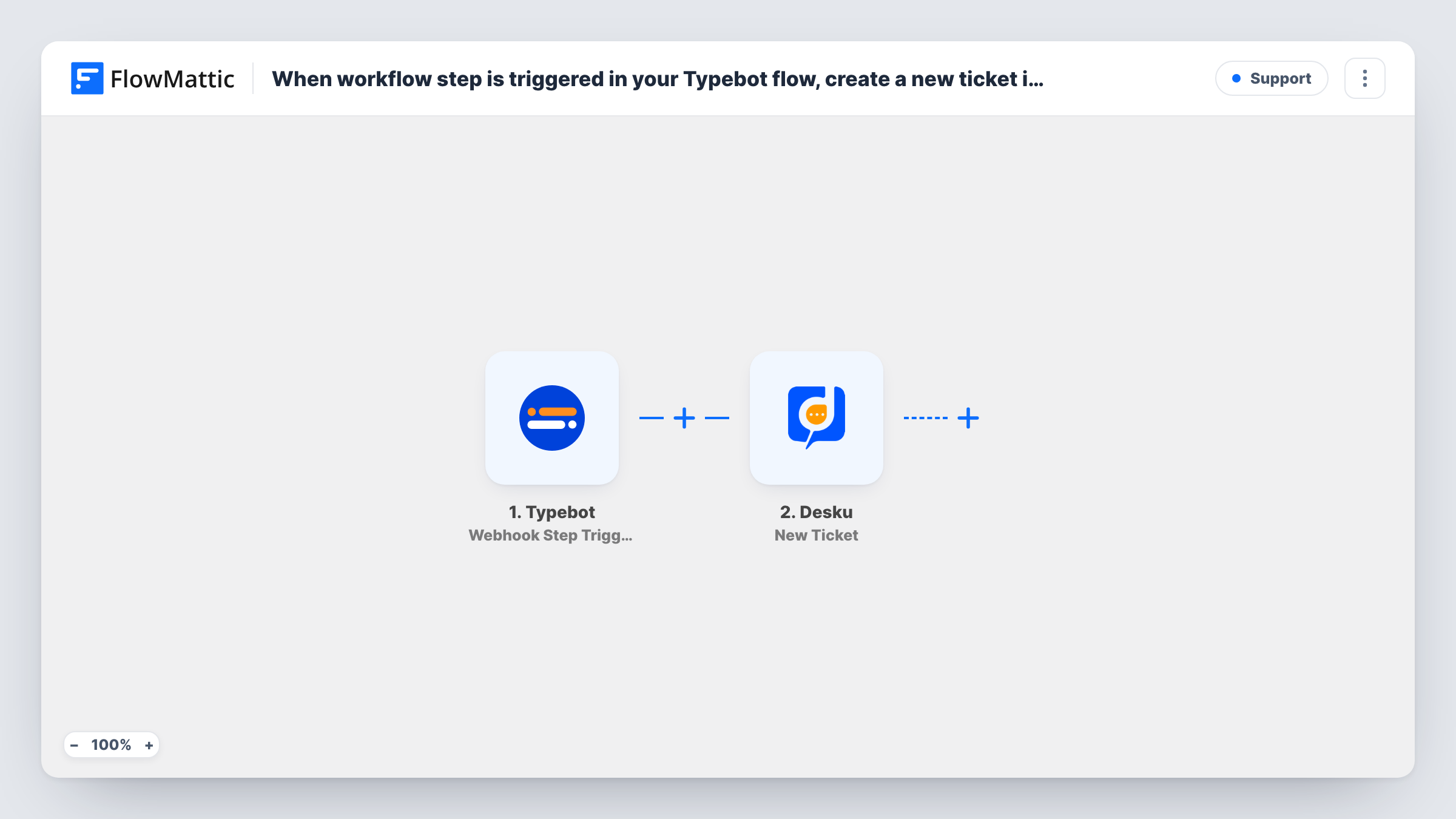
What this workflow does
A chatbot can gather the details of a problem, but someone still has to follow up. This workflow hands the conversation to your help desk at the point you choose in the bot: when the Typebot flow reaches a webhook block, FlowMattic creates a ticket in Desku with what the visitor typed.
The Typebot trigger, Webhook Step Triggered, fires when a visitor's conversation reaches the webhook step in your Typebot flow. Place that block after the questions you need, such as name, email and a description of the issue, and point it at the URL FlowMattic gives you. The variables you send with it reach the workflow.
The Desku step then creates a new ticket. It ships unmapped, so after import you connect your Desku account and map the Typebot answers into the ticket, for example the visitor's email as the requester and their description as the message.
Each time a conversation passes the webhook block, one ticket is created. If a visitor restarts the bot and reaches that block again, a second ticket follows. Run the bot once yourself and check Task History to see the variables Typebot sent and Desku's reply.
Bot-led triage before a human steps in
A SaaS company's Typebot asks which product area is affected and what went wrong, then the webhook block opens a Desku ticket so an agent picks it up with the context.
After-hours support requests
A hosting provider's bot collects the account email and issue overnight, and each finished conversation becomes a Desku ticket for the morning shift.
Order problems reported through chat
An online shop's Typebot asks for the order number and what is wrong with the delivery, then hands the details to Desku as a ticket.
How this workflow runs
What happens at each step once the workflow is on, and what you need before you import it.
 Typebot Webhook Step Triggered
Fires when a conversation in your Typebot flow reaches the webhook block pointed at FlowMattic's URL. The variables the bot sends, such as name, email and issue, become available to Desku.
- Desku Create Ticket
Creates a new ticket in Desku from the Typebot data. The step ships unmapped: connect your Desku account and map the bot's answers into the ticket's requester, subject and message.
What you need
- FlowMatticCore
- Typebot AccountAccount
- Desku.io AccountAccount
After importing, map your own data. To keep the template universal, not every step is pre-filled. Open each step in the builder and connect your accounts and fields (channels, lists, sheets, recipients) before you switch the workflow on.
Make it yours
Changes worth making after you import it.
- Put the webhook block after the bot has asked for an email address, so every ticket reaches Desku with a way to contact the visitor.
- Send a variable that holds the issue type from the bot, then put a Filter between the Typebot trigger and the Desku step if some answers, such as general questions, shouldn't become tickets. That check is only an example; use a variable from your own bot.
- Add Desku's Create Customer action before Create Ticket if you want each bot visitor stored as a customer too, then map the same email into both steps.
Questions about this workflow
Where does the Typebot webhook block need to point?
At the webhook URL shown in the FlowMattic trigger step. Add a webhook block to your Typebot flow, paste that URL, and choose which bot variables it sends.
Does every Typebot conversation open a Desku ticket?
Only conversations that reach the webhook block. Visitors who leave before that point don't start a run, so place the block where a ticket makes sense in your flow.
Which details land on the Desku ticket from Typebot?
The ones you map. The Create Ticket step arrives empty, so after import you choose which Typebot variables fill the ticket. Run the bot once first so the variables appear for mapping.
Can the visitor be told their ticket was created?
Typebot's own flow can show a message after the webhook block. To email them as well, add an Email step after Create Ticket and map the address the bot collected.
More Support workflows
Other ready-to-import templates from the same category.







Import this workflow into your WordPress site
Download the JSON, import it from the Workflows screen and connect your accounts. Every run stays on your server, with no per-task fees.
30-day money-back guarantee Unlimited workflows and runs Self-hosted