

When new submission is received in 123 Form Builder, create a new order in WooCommerce
Each new 123 Form Builder submission creates an order in WooCommerce, so orders you take through a custom form, such as wholesale or phone orders, land in your store’s order list.
 123 Form Builder
 WooCommerce
2 steps Setup ~5 min Used on 2.0k sites Free to import
What this workflow does
Not every sale starts at the WooCommerce checkout. Wholesale request forms, catering orders and phone orders taken by staff often go through a form instead. Re-typing those into WooCommerce takes time and invites mistakes. This workflow creates the WooCommerce order directly from each 123 Form Builder submission.
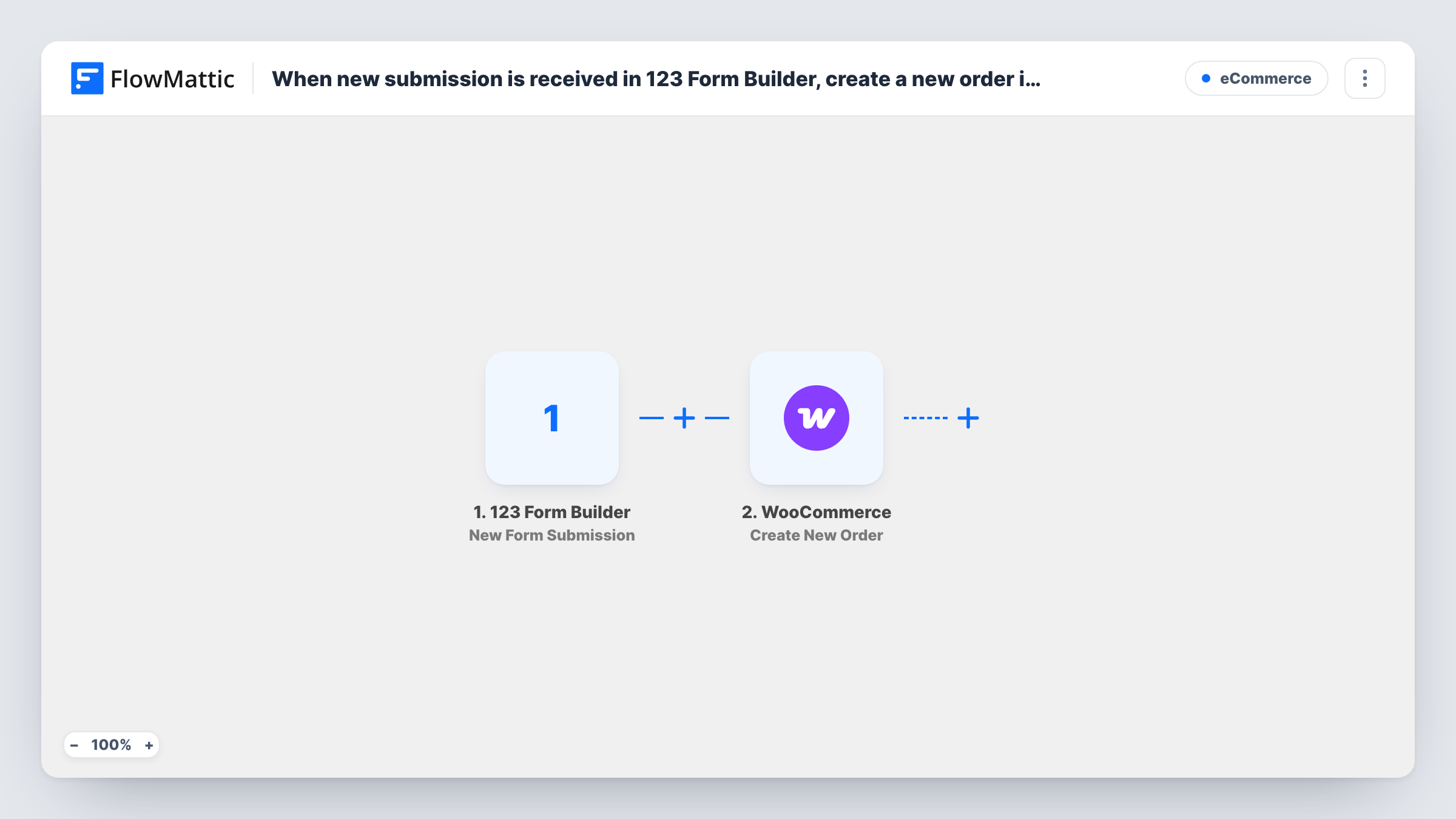
The 123 Form Builder New Form Submission trigger fires when someone submits your form. FlowMattic then runs the WooCommerce Create New Order action on your store.
The order step ships unmapped, and this is where most of the setup goes. After import, map the form answers into the order: the customer's name, email, phone and address, and the product and quantity the form asked for. Your form needs to collect something the step can turn into a product, so test with a real submission and check the order WooCommerce creates.
The order is created from the form alone. No payment is taken by this workflow, so decide how you'll collect payment and look at the status the test order gets. Every submission makes one order, and Task History shows the response for each run.
Wholesale order forms
A coffee roaster lets trade customers order through a 123 Form Builder form with product and quantity fields, and each submission appears as a WooCommerce order for packing.
Phone orders entered by staff
A shop's team fills in a short internal form while on the phone with a customer, creating the WooCommerce order without opening the admin screens.
Catering requests with set menus
A bakery's catering form offers fixed packages, and each request becomes an order the kitchen can see alongside online sales.
How this workflow runs
What happens at each step once the workflow is on, and what you need before you import it.
 123 Form Builder New Form Submission
Fires on each new 123 Form Builder submission. The customer's answers and the items they picked are available to map; a test entry from your own form lists every field it sends.
- WooCommerce Create New Order
Adds an order to your WooCommerce store built from the submission. The step ships unmapped, so after import map the customer details and the product and quantity from the form into the order, then test with one submission.
What you need
- FlowMatticCore
- 123 Form Builder AccountAccount
- WooCommerce PluginPlugin
After importing, map your own data. To keep the template universal, not every step is pre-filled. Open each step in the builder and connect your accounts and fields (channels, lists, sheets, recipients) before you switch the workflow on.
Make it yours
Changes worth making after you import it.
- Check with a test submission which product value the Create New Order step accepts, such as a product ID, and build that answer into your form as a fixed dropdown so customers can't type something the store doesn't recognise.
- Put a Filter between the 123 Form Builder trigger and the WooCommerce step that continues only when the product answer is not empty, so incomplete forms don't create empty orders.
- Add an Email step after the WooCommerce step to send the customer a confirmation with their order number, if your store doesn't already email new orders created this way.
Questions about this workflow
Does the customer pay when the 123 Form Builder form creates the order?
No. The workflow only creates the order in WooCommerce. Collect payment another way, such as an invoice or payment on delivery, and check the new order's status in a test run so it fits your process.
How does the order know which WooCommerce product was chosen?
From what you map. The Create New Order step is empty in the template, so map the form's product and quantity answers into it and run a test submission to confirm the right item appears.
Will a repeat customer get a new order each time?
Yes. Every submission runs the workflow once and creates a separate order, whether or not that person has ordered before.
More E-Commerce workflows
Other ready-to-import templates from the same category.





Import this workflow into your WordPress site
Download the JSON, import it from the Workflows screen and connect your accounts. Every run stays on your server, with no per-task fees.
30-day money-back guarantee Unlimited workflows and runs Self-hosted