

When Setup Webhook in Formsort, Add New Row in Google Sheets
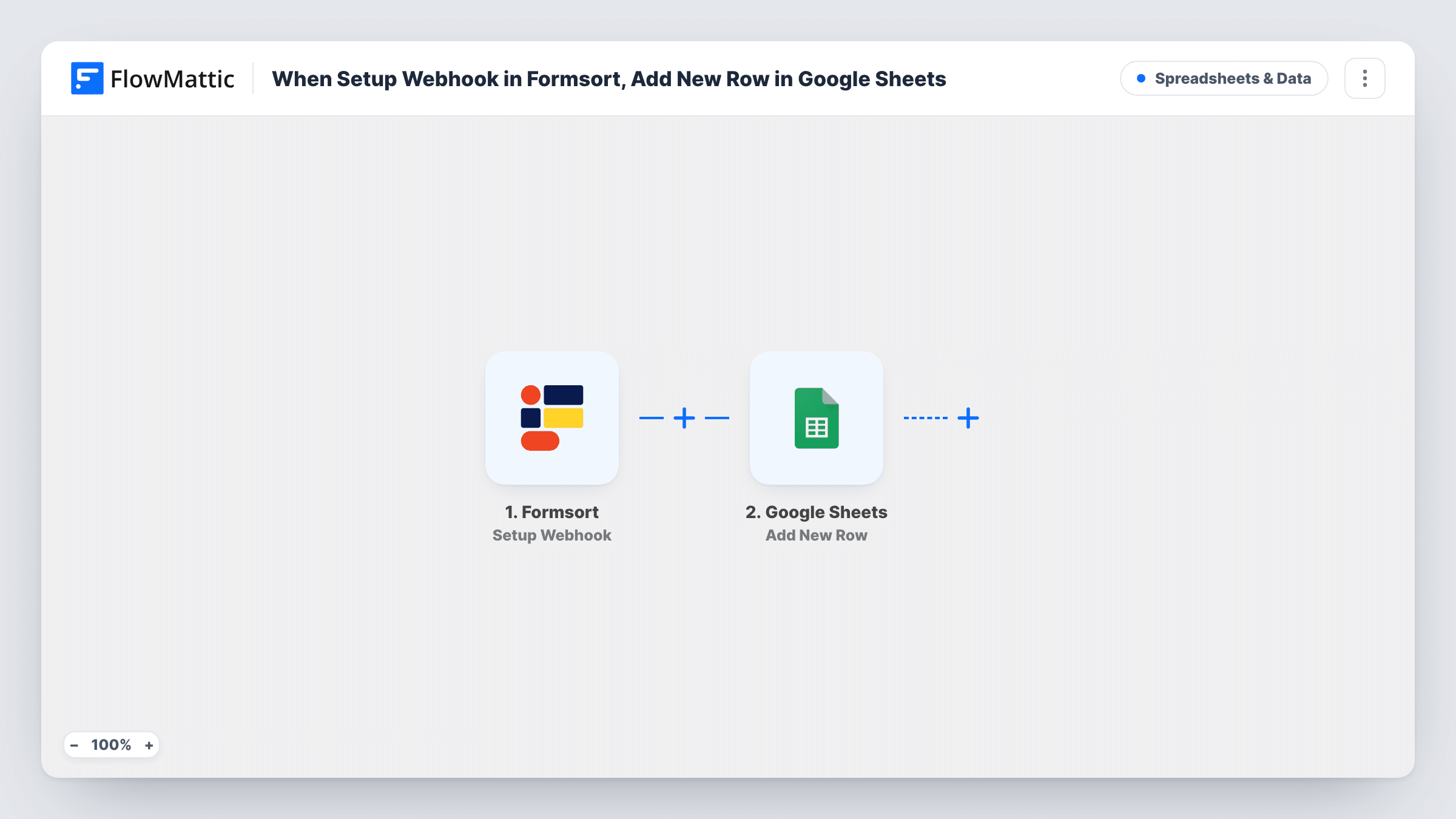
When the form event you set up in Formsort takes place, such as a flow being submitted, this workflow adds a row to Google Sheets with the answers you map, giving you a running sheet of responses.
 Formsort
 Google Sheets
2 steps Setup ~5 min Used on 1.3k sites Free to import
What this workflow does
Formsort builds multi-step form flows, and each response holds answers your team may want to sort, share or chart. A Google Sheet is often the simplest place to do that, especially for people who don't use Formsort. This workflow writes each response into a sheet.
The Formsort trigger is Setup Webhook. It fires when a specified form event takes place, using a webhook you add in Formsort. FlowMattic passes the event's data to Google Sheets, where Add New Row writes a row with the values you map to each column.
Which events reach the sheet depends on how you set up the webhook in Formsort. If it sends on each step as well as on completion, you get a row per event, not one per person. Send a test response, check the rows that appear, and adjust the webhook before going live. Task History shows each event FlowMattic received.
Quote flow for an insurance broker
A multi-step Formsort flow collects details for a quote. Each response becomes a sheet row that brokers sort by product and work through.
Patient intake for a clinic
New patients answer a Formsort intake flow. Front-desk staff read the answers in a sheet before the first appointment, shared only with the people who need it.
Product finder answers
A Formsort quiz recommends products. The marketing team charts the answers in Google Sheets to see which needs come up most.
How this workflow runs
What happens at each step once the workflow is on, and what you need before you import it.
 Formsort Setup Webhook
Runs when the form event you choose in Formsort takes place and Formsort sends it to the webhook URL from this step. The response data is passed on.
- Google Sheets Add New Row
Writes one row per Formsort event to the sheet you select. Connect your Google account, pick the spreadsheet and map the answers to its columns.
What you need
- FlowMatticCore
- Formsort AccountAccount
- Google Sheets AccountAccount
After importing, map your own data. To keep the template universal, not every step is pre-filled. Open each step in the builder and connect your accounts and fields (channels, lists, sheets, recipients) before you switch the workflow on.
Make it yours
Changes worth making after you import it.
- Add a header row in the sheet that matches the Formsort answers you care about, so mapping the columns is quick.
- Add a Filter after the trigger if Formsort sends more than one kind of event, so only completed responses become rows.
- Map the Formsort responder ID, if it is in the data, into its own column. It helps you spot several rows from the same person.
Questions about this workflow
Where do I find the webhook URL to add in Formsort?
FlowMattic shows it in the trigger step after import. Copy it into your Formsort webhook settings, then send a test response.
Why do I get several Google Sheets rows from one Formsort responder?
Your Formsort webhook may be sending more than one event per person, such as partial and completed responses. Change which events it sends, or add a Filter after the trigger.
Will Formsort responses from before import appear in the sheet?
No. Only events Formsort sends to the webhook after you set it up create rows.
Which Formsort answers can go into Google Sheets?
Those included in the event Formsort sends. Capture a test response, then map the values you see to columns.
More Spreadsheets & Data workflows
Other ready-to-import templates from the same category.




Import this workflow into your WordPress site
Download the JSON, import it from the Workflows screen and connect your accounts. Every run stays on your server, with no per-task fees.
30-day money-back guarantee Unlimited workflows and runs Self-hosted