

When someone subscribes to the PETE newsletter, add them to Mailchimp
When someone confirms a sign-up to your PETE school’s newsletter, this workflow adds them to your Mailchimp audience, or updates their member record if they are already on that list.
 PETE
 Mailchimp
2 steps Setup ~5 min Used on 2.4k sites Free to import
What this workflow does
PETE collects newsletter sign-ups for your school, but your campaigns may go out from Mailchimp. Keeping the two in step by exporting lists wastes time and leaves gaps between exports. This workflow sends each confirmed PETE subscriber to Mailchimp as it happens.
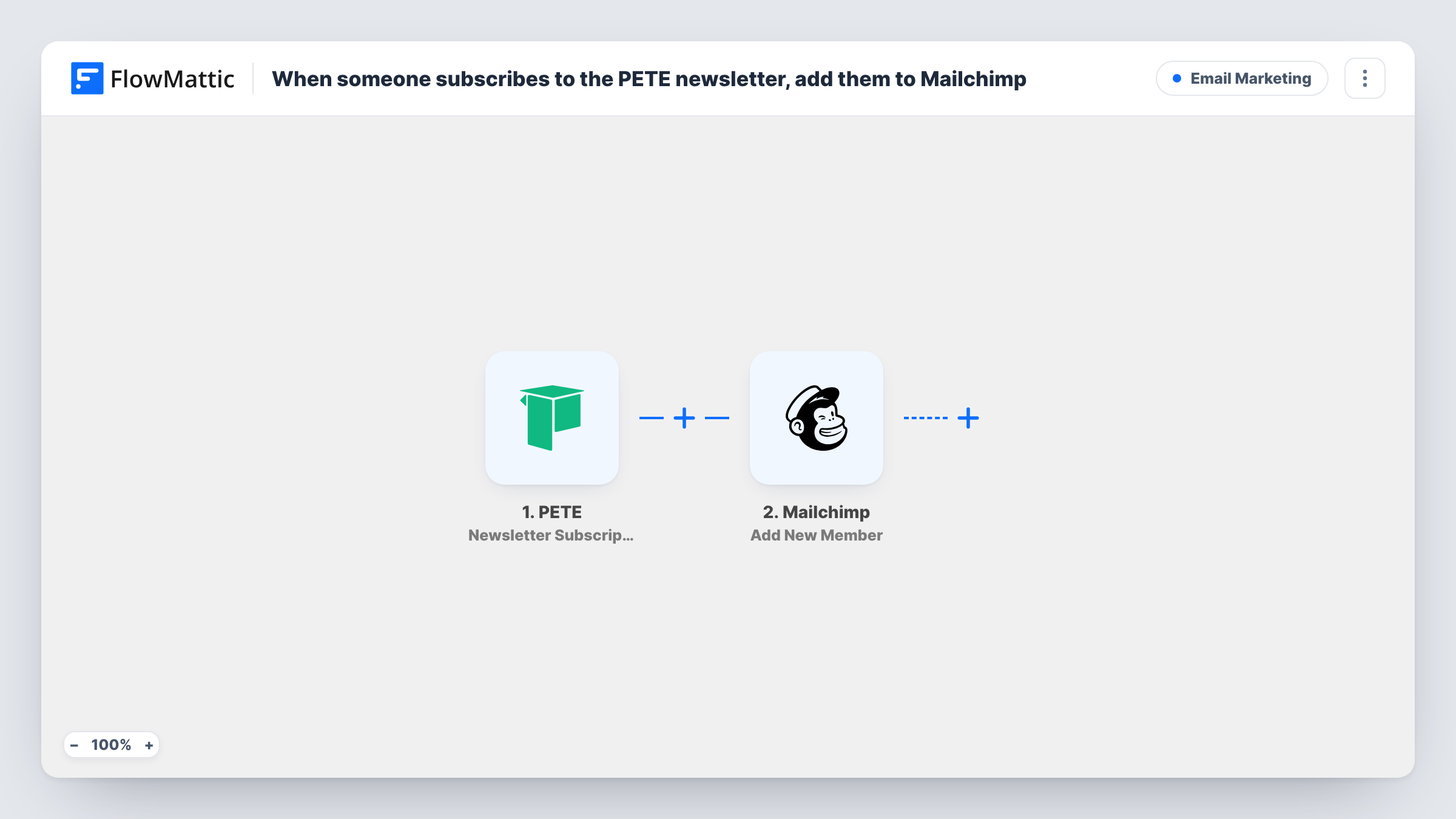
The PETE Newsletter Subscription trigger fires once a person submits your newsletter form and clicks the confirmation link in the email PETE sends. Sign-ups who never confirm don't start a run. FlowMattic then passes the subscriber's details to Mailchimp, where Add New Member puts them on the audience you pick.
Add New Member adds a new member, or updates the existing one when the address is already on that list, so a second sign-up doesn't create a duplicate. Because an update writes the values you map, a blank field in a later sign-up could overwrite one Mailchimp holds. Every run appears in Task History with the data sent and Mailchimp's reply.
Weekly tips for a coaching school
Readers sign up for weekly tips on your PETE site, confirm their email, and join the Mailchimp audience that sends your scheduled tips campaign.
Webinar announcements
Newsletter subscribers from PETE land in the Mailchimp list you use to announce upcoming webinars and course launches.
Merging two sign-up sources
Some people subscribe on your PETE school, others on your main website. Both groups end up in one Mailchimp audience with no duplicate addresses.
How this workflow runs
What happens at each step once the workflow is on, and what you need before you import it.
 PETE Newsletter Subscription
Fires when someone submits the PETE newsletter form and confirms their email address through the link PETE emails them. The subscriber's details become available to map in Mailchimp.
- Mailchimp Add New Member
Adds the subscriber to the Mailchimp audience you choose, or updates them if that address is already a member. Map the email address and any name fields from the PETE trigger.
What you need
- FlowMatticCore
- PETE AccountAccount
- Mailchimp AccountAccount
After importing, map your own data. To keep the template universal, not every step is pre-filled. Open each step in the builder and connect your accounts and fields (channels, lists, sheets, recipients) before you switch the workflow on.
Make it yours
Changes worth making after you import it.
- Run one test sign-up and confirm it, then check which details PETE sends before you map them in the Mailchimp step.
- Add a second workflow on PETE's Course Enrollment trigger with the same Mailchimp step if you also want students on the list, not only newsletter readers.
- Leave a Mailchimp field unmapped when PETE doesn't always send it, so a returning subscriber's update doesn't clear what Mailchimp already has.
Questions about this workflow
Does a PETE subscriber who hasn't confirmed reach Mailchimp?
No. The trigger fires only after the person clicks the confirmation link in PETE's email, so unconfirmed sign-ups never start a run.
What if the PETE subscriber is already in my Mailchimp audience?
Add New Member updates the existing member instead of adding a second copy. The values you map replace what Mailchimp held for those fields.
Will my earlier PETE newsletter subscribers be copied to Mailchimp?
No. Only confirmations made after the workflow is turned on start a run. Export your existing subscribers from PETE and import them into Mailchimp once.
More Email Marketing workflows
Other ready-to-import templates from the same category.







Import this workflow into your WordPress site
Download the JSON, import it from the Workflows screen and connect your accounts. Every run stays on your server, with no per-task fees.
30-day money-back guarantee Unlimited workflows and runs Self-hosted